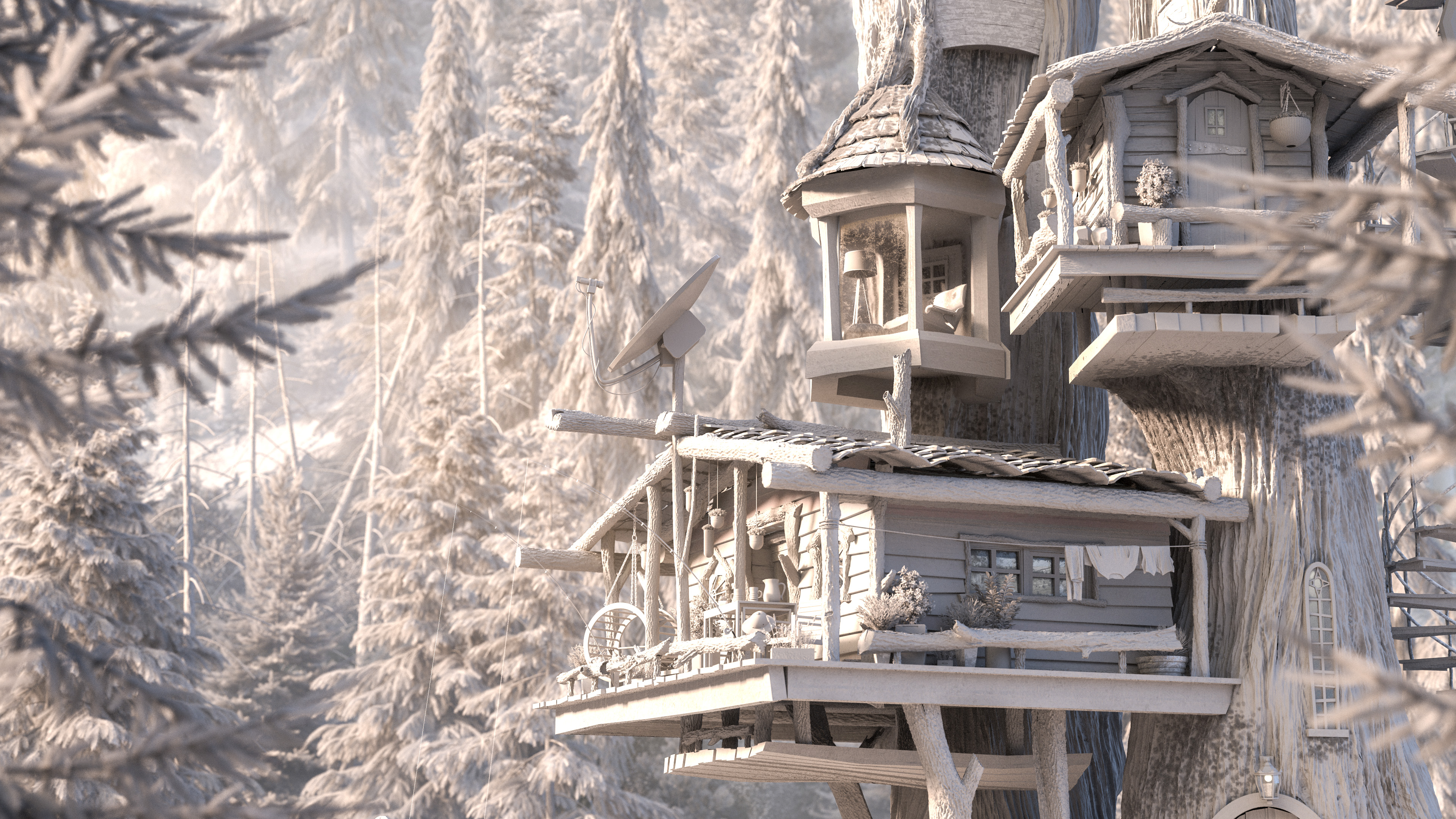
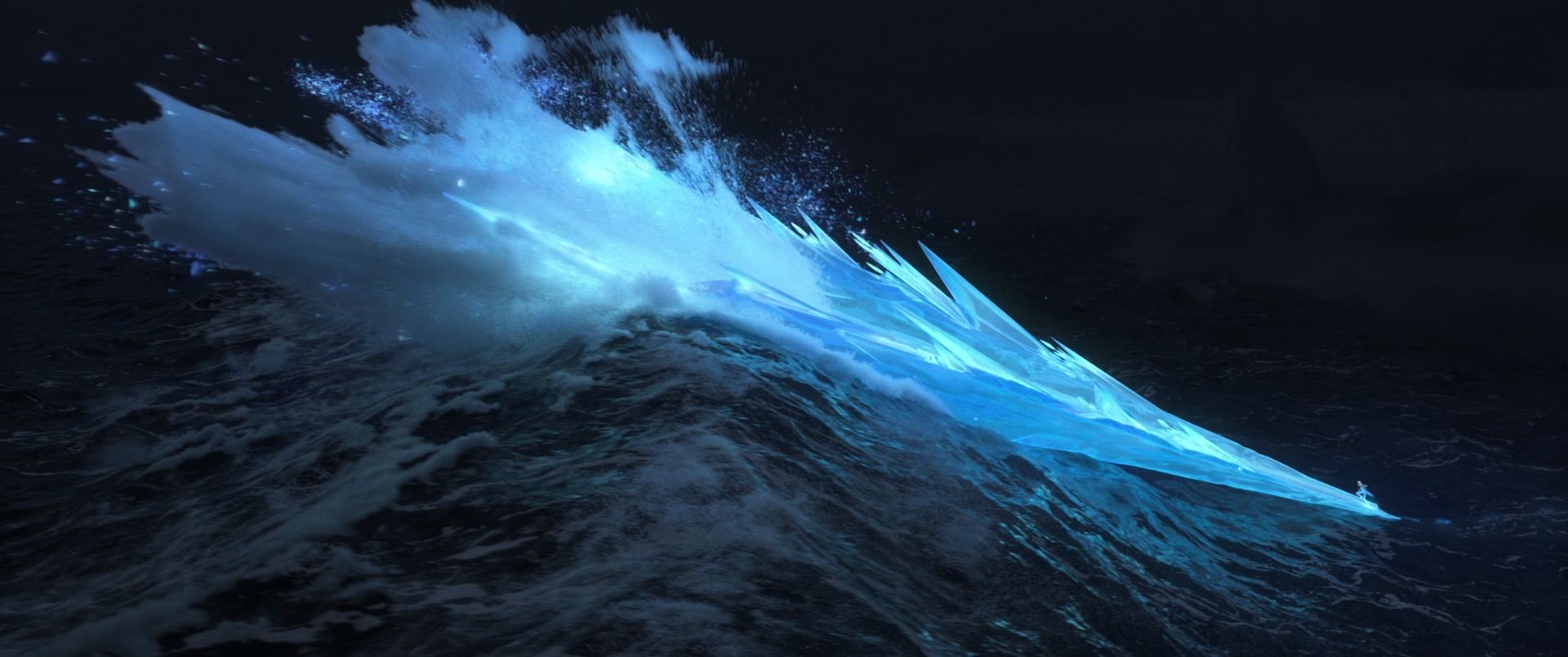
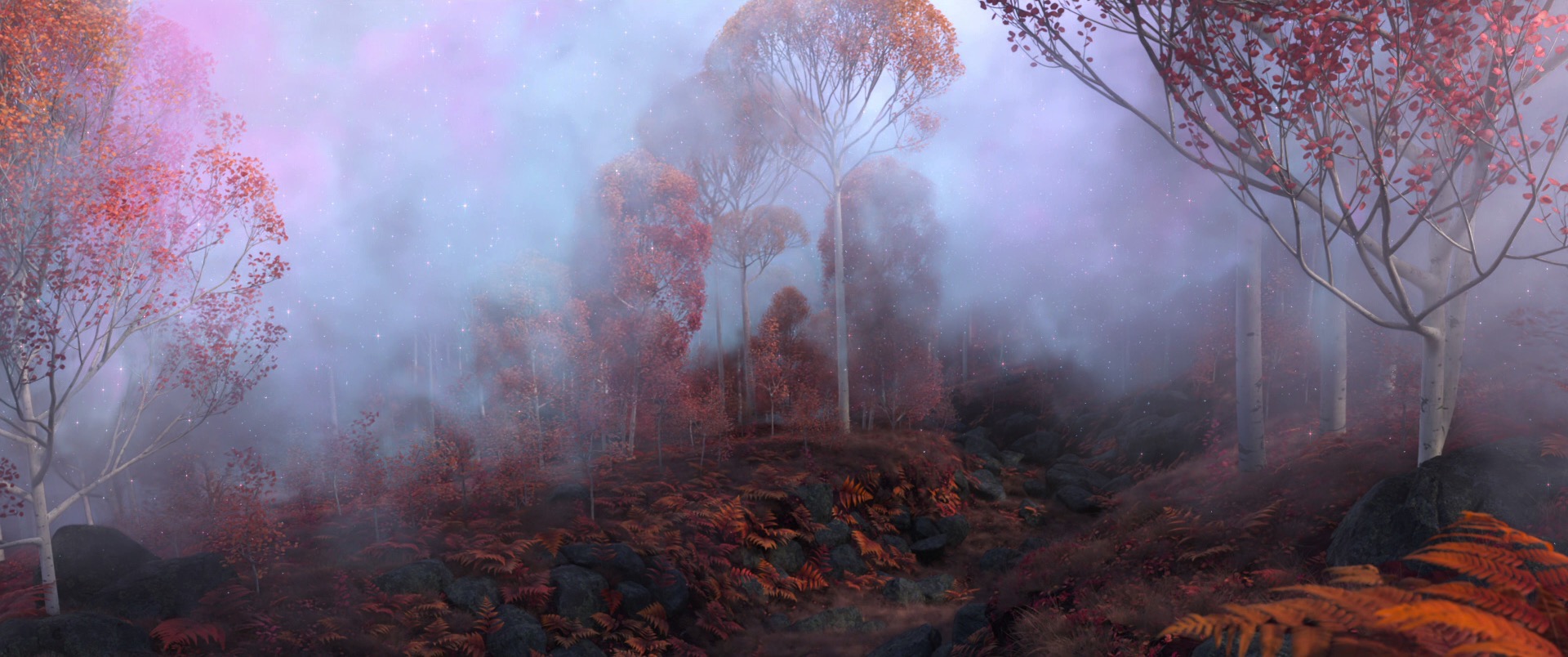
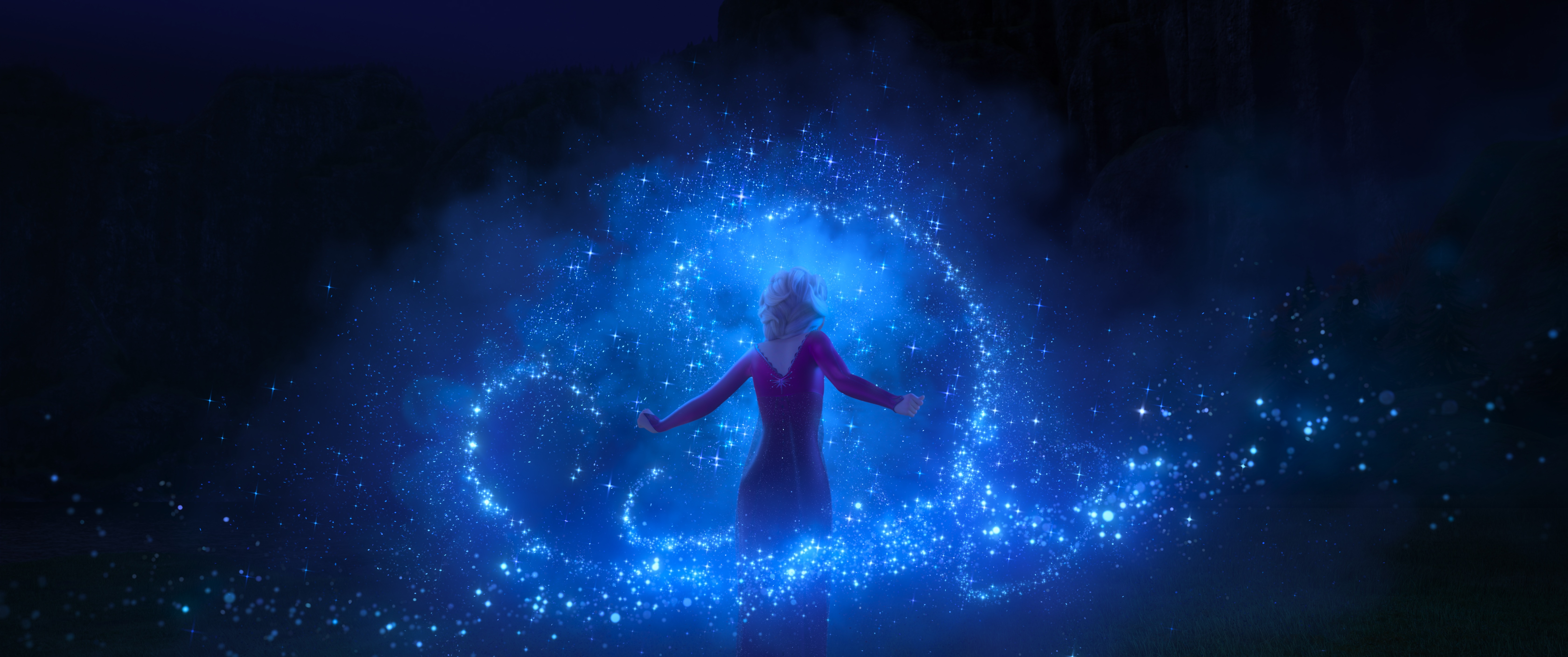
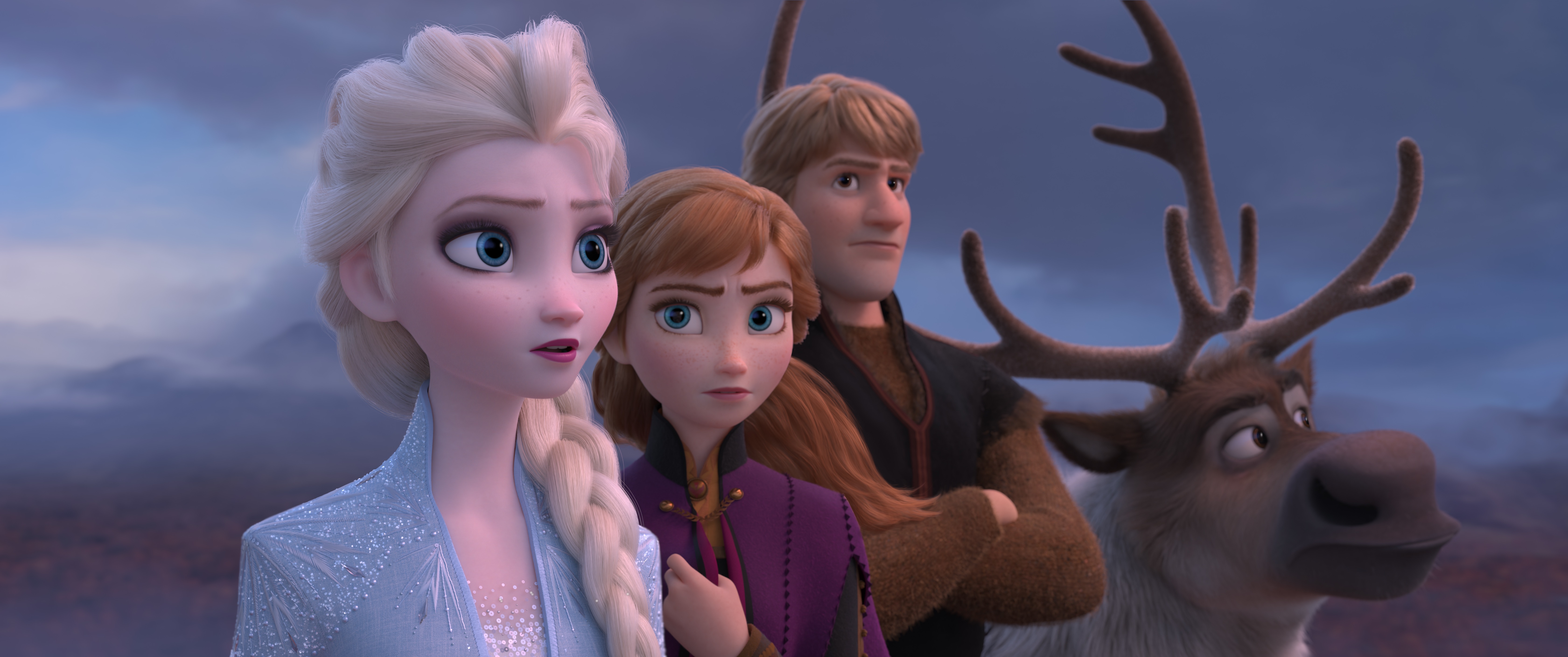
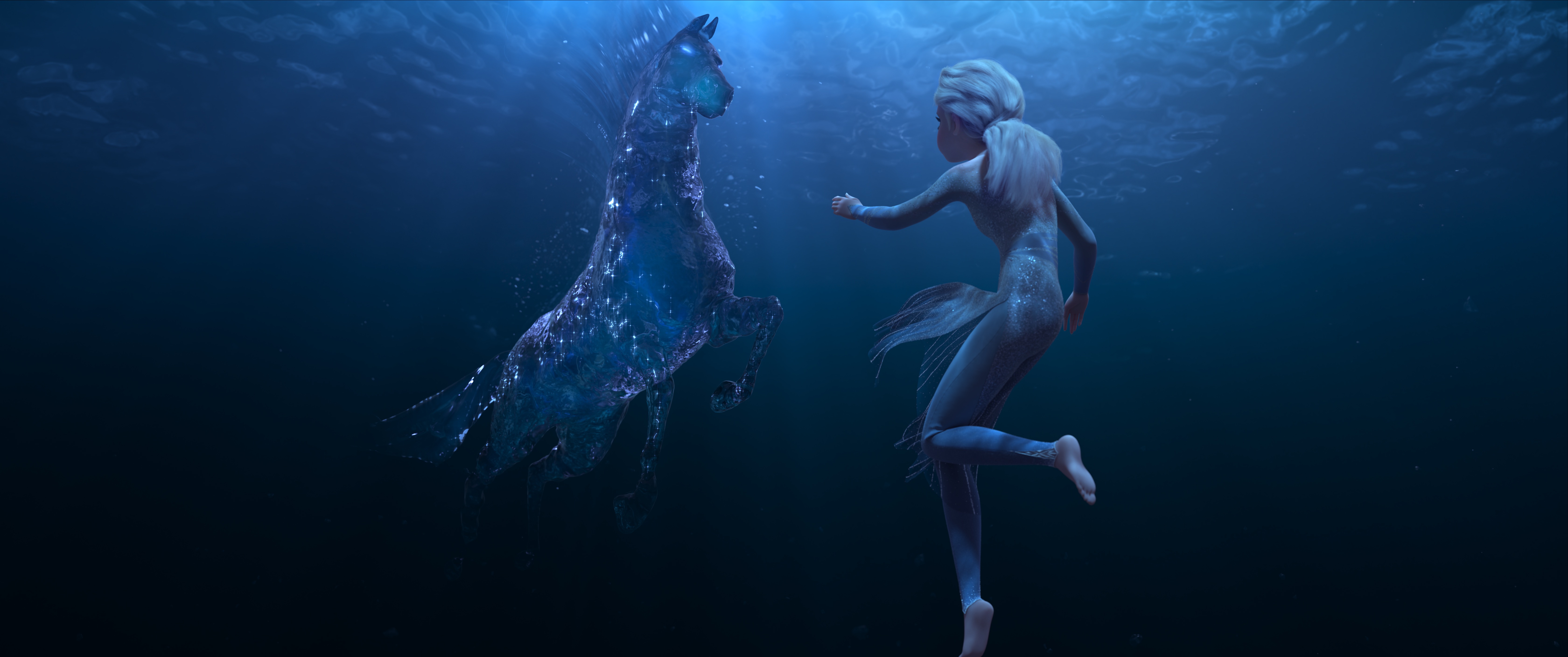
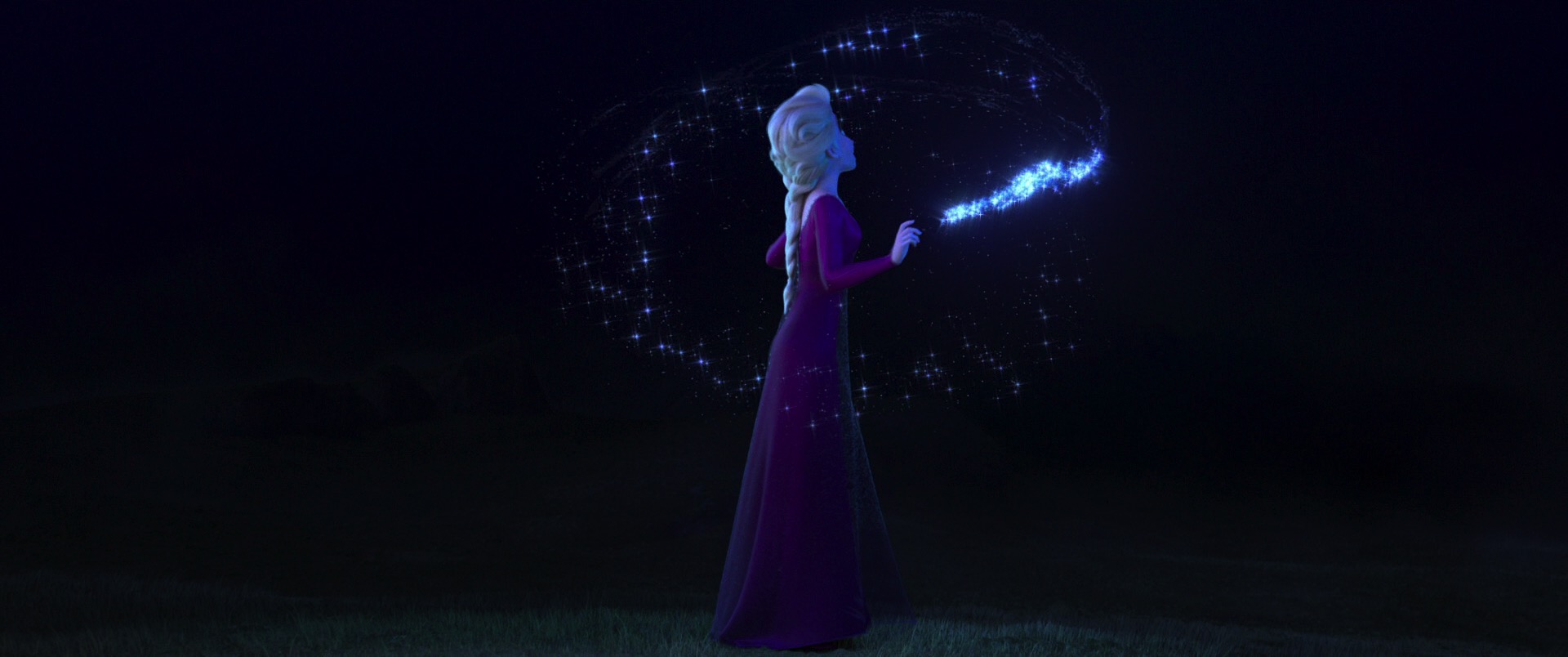
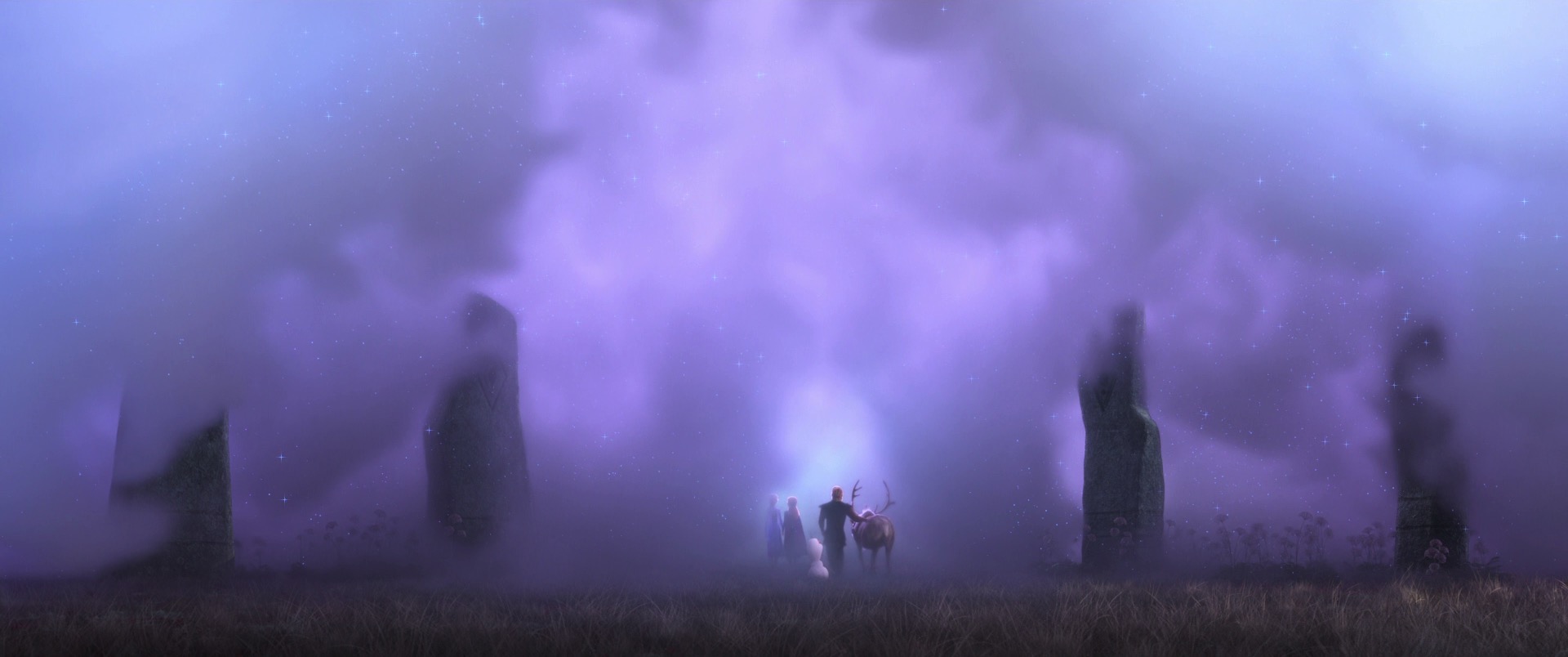
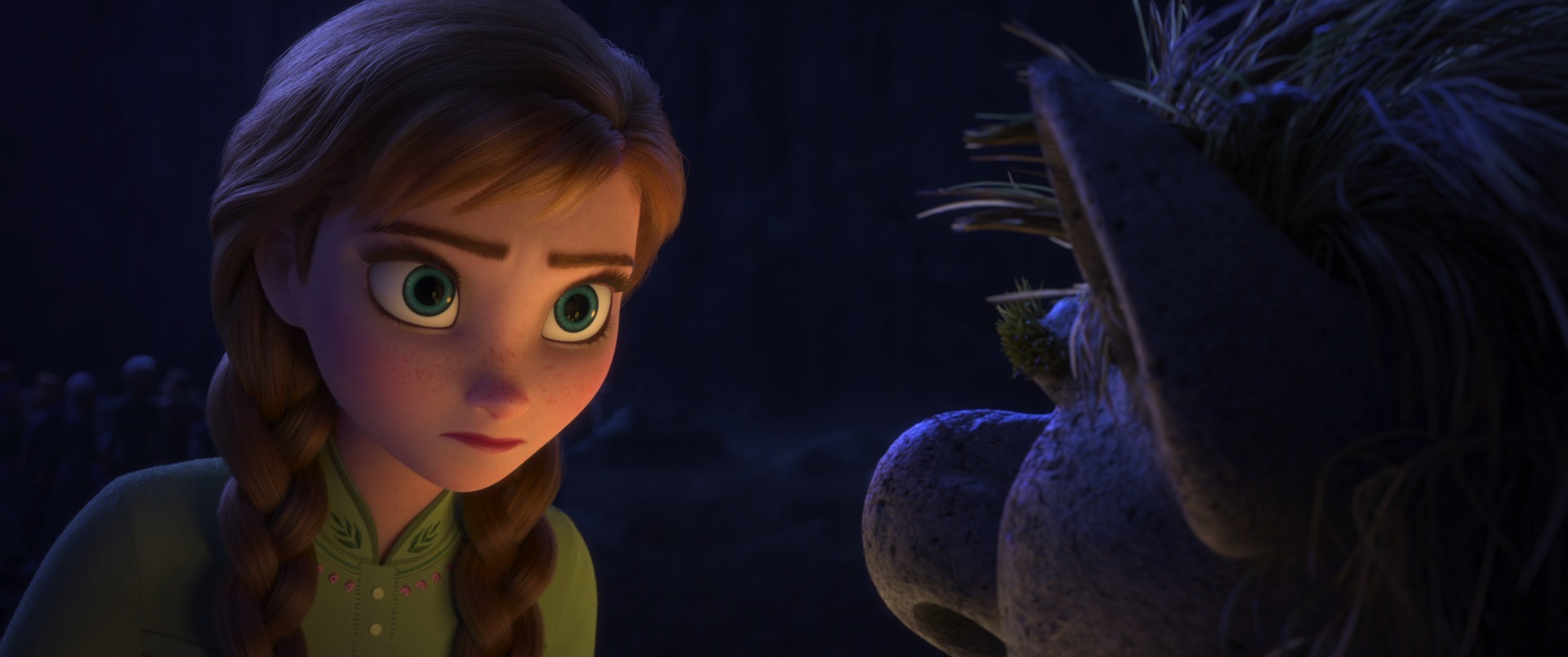
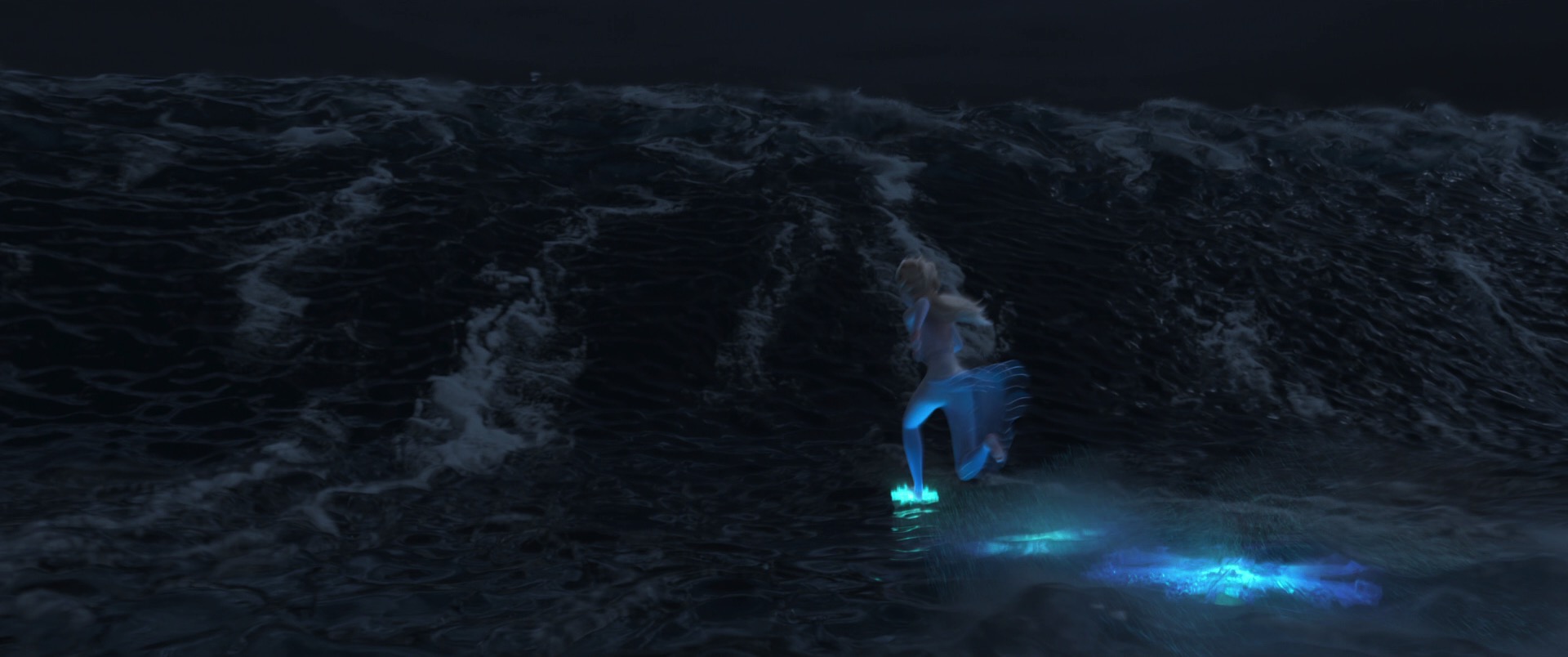
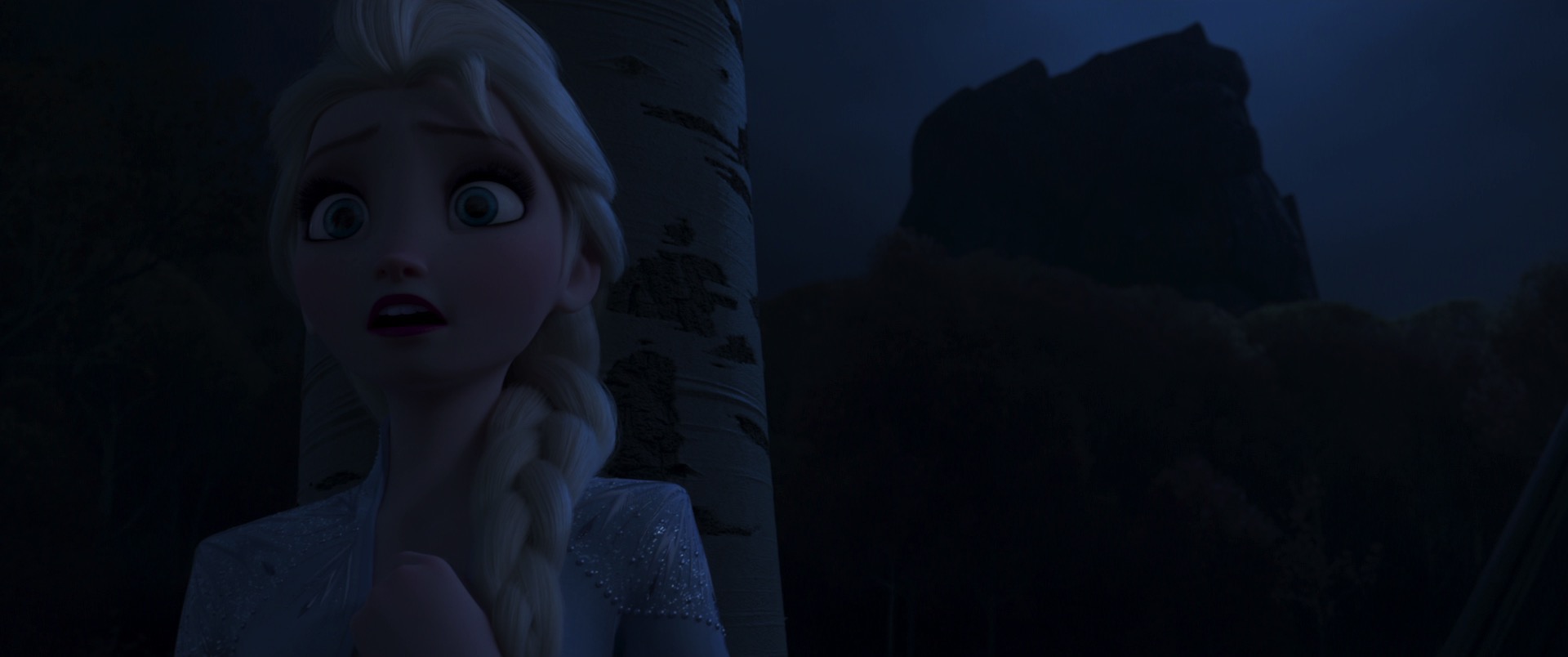
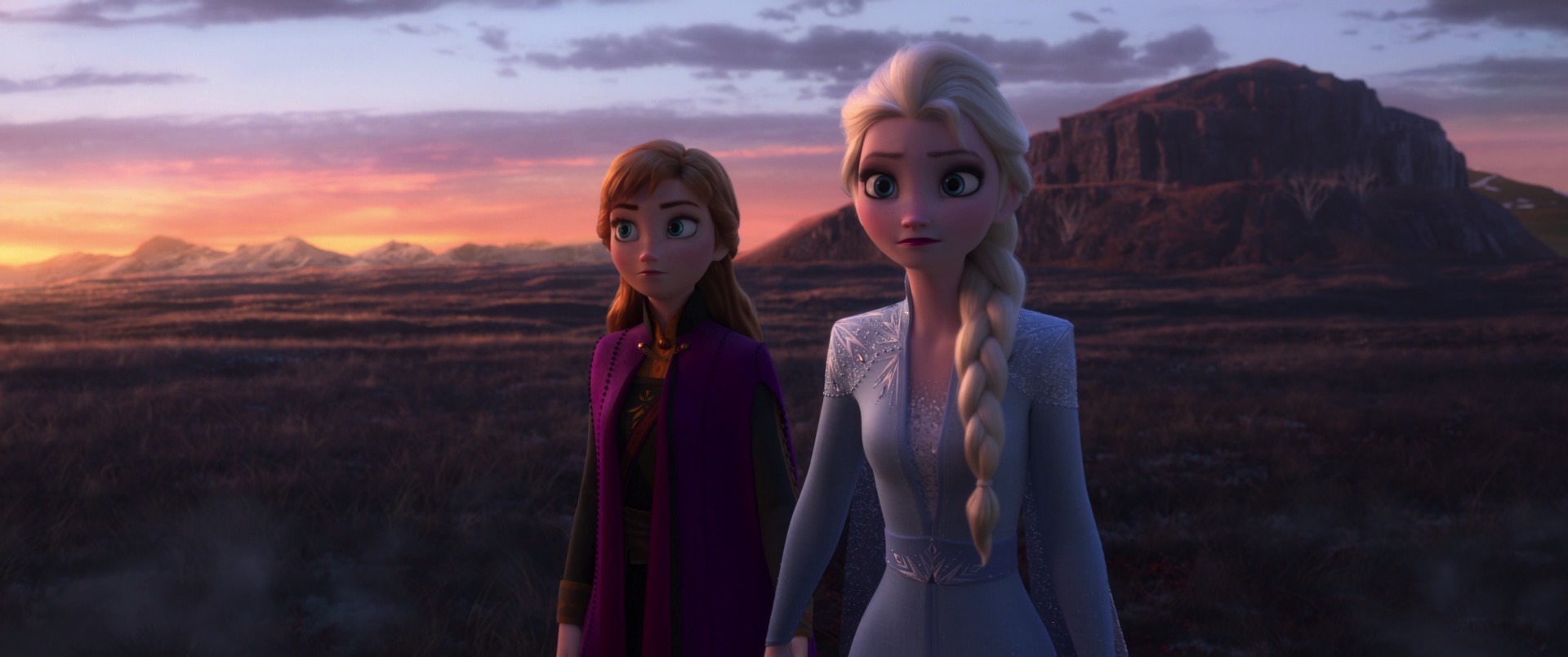
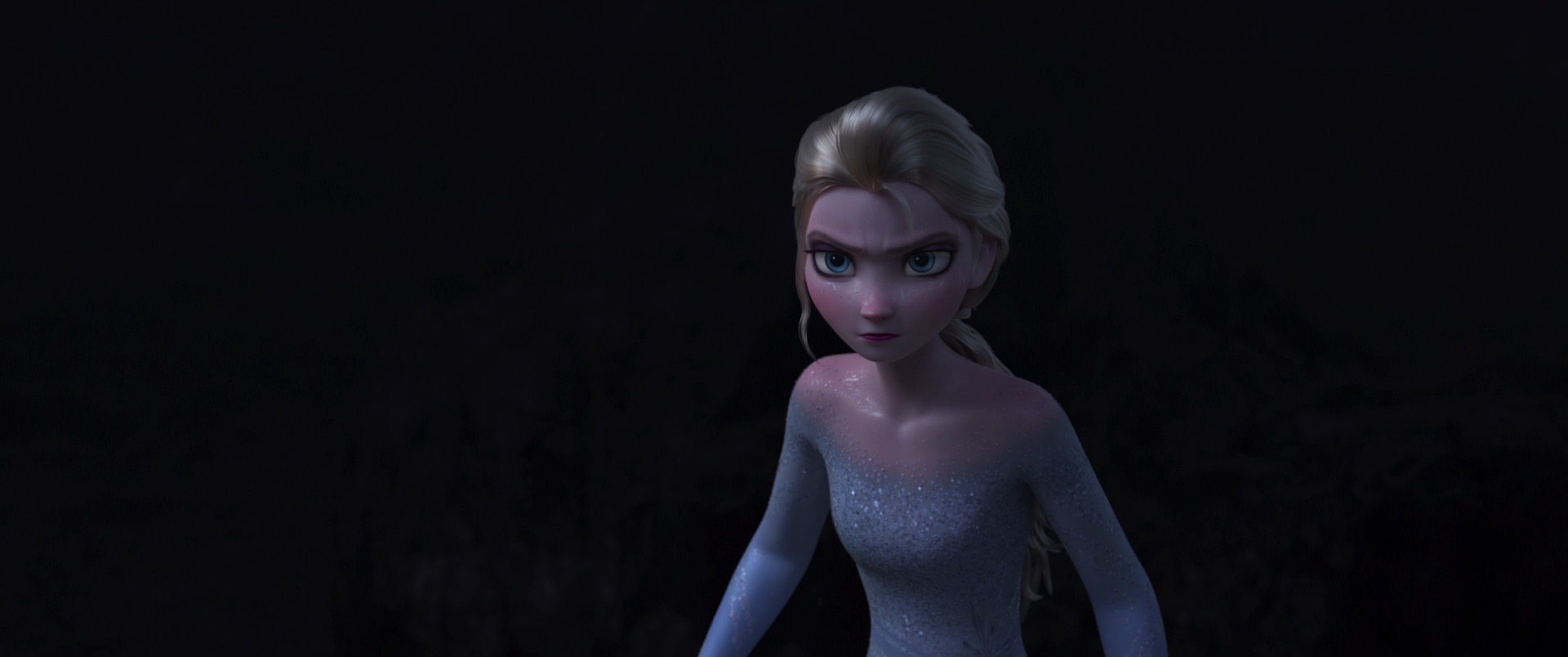
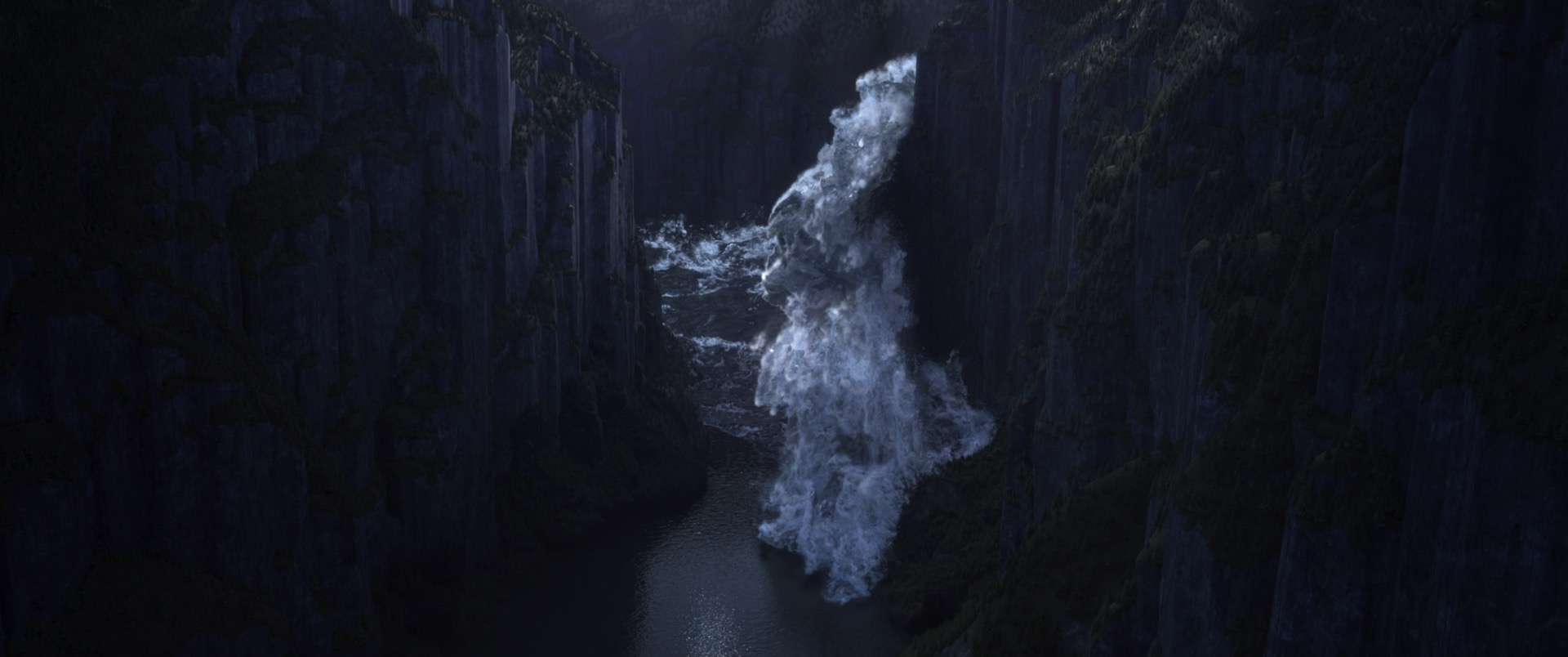
SIGGRAPH 2022 Talk- "Encanto" - Let's Talk About Bruno's Visions

This year at SIGGRAPH 2022, Corey Butler, Brent Burley, Wei-Feng Wayne Huang, Benjamin Huang, and I have a talk that presents the technical and artistic challenges and solutions that went into creating the holographic look for Bruno’s visions in Encanto. In Encanto, Bruno is a character who has a magical gift of being able to see into the future, and the visions he sees of the future get crystalized into a sort of glassy emerald tablet with the vision embedded in the glassy surface with a holographic effect. Coming up with this unique look and an efficient and robust authoring workflow required a tight collaboration between visual development, lookdev, lighting, and the Hyperion rendering team to develop a custom solution in Disney’s Hyperion Renderer. On the artist side, Corey was the main lighter and Benjamin was the main lookdev artist for this project, while on the rendering team side, Wayne and I worked closely together to develop a series of prototype shaders that were instrumental in defining how the effect should look and then Brent came up with the implementation approach for the final production version of the shader. This project was a lot of fun to be a part of and in my opinion really demonstrates the benefits of having an in-house rendering team that works closely with and embedded within a production context.

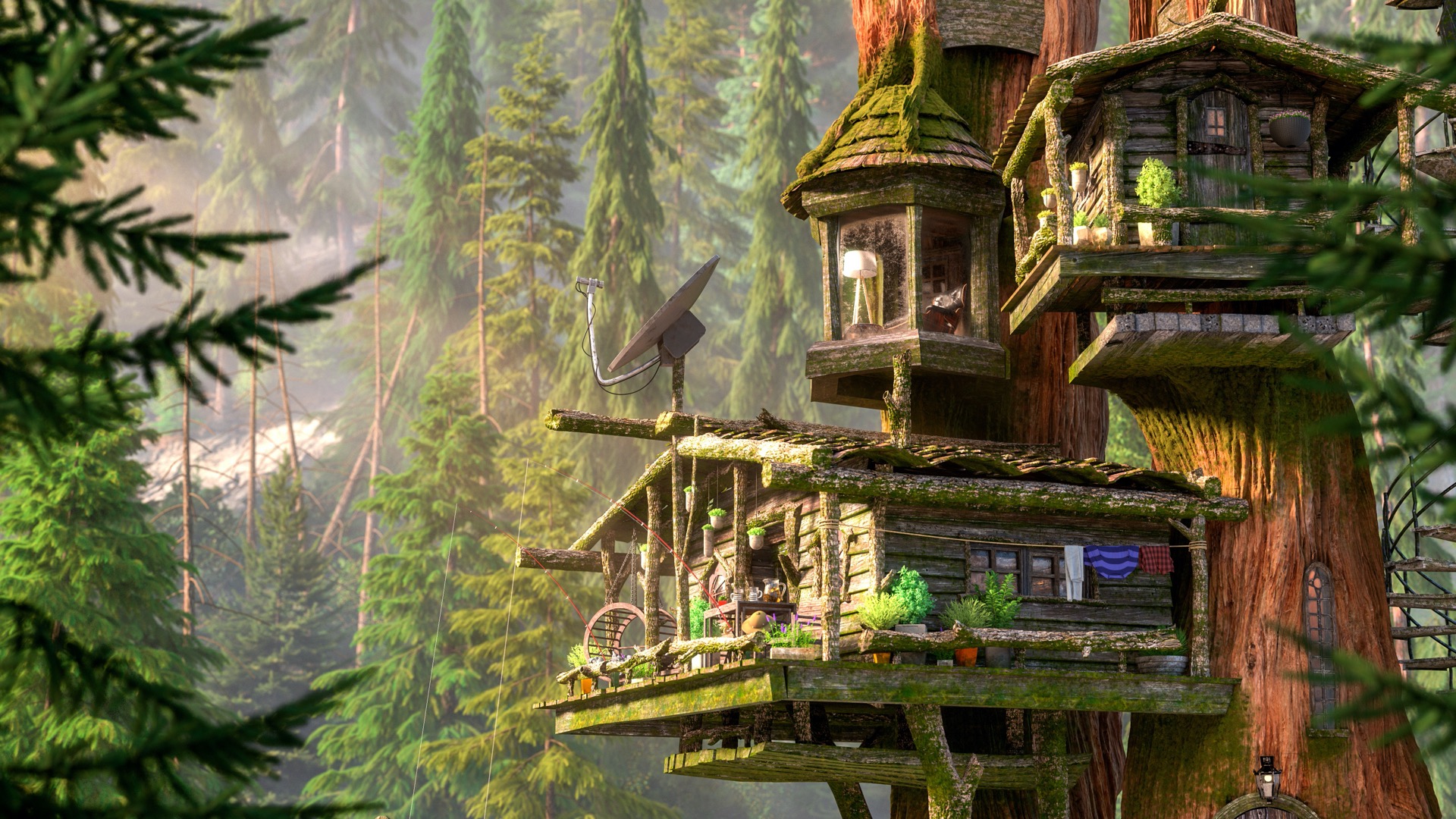
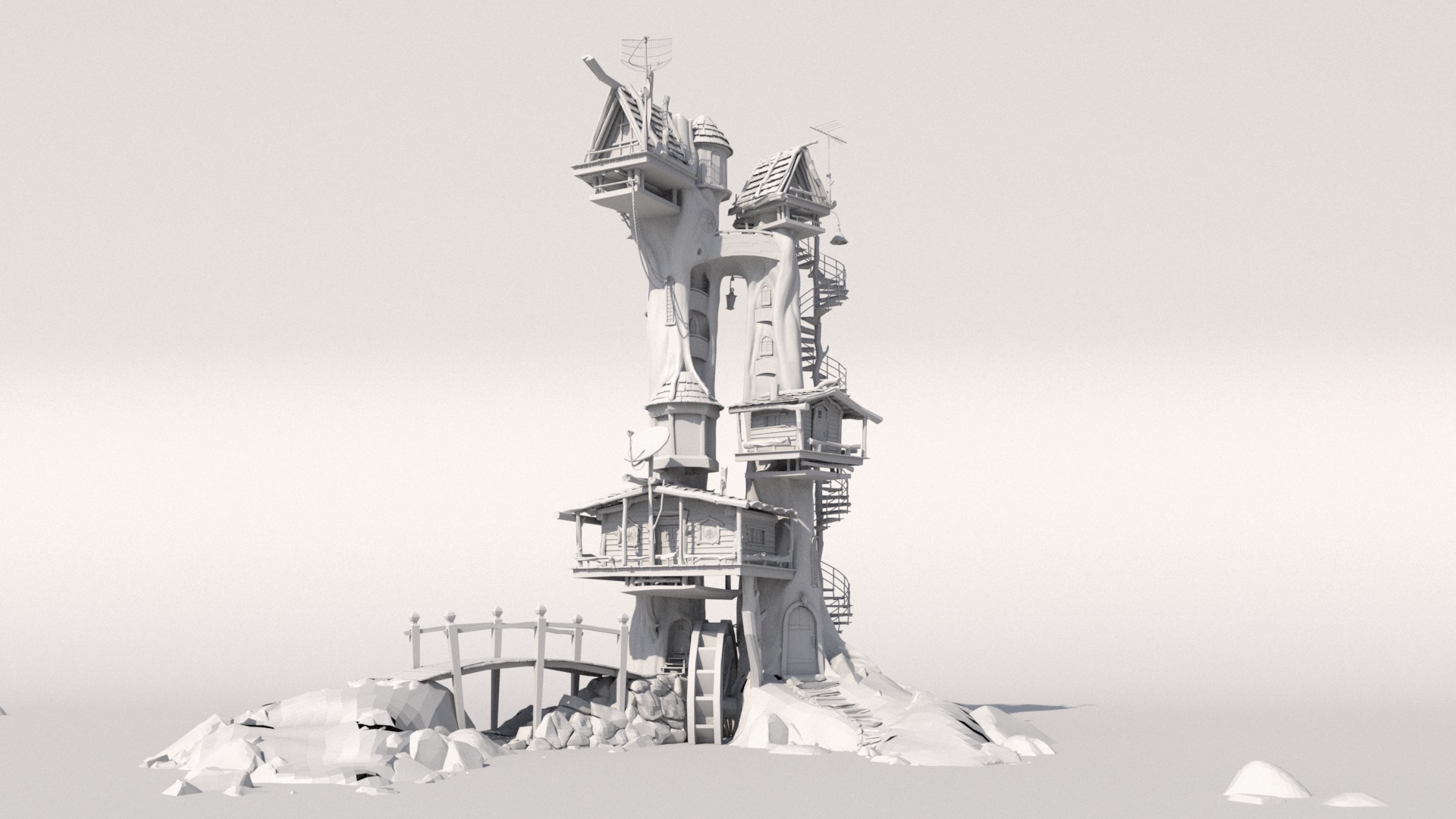
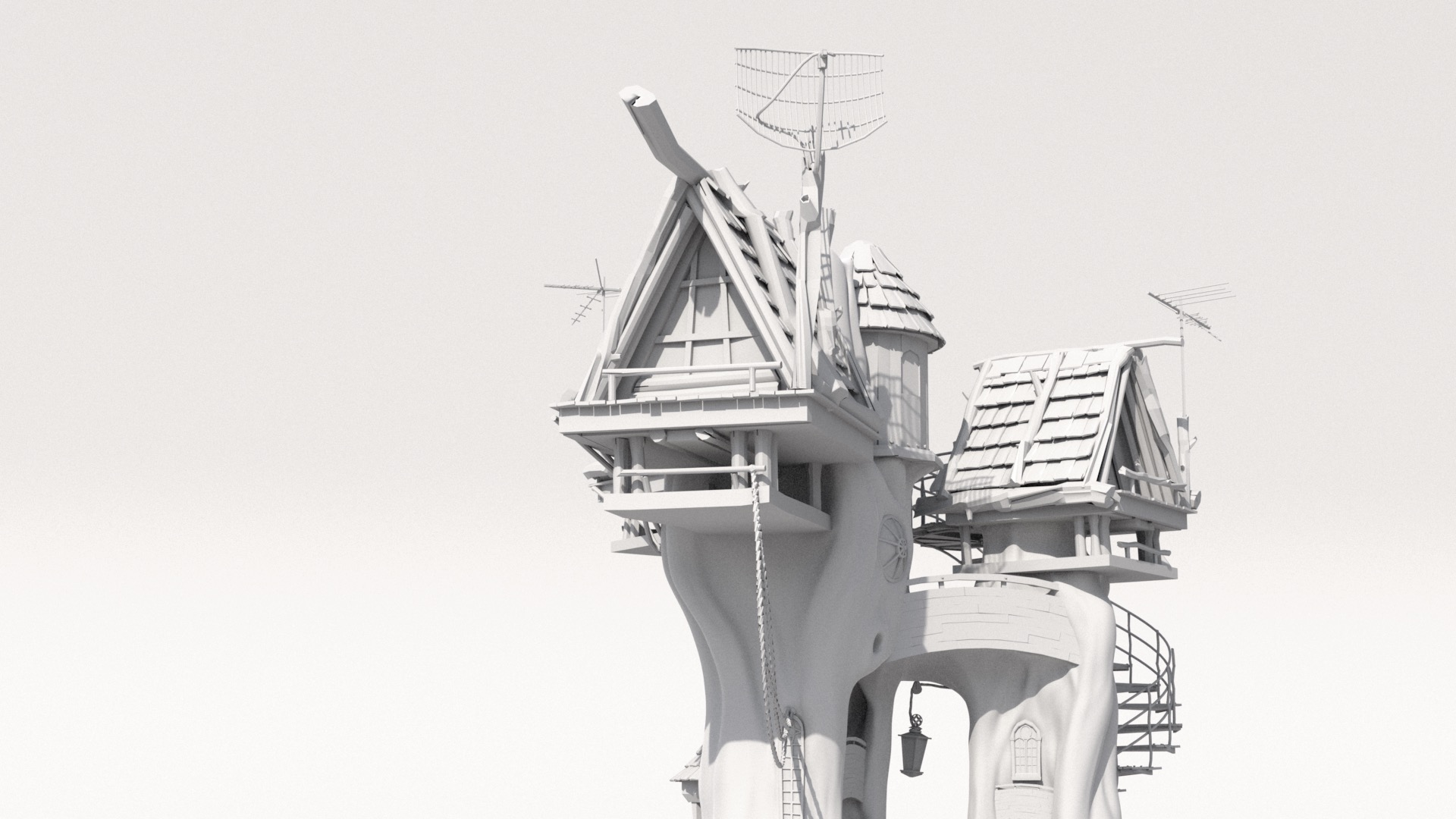
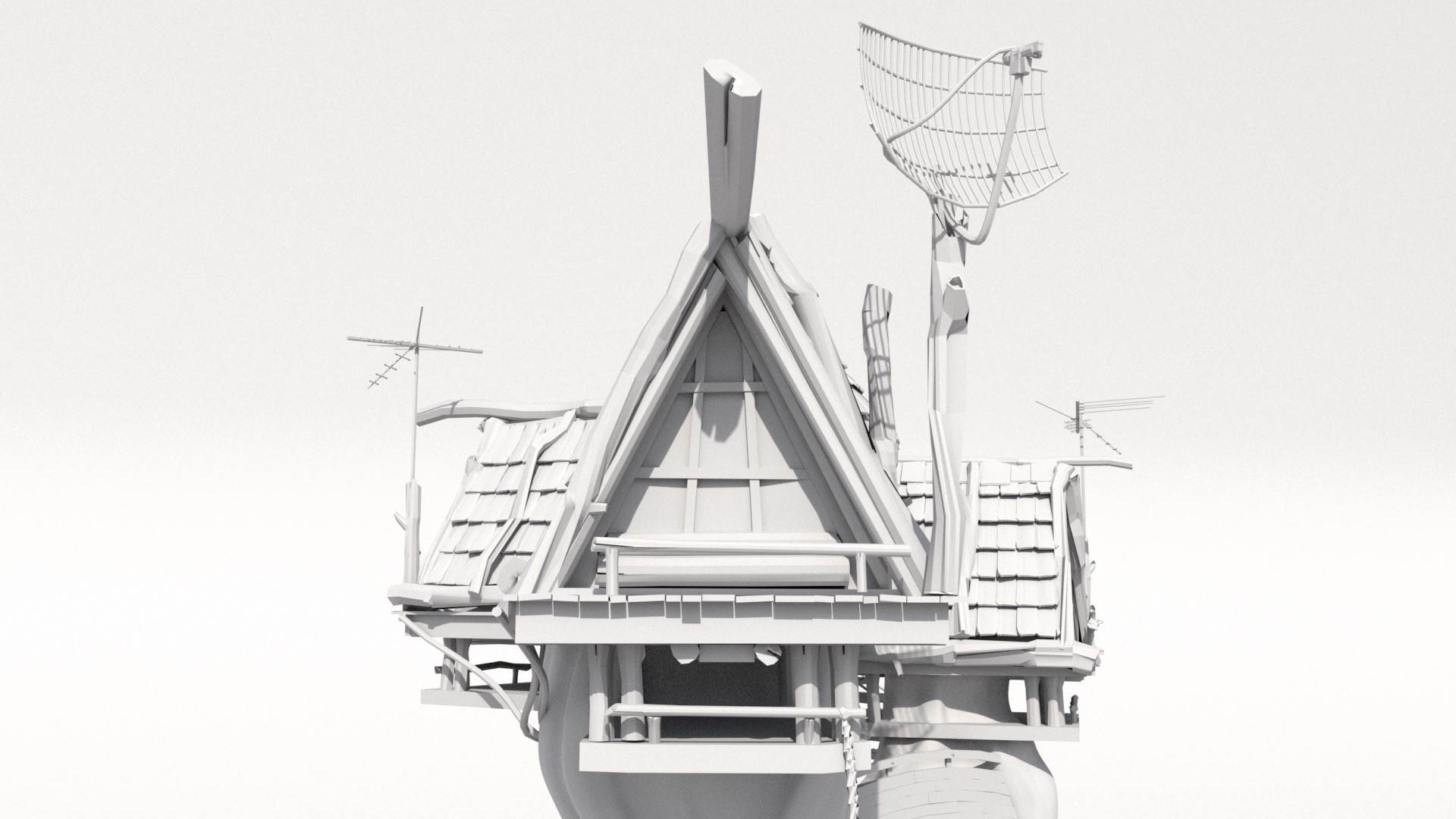
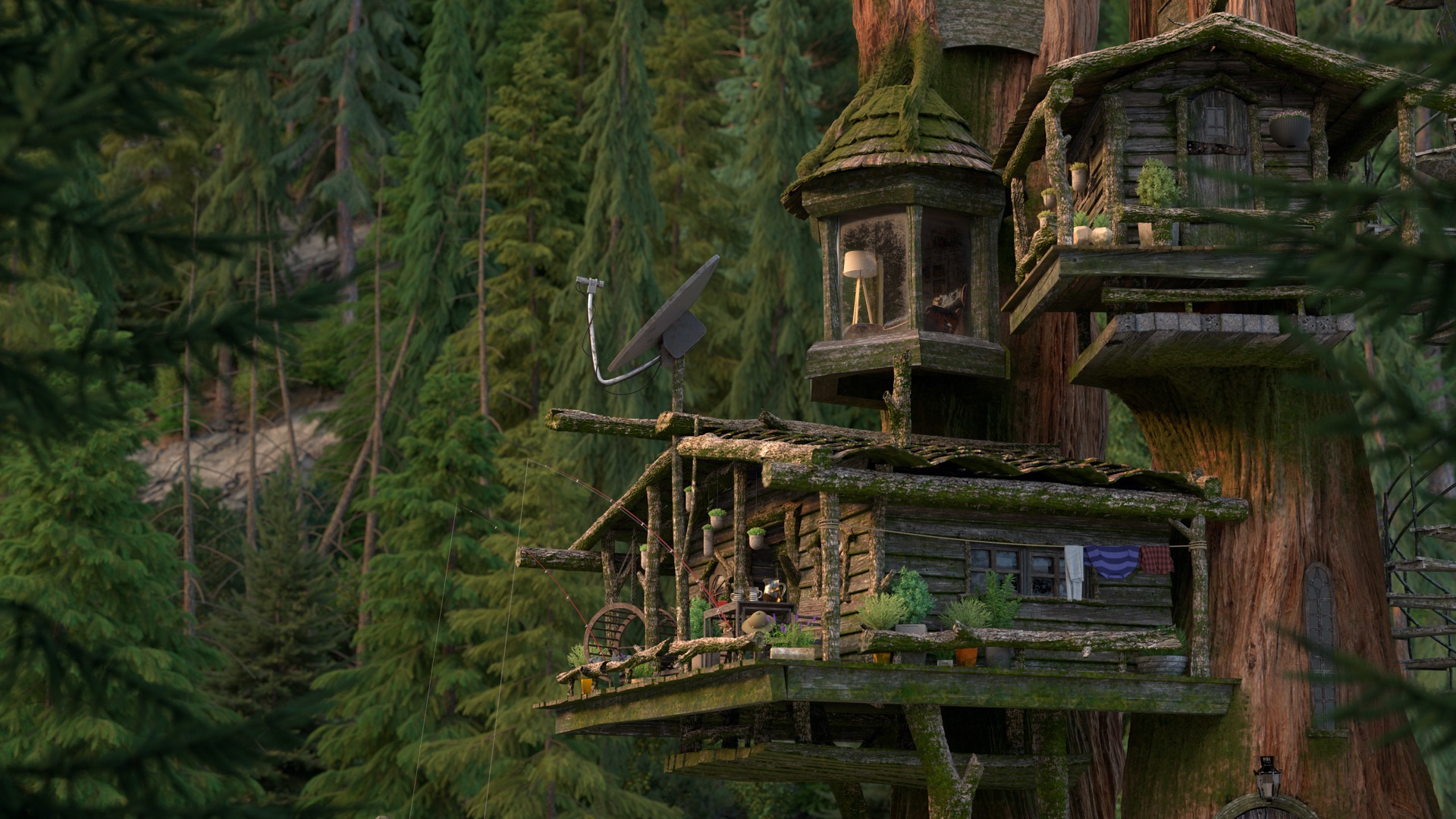
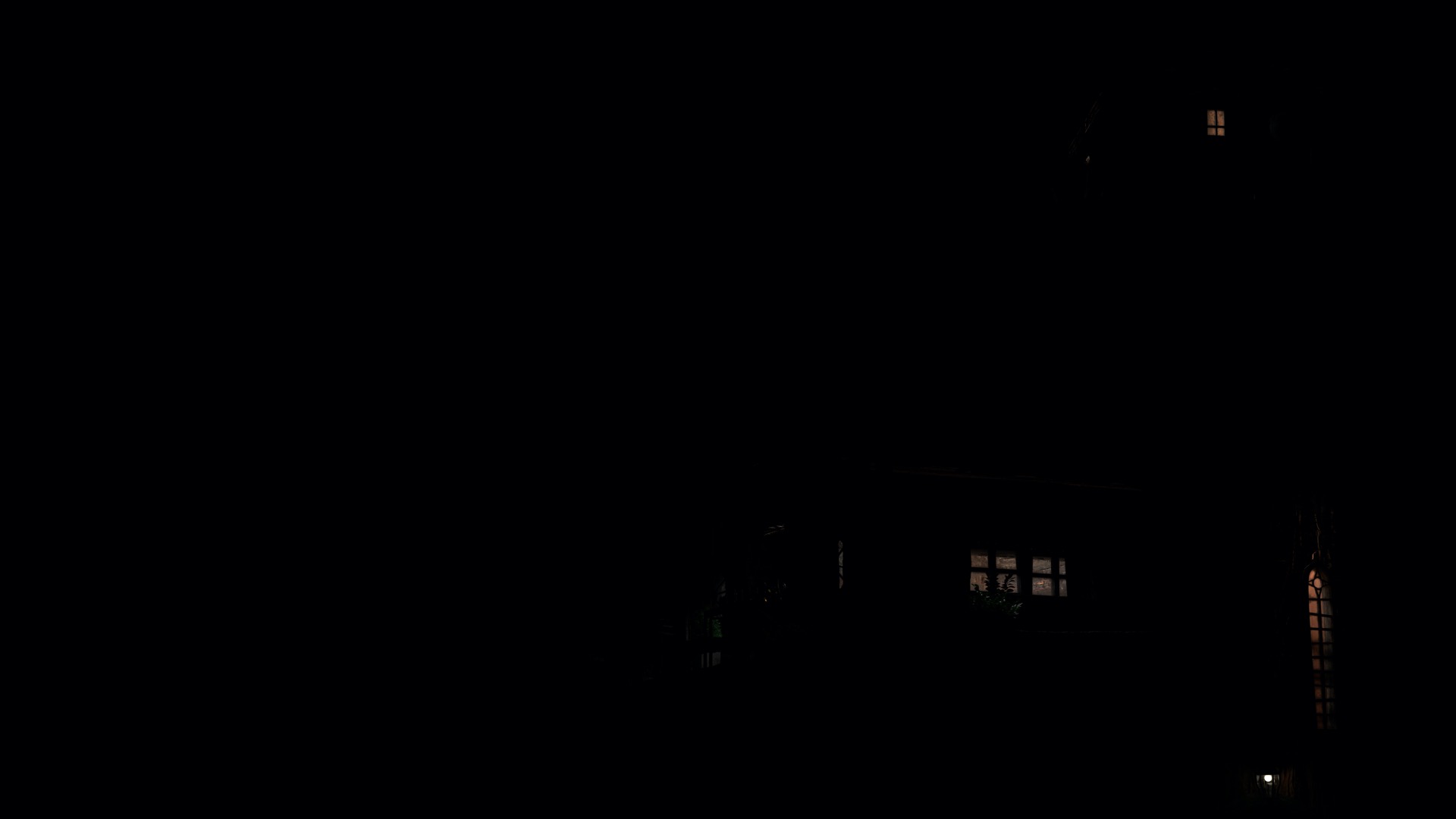
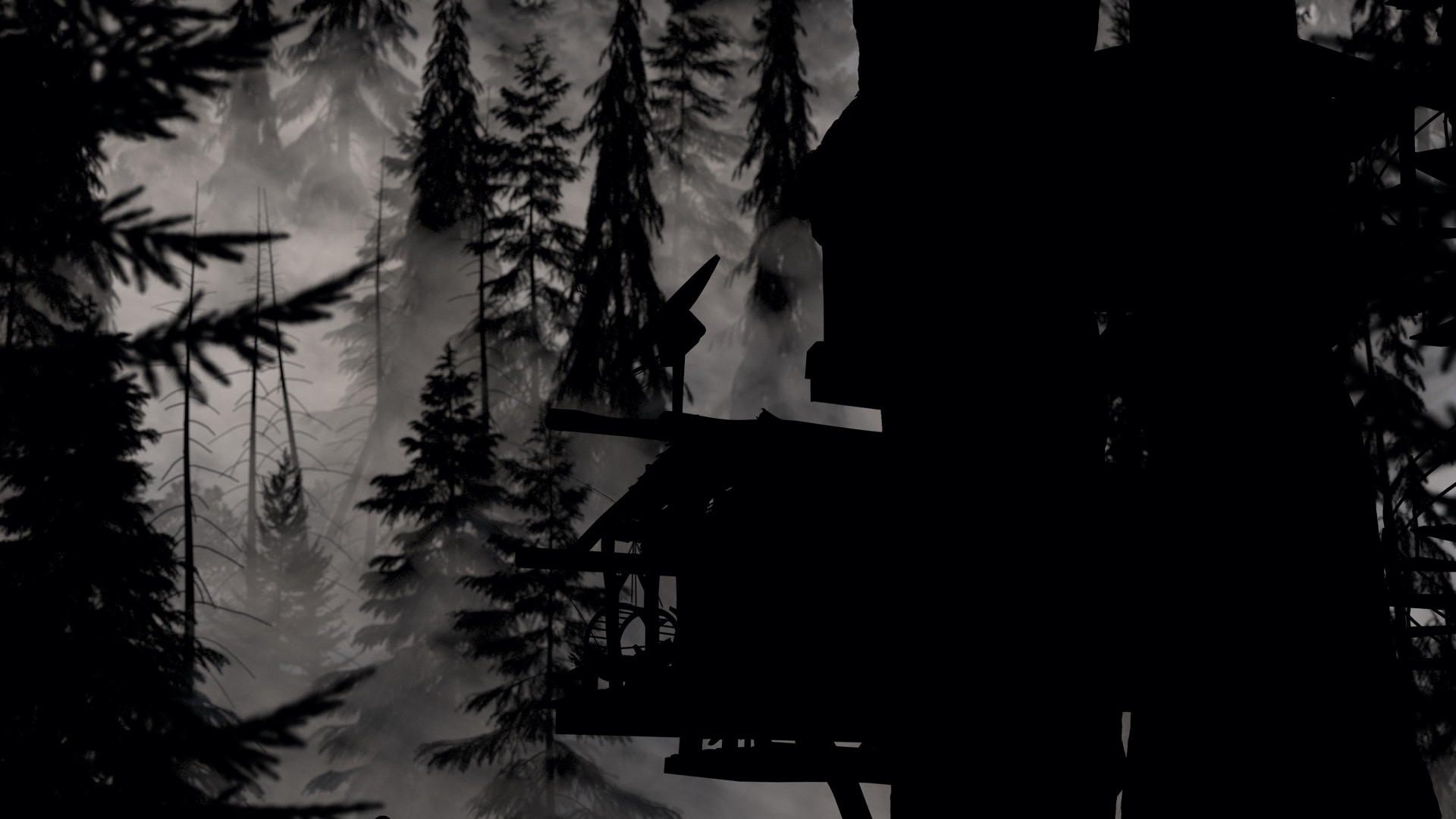
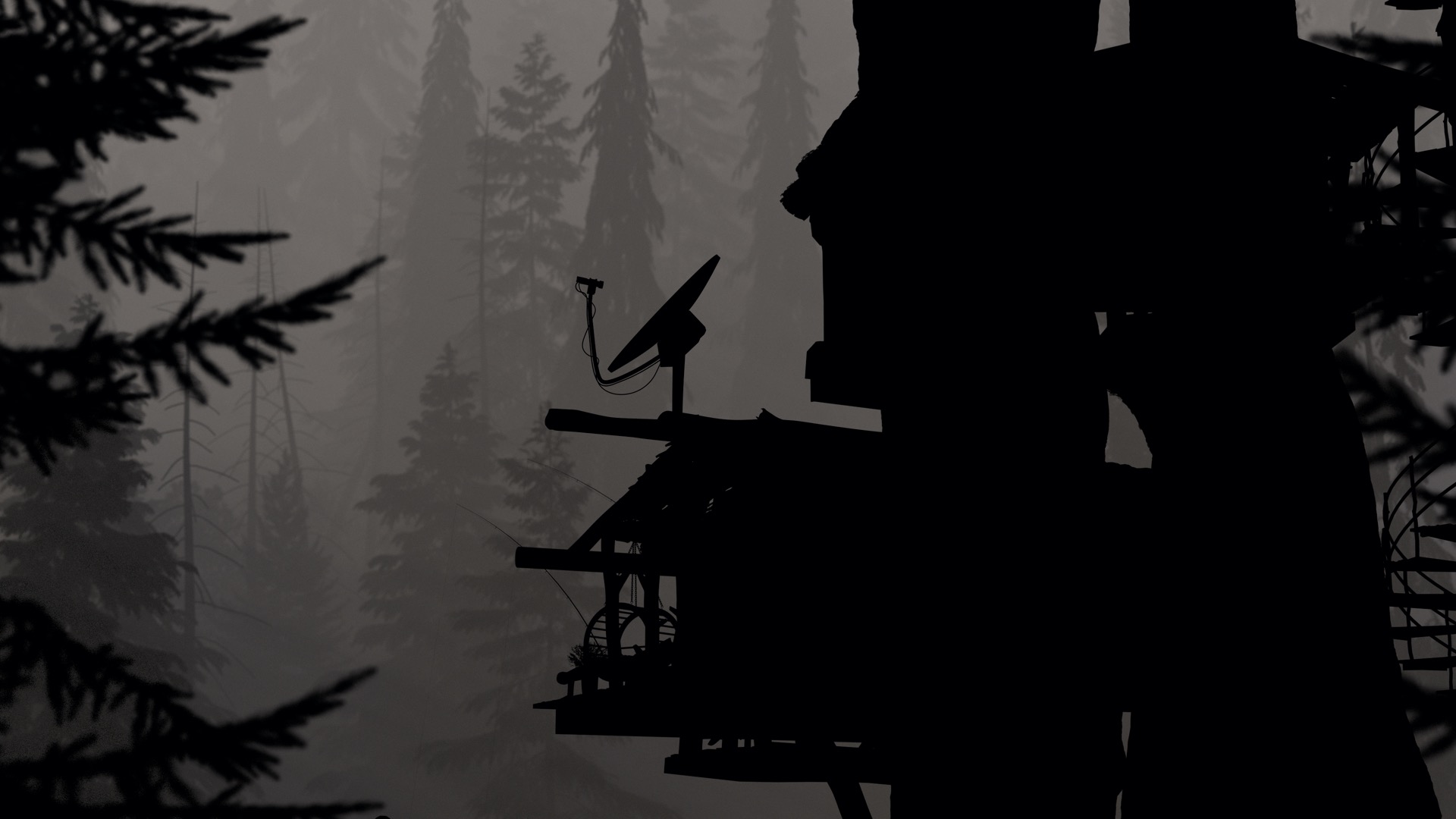
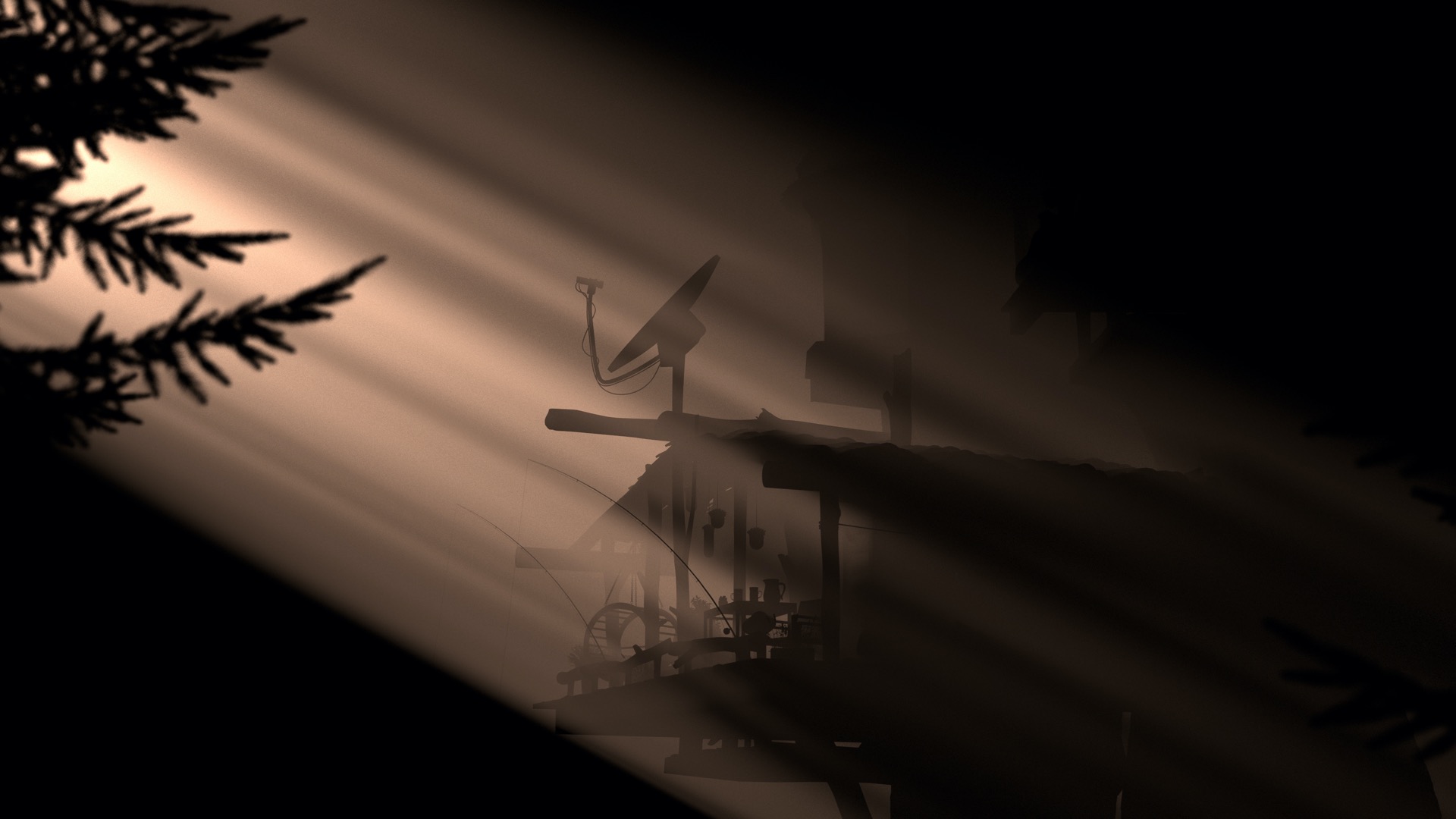
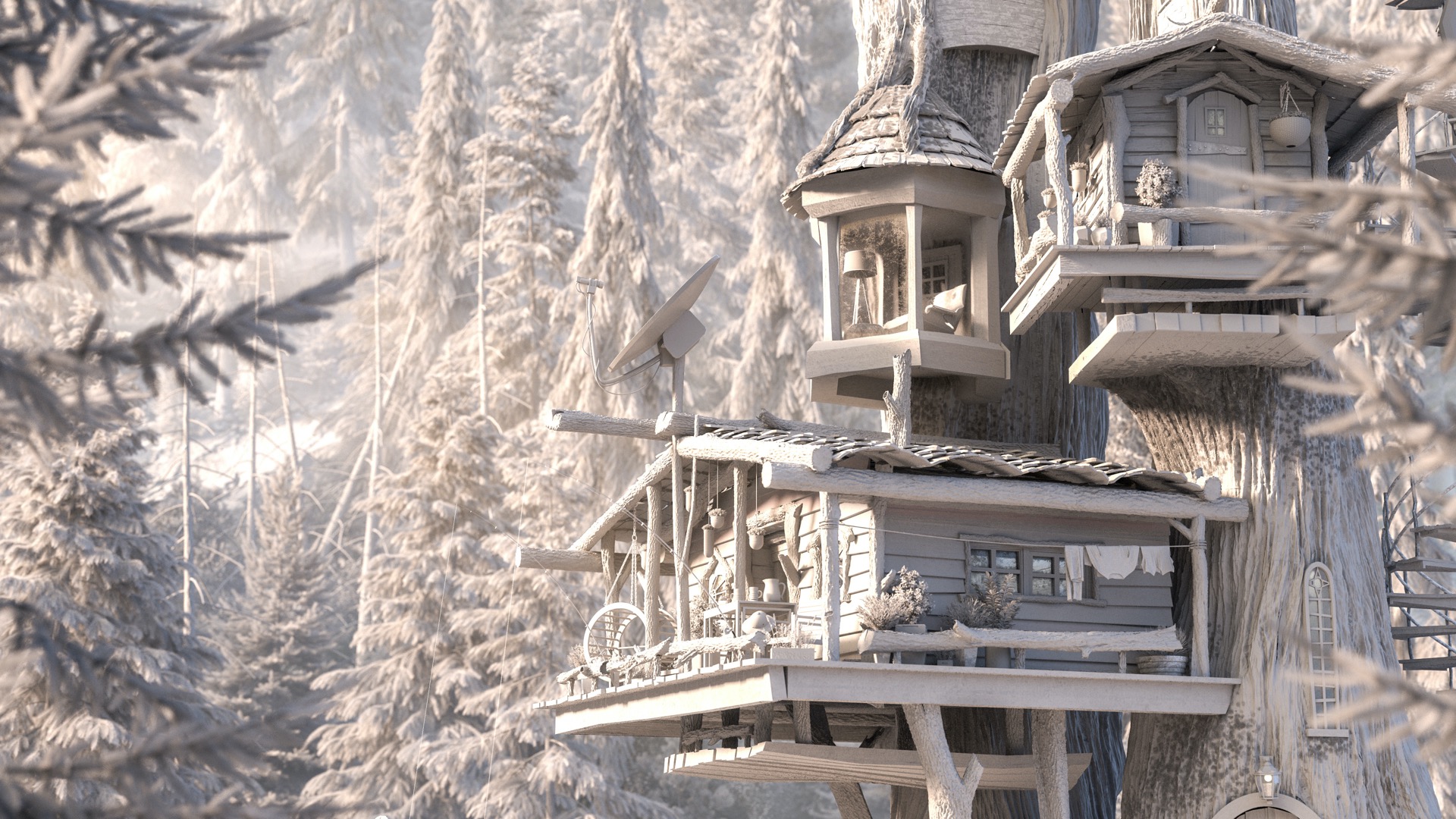
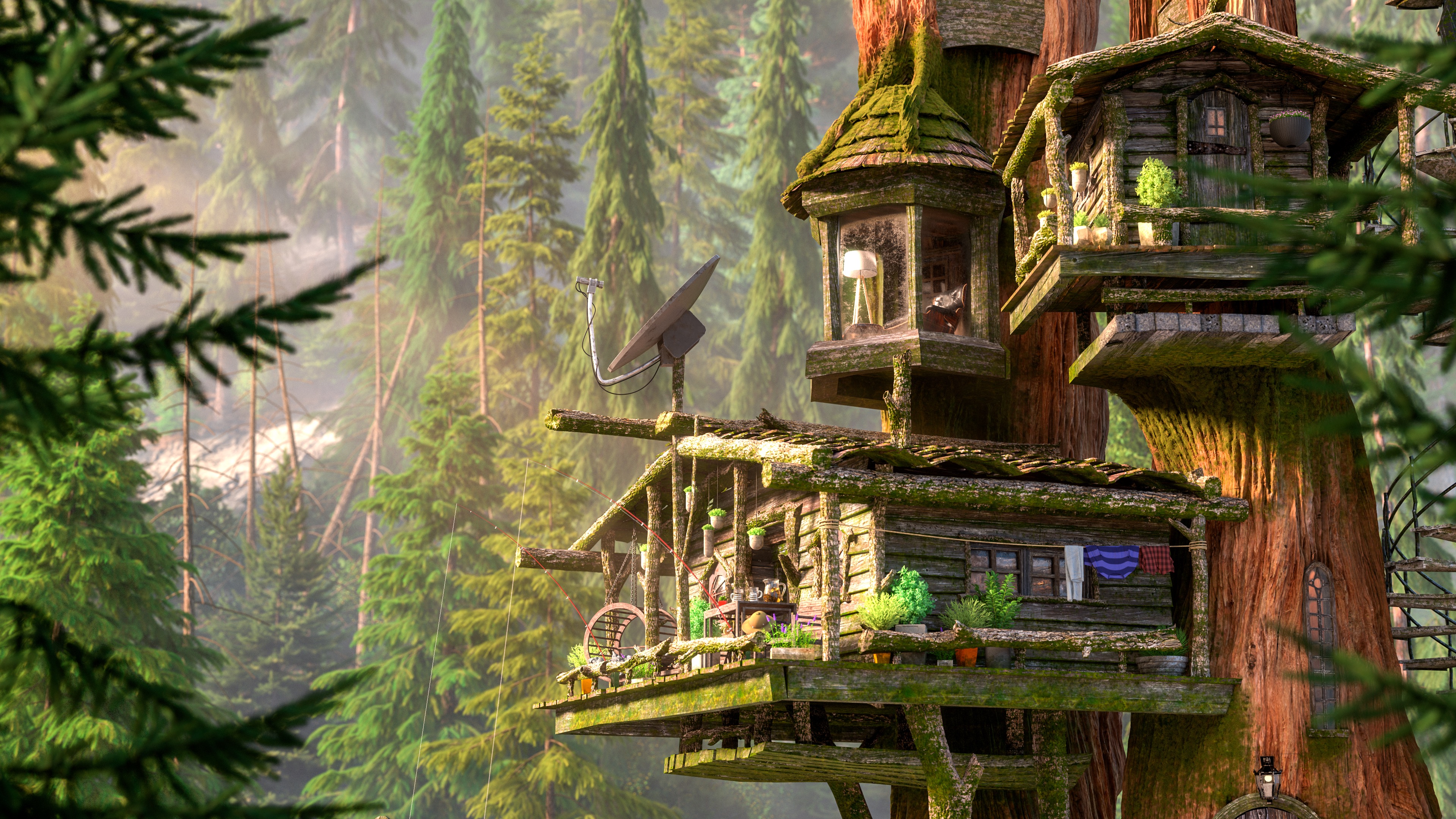
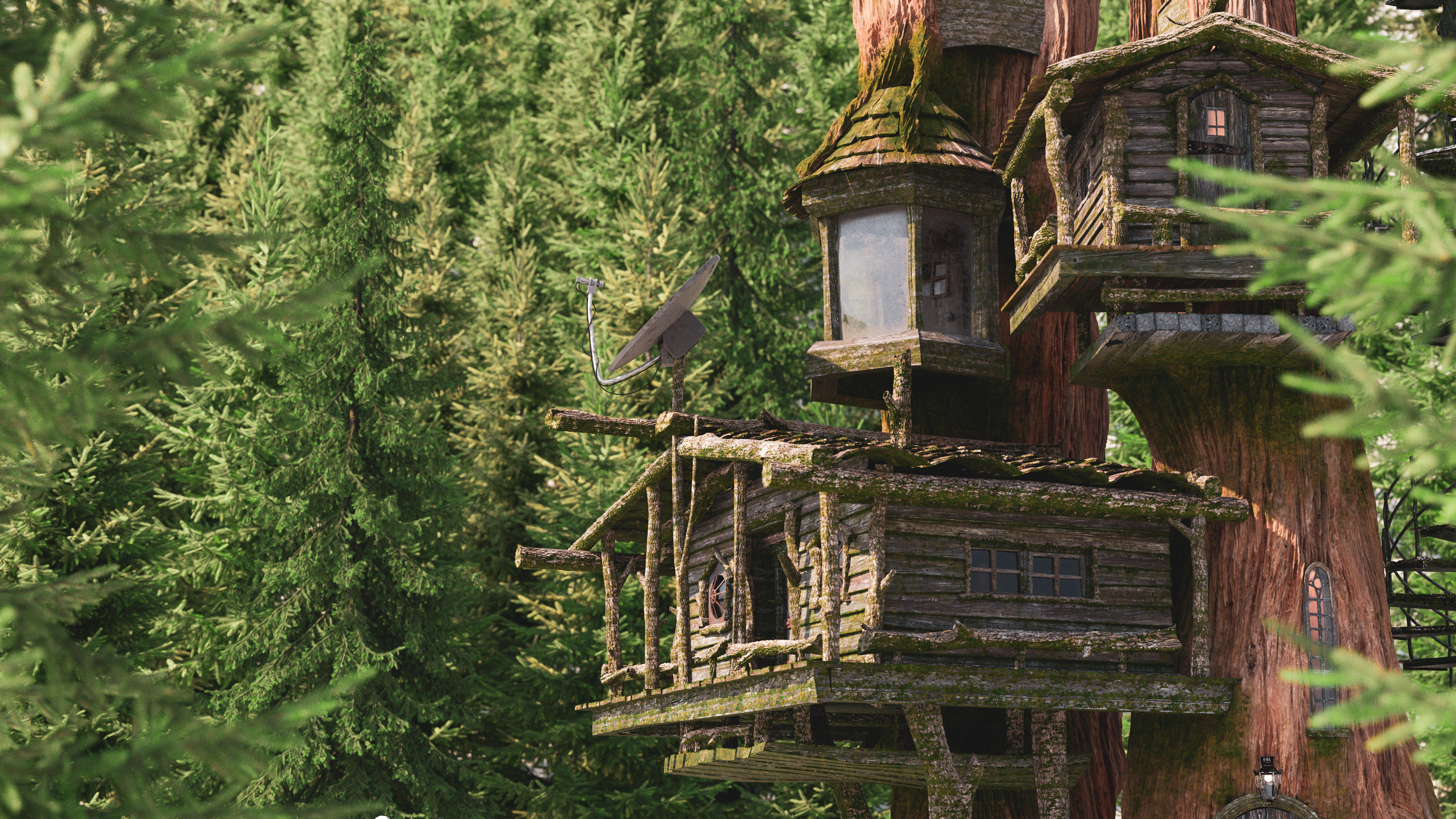
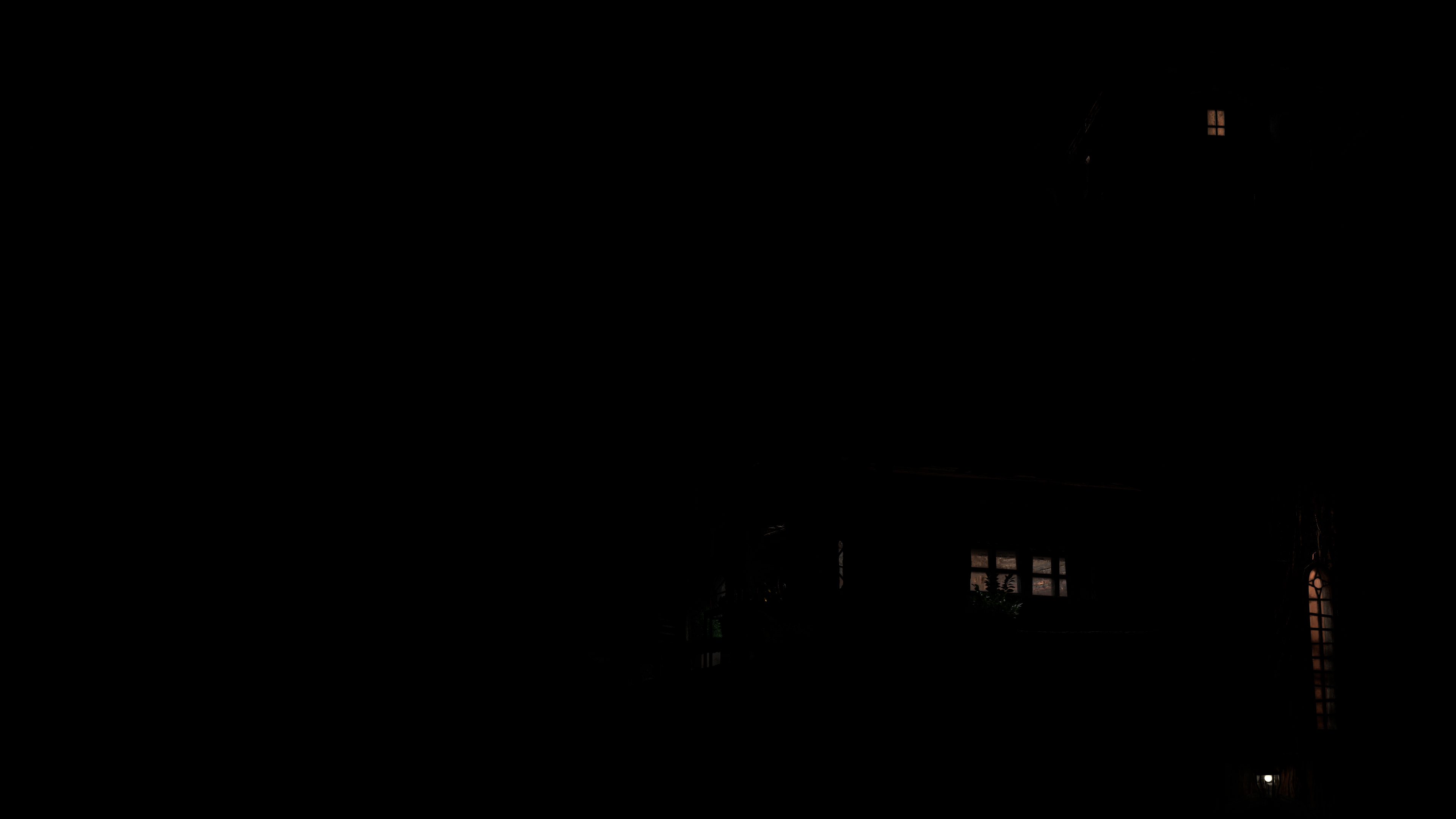
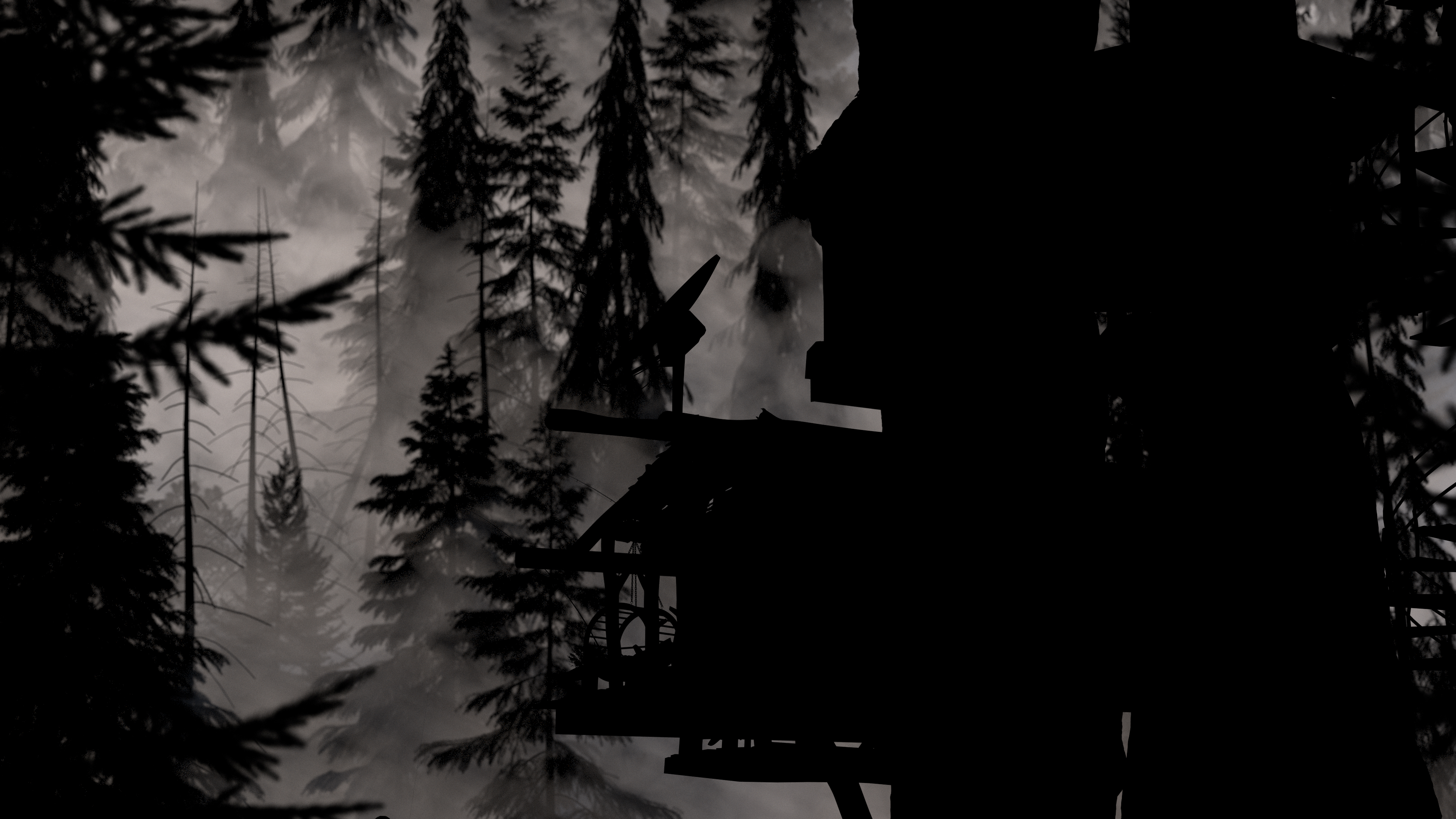
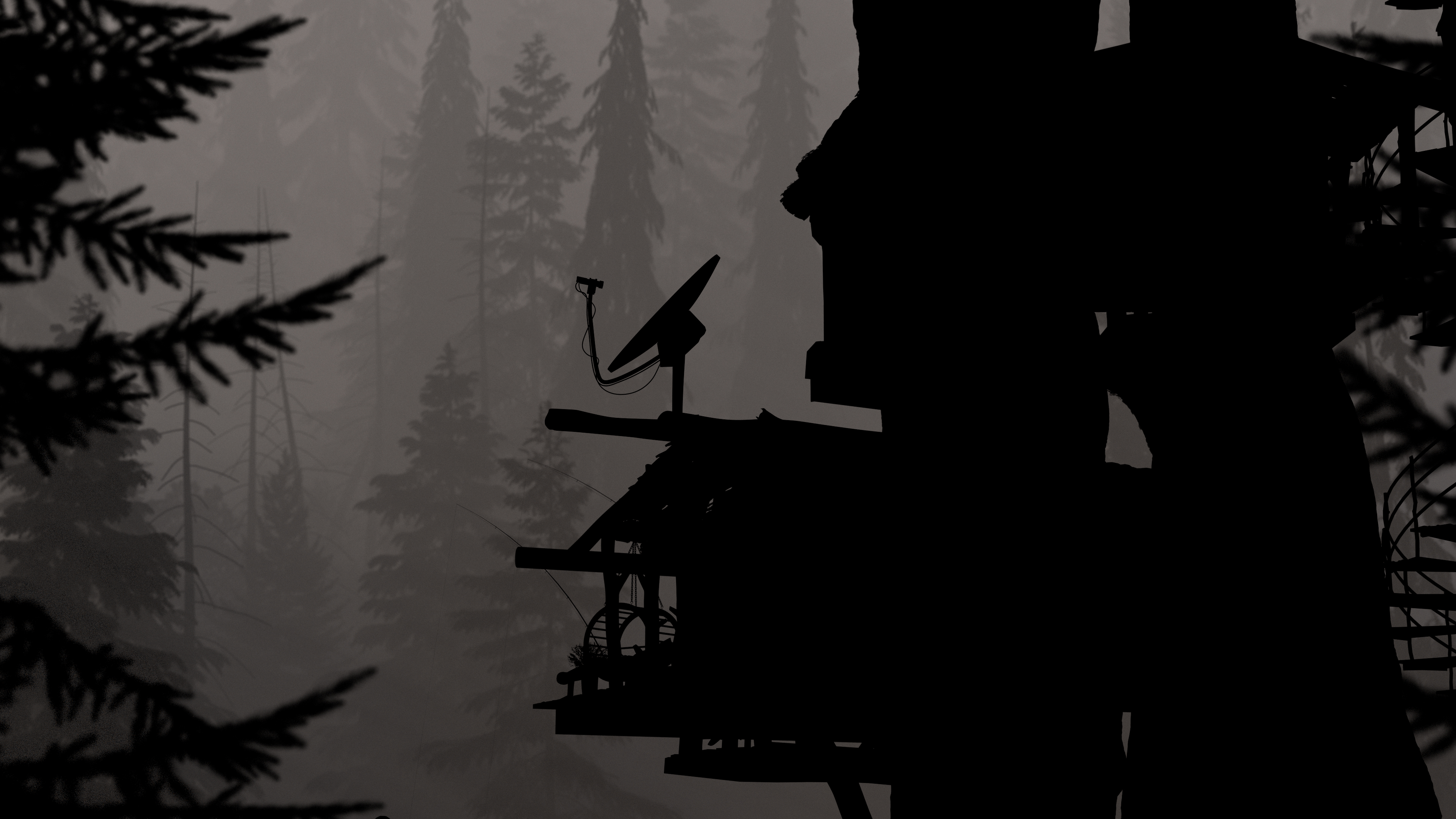
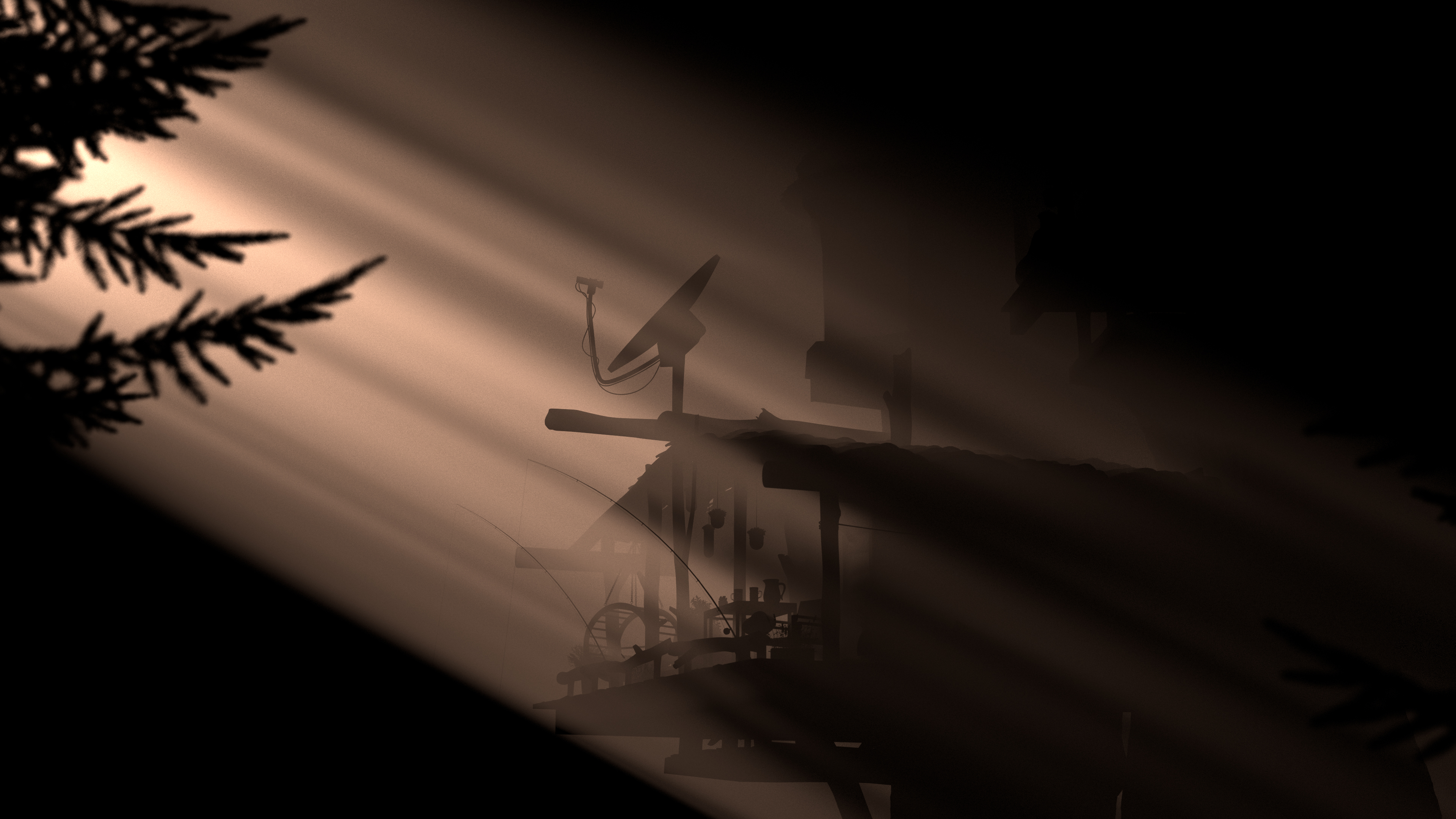
An alternate, higher-res version of Figure 1 from the paper: creating the holographic look for Bruno’s visions required close collaboration between visdev, look, lighting, and technology. The final look for Bruno's visions required a new, bespoke teleportation shader developed in Disney's Hyperion Renderer

Here is the paper abstract:

In Walt Disney Animation Studios’ “Encanto”, Mirabel discovers the remnants of her Uncle Bruno’s mysterious visions of the future. Developing the look and lighting for the emerald shards required close collaboration between our Visual Development, Look Development, Lighting, and Technology departments to create a holographic effect. With an innovative new teleporting holographic shader, we were able to bring a unique and unusual effect to the screen.

The paper and related materials can be found at:

When Corey first came to the rendering team with the request for a more efficient way to create the hologram effect that lighting had prototyped using camera mapping, our initial instinct actually wasn’t to develop a new shader at all. Hyperion has an existing “hologram” shader that was developed for use on Big Hero 6 [Joseph et al. 2014], and our initial instinct was to tell Corey that they should use the hologram shader. The way the Big Hero 6 era hologram shader works is: upon hitting a surface that has the hologram shader applied, the ray is moved into a virtual space containing a bunch of imaginary parallel planes, with each plane textured with a 2D slice of a 3D interior. In some ways the hologram shader can be thought of as raymarching through a sparse volumetric representation of a 3D interior, but the sparse volumetric interior really is just a stack of 2D slices. This technique works really well for things like building interiors seen through glass windows. However, our artists… really dislike using the hologram shader, to put things lightly. The problem with the hologram shader is that setting up the 2D slices that are inputs to the shader is an incredibly annoying and difficult process, and since the 2D slice baker has to be run as an offline process before the shader can be authored and rendered, making changes and iterating on the contents of the hologram shader is a slow process. Furthermore, if the inside of the hologram shader has to be animated, the slice baker needs to be run for every frame. We were told in no uncertain terms that the hologram shader was likely more work to set up and iterate on than the already painful manual camera mapping approach that the artists had prototyped the effect with. This request also came to us fairly late in Encanto’s production schedule, so easy setup and fast iteration times along with an extremely accelerated development timeline were hard requirements for whatever approach we took.

Upon receiving this feedback, Wayne and I set out to prototype a version of the teleportation shader that Pixar came up with for the portals in Incredibles 2 [Coleman et al. 2014]. This process was a lot of fun; Wayne and I spent a few days rapidly iterating on several different ideas for both how to implement ray teleportation in Hyperion and on how the artist workflow and interface for this new teleportation system should work. At the same time that we were prototyping, we started giving test builds of our latest prototypes to Corey to try out, which produced a feedback loop where Corey would use our prototypes to further iterate on how the final effect would look and go back and forth with the movie’s production designer and we would use Corey’s feedback to further improve the prototype. One example of where our prototype directly informed the final look was in how the prophecies fade away towards the edges of the emerald tablet- Wayne and I threw in a feature where artists could use a map to paint in the ratio of teleportation effect versus normal surface BSDF that would be applied at each surface point, and this feature wound up driving the faded edges.

The key thing that made our new approach work better than the old hologram shader was in simplicity of setup. Instead of having to run a pre-bake process and then wire up a whole bunch of texture slices into the renderer, our new approach was designed so that all an artist had to do was set up the 3D geometry that they wanted to put inside of the hologram in a target space hidden somewhere in the overall scene (typically below the ground plane in a black box or something), and then select the geometry in the main scene that they wanted to act as the “entrance” portal, select the geometry in the target space that they wanted to act as the “exit” portal, and link the two using the teleportation shader. The renderer then did all of the rest of the work of figuring out how each point on the entrance portal corresponded to the surface of the exit portal, how transforms needed to be calculated, and so on and so forth. Multiple portal pairs could be set up in a single scene too, and the contents of a world seen through a portal could contain more portals, all of which was important because in the movie, Mirabel initially finds Bruno’s prophecy broken into shards, which had to be set up as a separate entrance portal per shard all into the same interior world. Since all of this just piggy-backed off of the normal way artists set up scenes, things like animation just worked out-of-the-box with no additional code or effort.

The last piece of the puzzle fell into place when Wayne and I discussed our progress with Brent. One of the big remaining challenges for us was that tracking correspondences between entrance and exit geometry and transforms was prone to easy breakage if input geometry wasn’t set up exactly the way we expected. At the time Brent was working on a new fracture-aware tessellation system for subdivision surfaces in Hyperion [Burley and Rodriguez 2022], and Brent quickly realized that the approach we were using for figuring out the transform from the entrance to the exit portal could be replaced with something he had already developed for the fracture-aware tessellation system. Specifically, the fracture-aware tessellation system has to be able to calculate correspondences between undeformed unfractured reference points and corresponding points in a deformed fractured fragment space; this is done using a best-fit process to find orthonormal transforms [Horn et al. 1998]. Brent realized that the problem we were trying to solve was actually the same problem he that he had already solved in the fracture system, so he took our latest prototype and reworked the internals to use the same best-fit orthonormal transform solution as in the fracturing system. With Brent’s improvements, we arrived at the final production version of the teleportation shader used on Encanto.

Going from the start of brainstorming and prototyping to delivering the final production version of the shader took us a little over a week, which anyone who has worked in an animation/VFX production setting before will know is very fast for a large new rendering feature. Working tightly with Corey and Benjamin to simultaneously iterate on the art and the software and inform each other was key to this project’s fast development time and key to achieving an amazing looking effect in the film. At Disney Animation, we have a mantra that goes “art challenges technology and technology inspires the art”- this project was a case that exemplifies how we carry out that mantra in real-world filmmaking and demonstrates the amazing results that come out of such a process. Bruno’s visions in Encanto are every bit a case where the artistic vision challenged us to develop new technology, and the process of iterating on the new technology between engineers and artists in turn informed the final artwork that made it into the movie; for me, projects like these are one of the things that makes Disney Animation such a fun and amazing place to be.

A short GIF showing two examples of the final effect. For many more examples, go watch Encanto on Disney+!

References

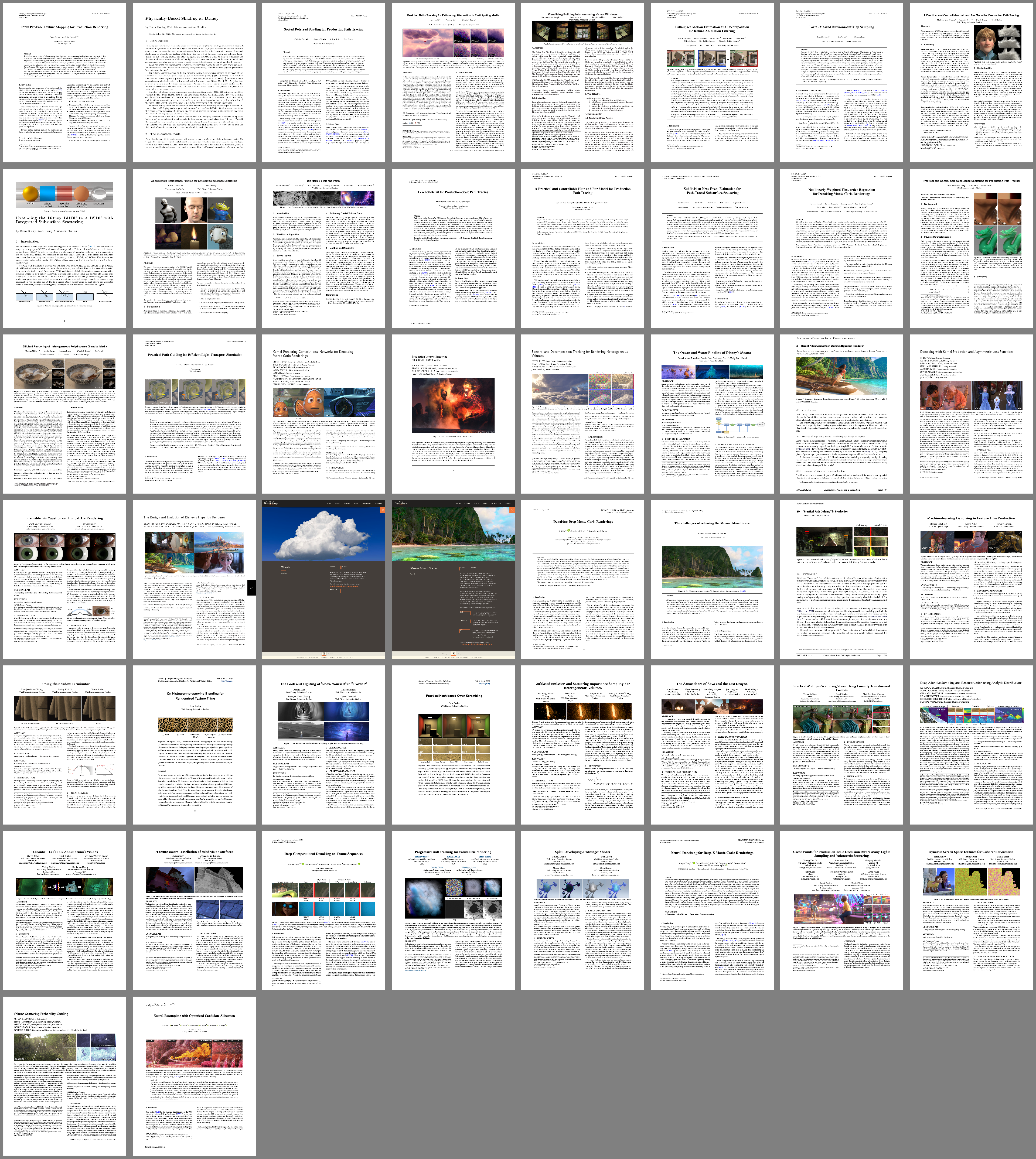
Brent Burley, David Adler, Matt Jen-Yuan Chiang, Hank Driskill, Ralf Habel, Patrick Kelly, Peter Kutz, Yining Karl Li, and Daniel Teece. 2018. The Design and Evolution of Disney’s Hyperion Renderer. ACM Transactions on Graphics 37, 3 (Jul. 2018), Article 33.

Brent Burley and Francisco Rodriguez. 2022. Fracture-Aware Tessellation of Subdivision Surfaces. In ACM SIGGRAPH 2022 Talks. Article 10.

Patrick Coleman, Darwyn Peachey, Tom Nettleship, Ryusuke Villemin, and Tobin Jones. 2018. Into the Voyd: Teleportation of Light Transport in Incredibles 2. In Proc. of Digital Production Symposium (DigiPro 2018). Article 12.

Berthold K. P. Horn, Hugh M. Hilden, and Shahriar Negahdaripour. 1988. Close-Form Solution of Absolute Orientation using Orthonormal Matrices. Journal of the Optical Society of America A 5, 7 (Jul. 1988), 1127–1135.

Norman Moses Joseph, Brett Achorn, Sean D. Jenkins, and Hank Driskill. Visualizing Building Interiors Using Virtual Windows. In ACM SIGGRAPH Asia 2014 Technical Briefs. Article 18.

Far From The Tree

Table of Contents

Along with Encanto’s release last fall, Disney Animation also released Far From The Tree, which is the studio’s newest short film. Far From The Tree was made in parallel with our last short, Us Again, but the two shorts have completely different visual styles. Both shorts were rendered using Disney’s Hyperion Renderer, but visually they stand as almost polar opposites. From a computer graphics perspective, Us Again is a showcase of the studio’s cutting-edge modern physically based rendering capabilities, while Far From The Tree is a showcase of the studio’s hand-drawn1 inspired stylized rendering capabilities. The two shorts weren’t set up this way intentionally; in both cases, the visual style was chosen based entirely off of what was right for the story, but as a rendering engineer, these two shorts going into production at the same time was also a serendipitous opportunity to see how far we could push our visual filmmaking capabilities in two very different directions.

Normally in these posts, I write that the project was rendered entirely using Disney’s Hyperion Renderer, but that’s not the whole story here, and writing that would be a disservice to how this short was actually made. There is quite a lot of 3D CG in this short; all of the character animation was made using our normal 3D animation process, and all of the 3D stuff is in fact rendered entirely using Hyperion. However, the final look of the short involves extensive additional 2D work done on top of the base 3D renders. Far From The Tree’s look and production process is an extension of the hand-drawn inspired hybrid 2D-3D approach that Disney Animation previously used on Paperman , Feast, and several Short Circuit shorts. The base 3D renders are essentially unlit flat surface-color passes; in fact, if you look at just the raw beauty passes out of the renderer, they’re completely black! The real look of the film comes from extensive work done on top of the flat surface-color passes and a ton of AOVs output from the renderer. Much like on Paperman [Kahrs et al. 2012 ,Whited et al. 2012], Far From The Tree uses extensive linework drawn by hand using Meander on top of the rendered layers, and much like on Feast [Osborne and Staub 2014], final 2D lighting was created entirely in the composite in Nuke. The backgrounds are a combination of similar 2D-3D hybrid work to the foreground along with a lot of pure matte paintings, and much of the textural detail across the entire frame is similarly painted and projected in 2D, all of which were evolved at the studio on the Short Circuit experimental shorts program [Newfield and Staub 2020]. To further help enhance the 2D-3D hybrid look, much of the short is animated on twos and threes, to help match the motion of traditional hand-drawn animation.

On the Hyperion front, even though there’s no meaningful path tracing taking place, the renderer was still doing quite a lot on Far From The Tree! By the very nature of where they exist in production pipelines, production renderers tend to function as the final “source of truth” for what all 3D data in the production pipeline actually looks like, and this is definitely true of Hyperion. In our pipeline, Hyperion doesn’t just serve as the final frame renderer; it also acts as a powerful data visualization tool that is used in all departments upstream of lighting to generate authoritative visualizations of what our 3D data actually looks like. To help serve this function, Hyperion has incredibly extensive custom AOV capabilities. As far as I’m aware, I think Hyperion’s custom AOV capabilities are a fair bit more extensive than in even a lot of commercial renderers. Commercial renderers usually break down light transport into a bunch of individual components and expose these as AOVs (so, things like specular vs diffuse, direct vs indirect, individual BXDF lobes, etc), and also expose some basic geometric information as AOVs (things like position, normals, object IDs, cryptomattes, etc). Hyperion provides all of these as AOVs as one would expect, but beyond that, Hyperion allows essentially any signal or snippet of shader code from inside of the pattern generation part of the shading system to be routed into a custom AOV. Hyperion also goes even further and allows for custom AOVs to be driven directly using SeExpr [Disney Animation 2011]; on the first hit from the camera, user-authored SeExpr programs can be run and the result directly splatted to specified custom AOVs. For stylized rendering projects such as Far From The Tree’s hybrid 2D-3D, this capability is really powerful since it allows for artists to drive custom signals from 3D animated geometry, funnel those signals into 2D layers, and then use the result to drive any kind of effect they want in compositing. This system means that even without needing to run full light transport, on highly stylized projects such as Far From The Tree, Hyperion still plays a big role. Actually, on Far From The Tree, Hyperion is doing almost no light transport, but not exactly zero. There is one specific small detail that did make use of light transport: the full eye shader [Chiang & Burley 2018] was used to get enough input to drive the final flatter look of the stylized eyes.

The final result in Far From The Tree is a wonderful combination of Disney Animation’s modern state-of-the-art 3D CG capabilities and rich hand-drawn 2D legacy. Any randomly chosen frame from Far From The Tree basically looks exactly like the concept art used to art-direct the short, and that is both a very cool and technically astonishing feat; it’s a really beautiful film. I also just love the character design and character animation in this short; raccoons are an endless source of interesting animation, and the derpy birds are a fantastically fun piece of cartoon design.

Here are some frames from Far From The Tree from the Blu-ray, presented in no particular order. You can get Far From The Tree with a copy of Encanto on Blu-ray or digital, or watch it on Disney+; as always I recommend watching it on the biggest screen you can!

All images in this post are courtesy of and the property of Walt Disney Animation Studios.

References

Matt Jen-Yuan Chiang and Brent Burley. 2018. Plausible Iris Caustics and Limbal Arc Rendering. In ACM SIGGRAPH 2018 Talks. Article 15.

John Kahrs, Patrick Osborne, Amol Sathe, Jeff Turley, Brian Whited, and Darrin Butters. 2012. The Art and Science Behind Walt Disney Animation Studios’ “Paperman”. In ACM SIGGRAPH 2012 Production Sessions.

Jennifer Newfield and Josh Staub. 2020. How Short Circuit Experiments: Experimental Filmmaking at Walt Disney Animation Studios. In ACM SIGGRAPH 2020 Talks. Article 72.

Patrick Osborne and Josh Staub. 2014. Feast – A Look at Walt Disney Animation Studios’ Newest Short. In ACM SIGGRAPH 2014 Production Sessions.

Brian Whited, Eric Daniels, Michael Kaschalk, Patrick Osborne, and Kyle Odermatt. 2012. Computer-Assisted Animation of Line and Paint in Disney’s Paperman. In ACM SIGGRAPH 2012 Talks. Article 19.

Walt Disney Animation Studios. 2011. SeExpr.


Footnotes

1 A lot of people use “2D animation” to describe Disney Animation’s work before the CG era, but at Disney Animation we prefer the term “hand-drawn animation”. I think the distinction is really important; a lot of modern 2D animation is made entirely digitally using rigged digital models/puppets similar to what we do for 3D animation. This is totally fine! However, Disney Animation’s previous traditional animation work was distinguished not just by being visually 2D, but really by the fact that everything was drawn by hand, either using pencil on paper or using a stylus and tablet when digital. keyboard_return

Encanto

Table of Contents

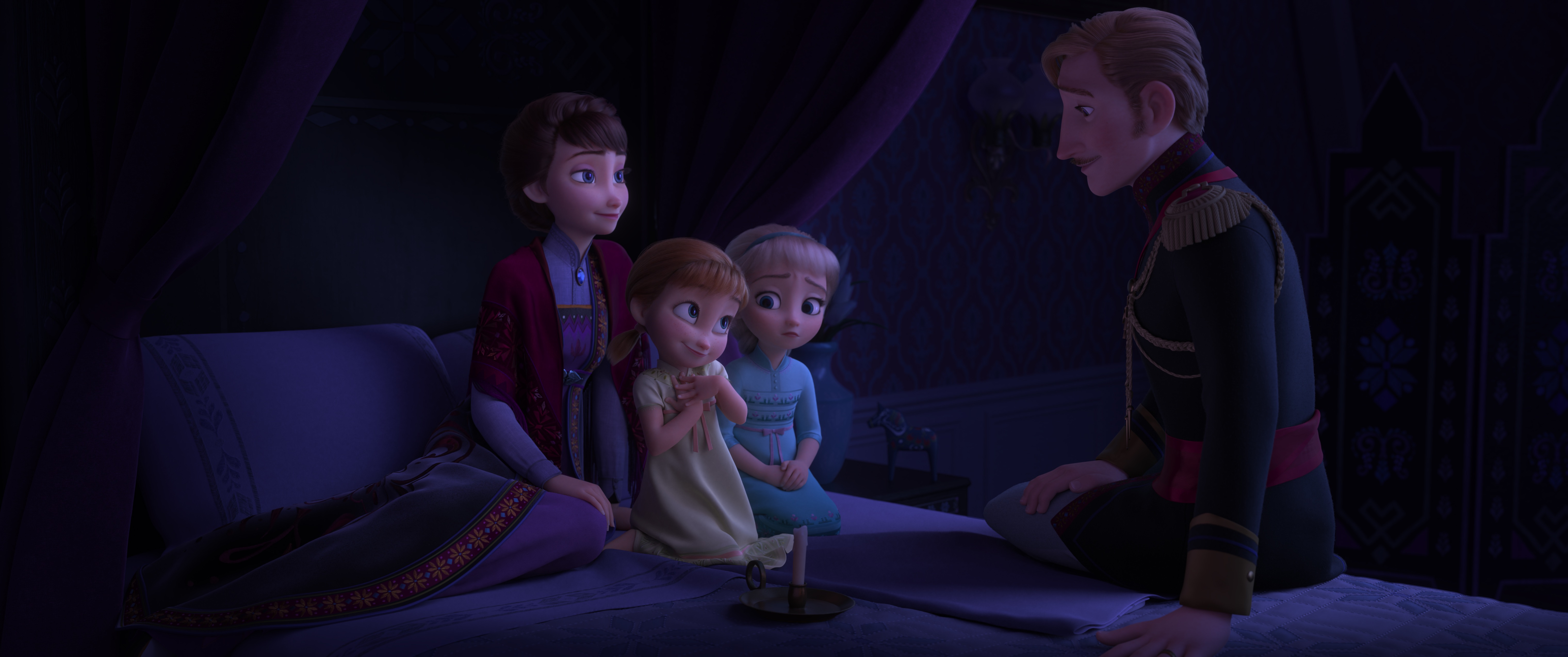
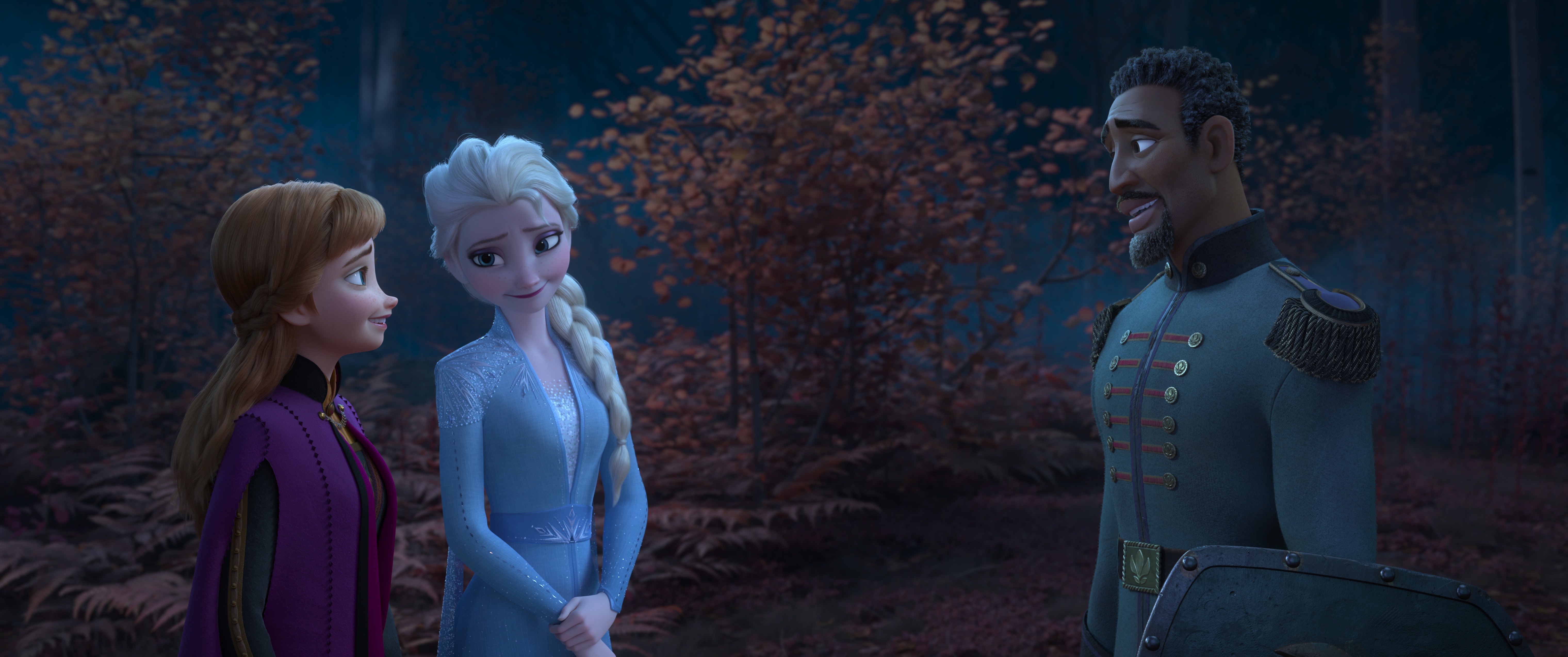
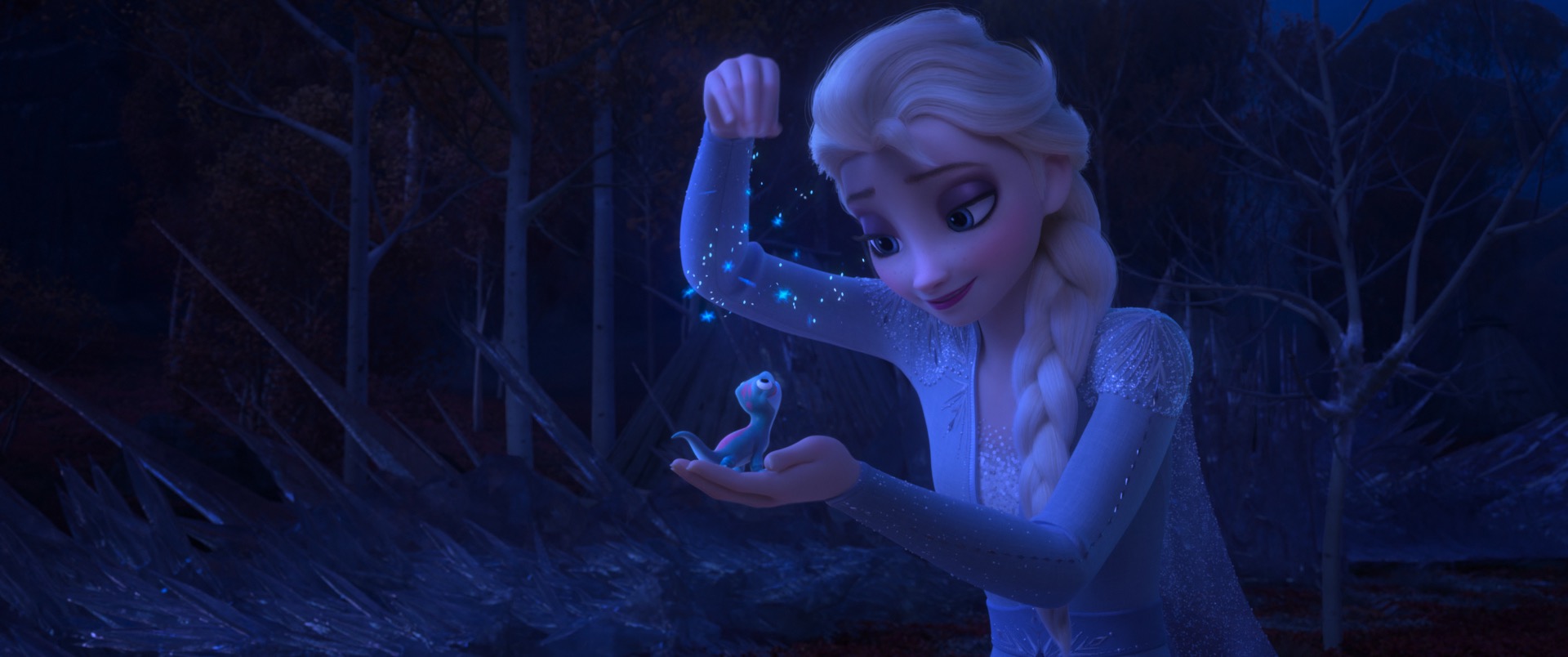
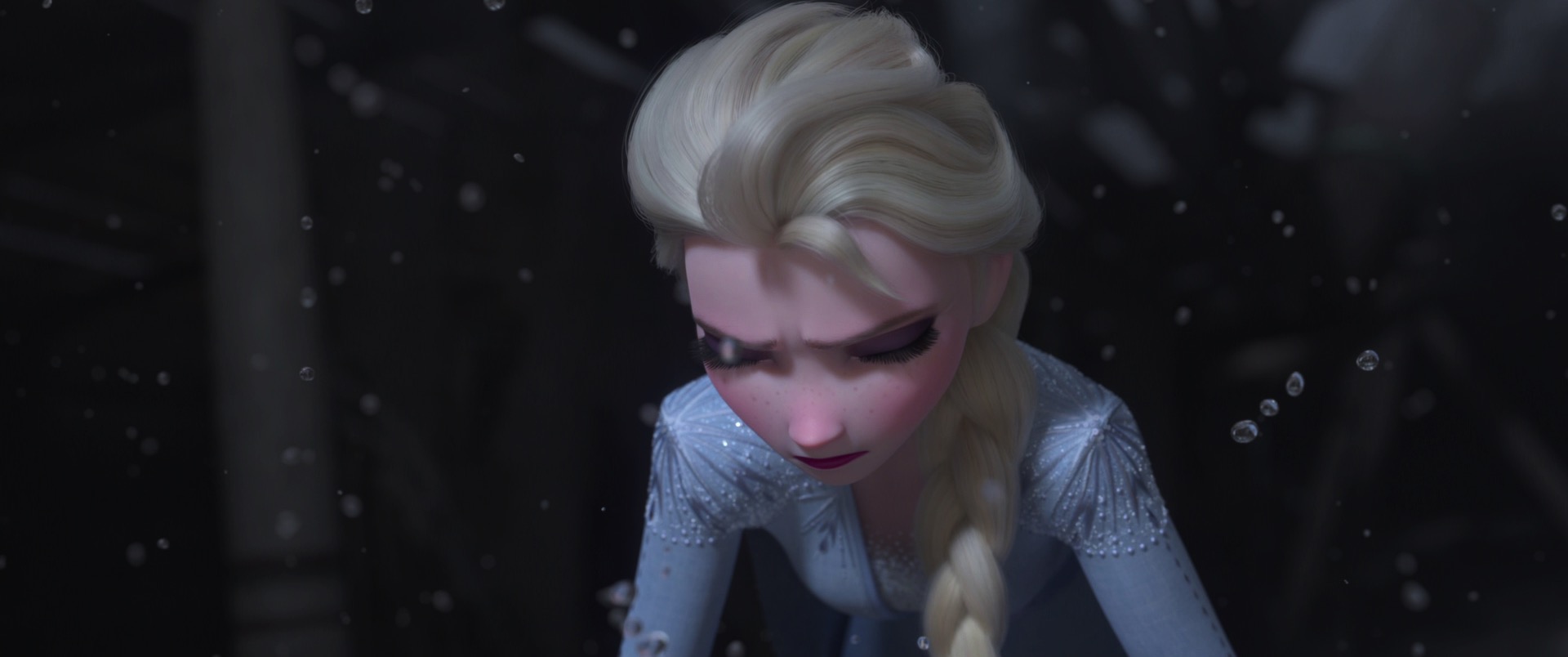
For the first time since 2016, Walt Disney Animation Studios is releasing not just one animated feature in a year, but two! The second Disney Animation release of 2021 is Encanto, which marks a major milestone as Disney Animation’s 60th animated feature film. Encanto is a musical set in Colombia about a girl named Mirabel and her family: the amazing, fantastical, magical Madrigals. I’m proud of every Disney Animation project that I’ve had the privilege to work on, but I have to admit that this year was something different and something very special to me, because this year we completed both Raya and the Last Dragon and Encanto, which are together two of my favorite Disney Animation projects so far. Earlier this year, I wrote about the amazing work that went into Raya and the Last Dragon and why I loved working on that project; with Encanto now in theaters, I now get to share why I’ve loved working on Encanto so much as well!

Disney Animation feature films take many years and hundreds of people to make, and often the film’s story can remain in a state of flux for much of the film’s production. All of the above isn’t unusual; large-scale creative endeavors like filmmaking often entail an extremely complex and challenging process. More often than not, a film requires time and many iterations to really find its voice and gain that spark that makes it a great film. Encanto, however, is a film that a lot of my coworkers and I realized was going to be really special very early on in production. Now obviously, that hunch didn’t mean that making Encanto was easy by any means; every film requires tons of hard work from the most amazing, inspiring, talented artists and engineers that I know. But, I think in the end, that initial hunch about Encanto was proven correct: the finished Encanto has a story that is bursting with warmth and meaning, has one of Disney Animation’s best main characters to date with a huge cast of charming supporting characters, has the most beautiful, magical animation and visuals we’ve ever done, and sets all of the above to a wonderful soundtrack with a bunch of catchy, really cleverly written new songs. Both the production process and final film for Encanto were a strong reminder for me of why I love working on Disney Animation films in the first place.

From a technical perspective, Encanto also represents something very special in the history of Disney Animation’s continual advancements in animation technology. To understand why this is, a very brief history review about Disney Animation’s modern production pipeline and toolset is helpful. In retrospect, Disney Animation’s 50th animated feature film, Tangled, was probably one of the most important films the studio has ever made from a technical perspective, because the production of Tangled required a near-total ground-up rebuild of the studio’s production pipeline and tools that wound up laying the technical foundations for Disney Animation’s modern era. While every film we’ve made since Tangled has seen us make enormous technical strides in a variety of eras, the starting point of the production pipeline we’ve used and evolved for every CG film up until Encanto were put into place during Tangled. The fact that Encanto is Disney Animation’s 60th animated feature film is therefore fitting; Encanto is the first film made using the USD-based successor [Miller et al. 2022] to the production pipeline that was first built for Tangled, and just like how Tangled laid the technical foundations for the subsequent ten films that followed, Encanto lays the technical foundations for many more future films to come! As presented in the USD Birds of a Feather session at SIGGRAPH 2021, this new production pipeline is built on the open-source Universal Scene Description project and brings massive upgrades to almost every piece of software and every custom tool that our artists use. Already Encanto’s upgraded production pipeline has enabled cool new tools that would have been much harder to create previously, such as a new command center tool that gives a bird’s eye unified overview of stats and data across the entire movie [Tennant et al. 2022]. An absolutely monumental amount of work was put into building a new USD-based world at Disney Animation, but I think the effort was extremely worthwhile: thanks to the work done on Encanto, Disney Animation is now well set up for another decade of technical innovation and another decade of pushing animation as a medium forward.

Moving to a new production pipeline meant also moving Disney’s Hyperion Renderer to work in the new production pipeline. To me, one of the biggest advantages of an in-house production renderer is the ability for the renderer development team to work extremely closely with other teams in the studio in an integrated fashion, and moving Hyperion to work well in the new USD-based world exemplifies just how important this collaboration is. We couldn’t have pulled off this effort without the huge amount of amazing work that engineers and TDs and artists from many other departments pitched in. However, having to move an existing renderer to a new pipeline isn’t the only impact on rendering that the new USD-based world has had. One of the most exciting things about the new pipeline is all of the new possibilities and capabilities that USD and Hydra unlocks; one of the biggest projects our rendering team worked on during Encanto’s production was a new, very exciting next-generation rendering project. I can’t talk too much about this project yet; all I can say is that we see it as a major step towards the future of rendering at Disney Animation, and that even in its initial deployment on Encanto, we’ve already seen huge fundamental improvements to how our lighters work every day. Hopefully we’ll be able to reveal more soon!
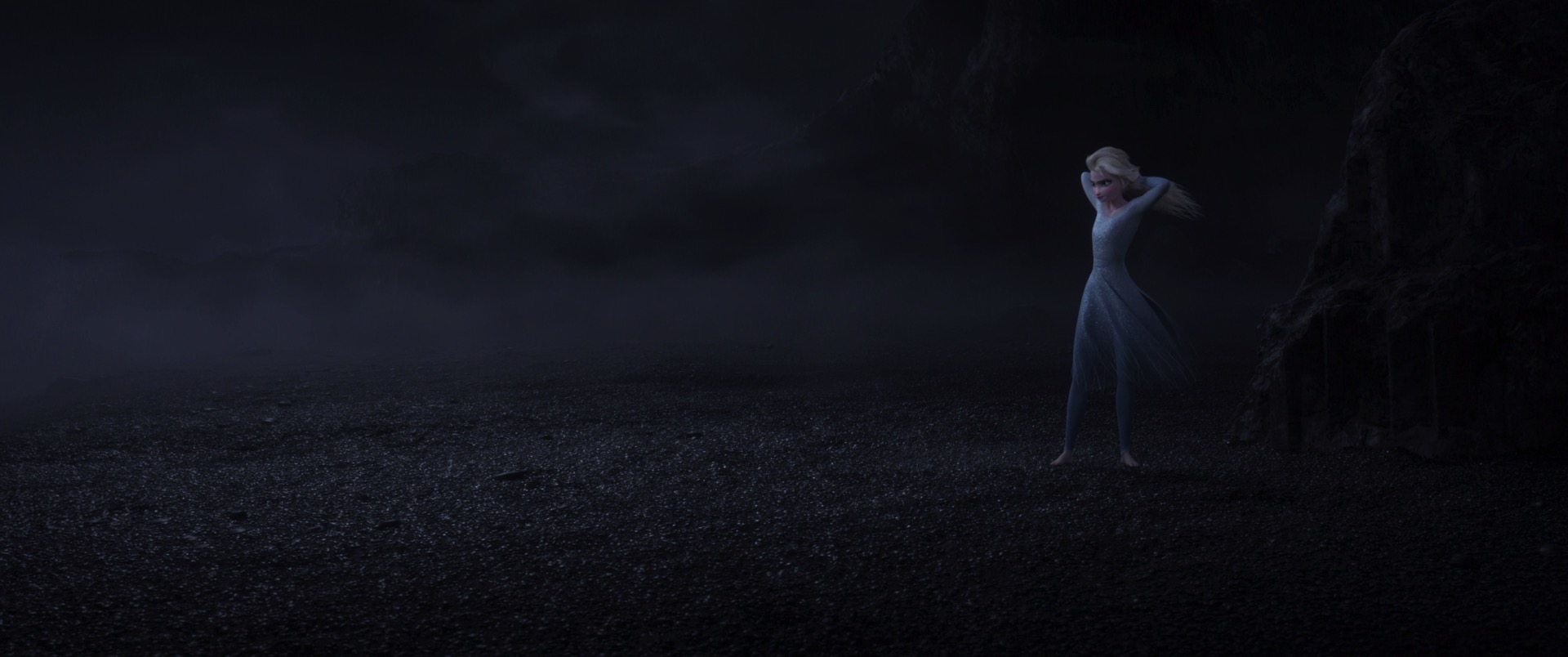
Of course, just because Encanto saw huge foundational changes to how we make movies doesn’t mean that there weren’t the usual fun and interesting show-specific challenges as well. Encanto presented many new, weird, fun problems for the rendering team to think about. Geometry fracturing was a major effect used extensively throughout Encanto, and in order to author and render fractured geometry as efficiently as possible, the rendering team had to devise some really clever new geometry-processing features in Hyperion [Burley and Rodriguez 2021]. Encanto’s cinematography direction called for a beautiful, really colorful look [Robinson 2022] that required pushing artistic controllability in our lighting capabilities even further, and to that end our team developed a bunch of cool new artistic control enhancements in Hyperion’s volume rendering and light shaping systems. One of my favorite show-specific challenges that I got to work on for Encanto was for the holographic effect in Bruno’s emerald crystal prophecies [Butler et al. 2021]. For a variety of reasons, the artists wanted this effect done completely in-render; coming up with an in-render solution required many iterations and prototypes and experiments carried out over several months through a close collaboration between a number of artists and TDs and the rendering team.

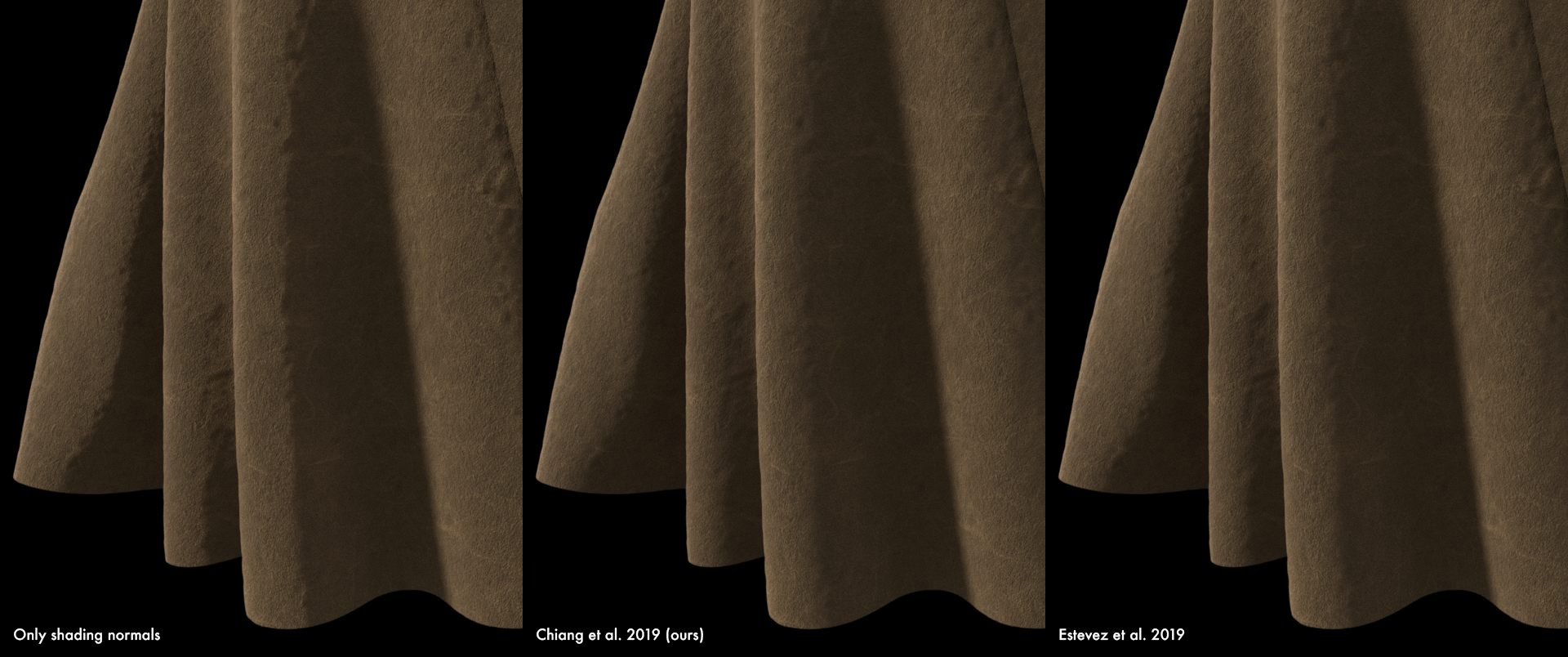
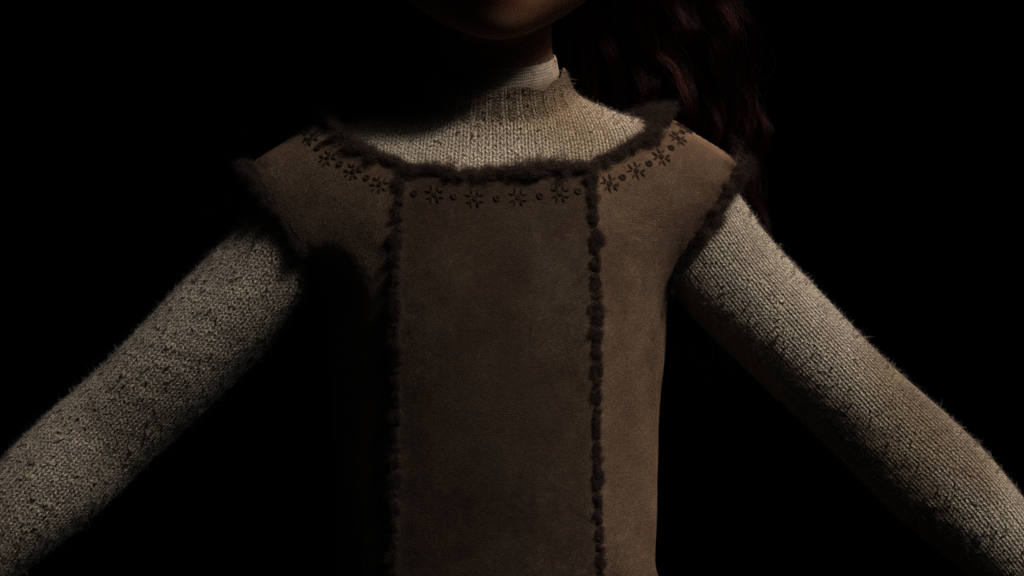
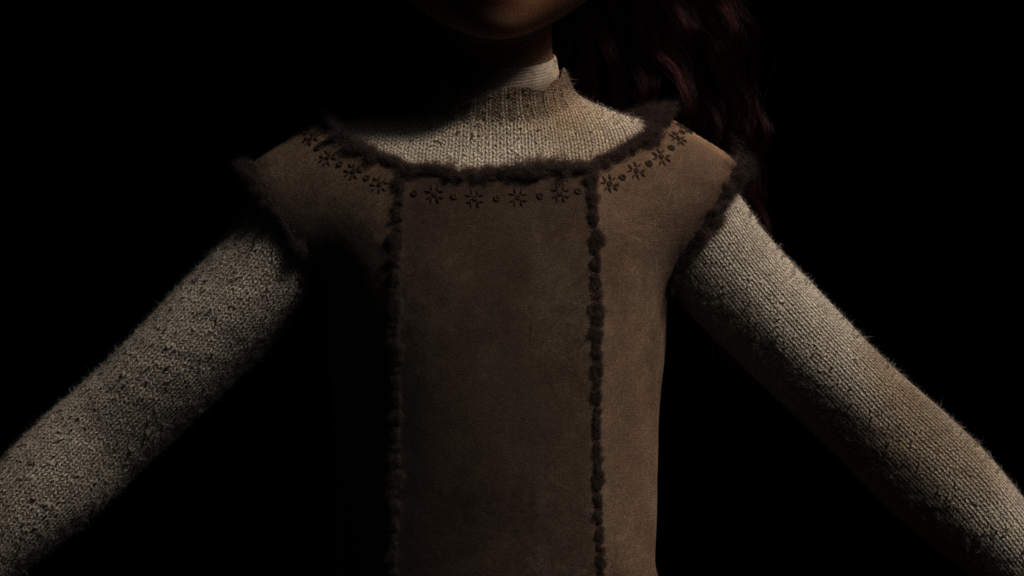
Encanto also saw continued advancements to Hyperion’s state-of-the-art deep-learning denoiser and stereo rendering solutions and saw continued advancements in Hyperion’s shading models and traversal system. A particularly notable advancement in our shading model is the addition of a new physically accurate practical multiple-scattering sheen lobe [Zeltner et al. 2022] to the Disney BSDF [Burley 2015]; I think this new sheen model is going to catch on widely in industry due to its combination of accuracy, ease of implementation, and performance, all of which improves greatly over previously existing sheen models [Conty and Kulla 2017]. These advancements helped us tackle many of the interesting complexity and scaling challenges that Encanto presented; effects like Isabella’s flowers and the glowing magical particles associated with the Madrigal family’s miracle pushed instancing counts to incredible new record levels [Finley et al. 2022], and for the first time ever on a Disney Animation film, we actually rendered some of the gorgeous costumes in the movie not as displaced triangle meshes with fuzz on top, but as actual woven curves at the thread-level [Velasquez et al. 2022]. The latter proved crucial to creating the chiffon and tulle in Isabella’s outfit and was a huge part in creating the look of Mirabel’s characteristic custom-embroidered skirt. My mind was thoroughly blown when I saw those renders for the first time; on every film, I’m constantly amazed and impressed by what our artists can do with the tools we provide them with.

Encanto also saw rendering features that we first developed for previous films pushed even further and used in interesting new ways. We first deployed a path guiding implementation [Müller et al. 2017] in Hyperion back on Frozen 2 [Müller 2019], but path guiding wound up not seeing too much use on Raya and the Last Dragon since Raya’s setting was mostly outdoors, and path guiding doesn’t help as much in direct-lighting dominant scenarios such as outdoor scenes. However, since a huge part of Encanto takes place inside of the magical Madrigal casita, indoor indirect illumination was a huge component of Encanto’s lighting. We found that path guiding provided enormous benefits to render times in many indoor scenes, and especially in settings like the Madrigal family’s kitchen at night, where lighting was almost entirely provided by outdoor light sources coming in through windows and from candles and stuff. I think this case was a great example of how we benefit from how closely our lighting artists and our rendering engineers work together on many shows over time; because we had all worked together on similar problems before, we all had shared experiences with past solutions that we were able to draw on together to quickly arrive at a common understanding of the new challenges on Encanto. Another good example of how this collaboration continues to pay dividends over time is in the choices of lens and bokeh effects that were used on Encanto. For Raya and the Last Dragon, we learned a lot about creating non-uniform bokeh and interesting lensing effects, and what we learned on Raya in turn helped further inform early cinematography and lensing experiments on Encanto. One more great example can be found in how eyes are shaded in Encanto- over our last few shows, we’ve been steadily moving our eye shading approach over to a next-generation shading model with advanced, physically accurate iris caustics [Chiang and Burley 2018] sampled using manifold next event estimation, and Encanto is the first show to use this new eye shading model on 100% of characters. The way we push technology further and further on each film isn’t limited to just rendering either; I mostly write about only lighting/shading/rendering topics here because that’s my home domain, but there are countless other examples in things like rigging, animation, simulation, procedural authoring, interactive visualization, and more about how we each film tech advances on top of the previous film. A great example published at SIGGRAPH 2022 is the new hair simulation technique that was developed for Mirabel’s bouncy curly hair [Liu 2022]; ever since Tangled, Disney Animation has been great at hair, but with each movie we still keep advancing what we can do!

In addition to all of the cool renderer development work that I usually do, I also got to take part in something a little bit different on Encanto. Every year, the lighting department brings on a handful of trainees, who are put through several months of in-studio “lighting school” to learn our tools and pipeline and approach to lighting before lighting real shots on the film itself. This year, I got to join in with the lighting trainees while they were going through lighting training; this experience wound up being one of my favorites from the past year. I think that having to sit down and actually learn and use software the same way that the users have to is an extraordinarily valuable experience for any software engineer that is building tools for users. Even though I’ve been working at Disney Animation for six years now, and even though I know the internals of how our renderer works extensively, I still learned a ton from having to actually use Hyperion to light shots and address notes from lighting supervisors and stuff! Encanto’s lighting style required really leaning on the tools that we have for art-directing and pushing and modifying fully physical lighting, which really changed my perspective on some of these tools. For most rendering engineers and researchers, features that allow for breaking purely physical light transport are often seen as annoying and difficult to implement but necessary concessions to the artists. Having now used these features in order to hit artistic notes on short time frames though, I now have a better understanding of just how critical a component these features can be in an artist’s toolbox. I owe a huge amount of thanks to Disney Animation’s technology department leadership and to the lighting department for having made this experience possible and for having strongly supported this entire “exchange program”; I’d strongly recommend that every rendering engineer should go try lighting some shots sometime!

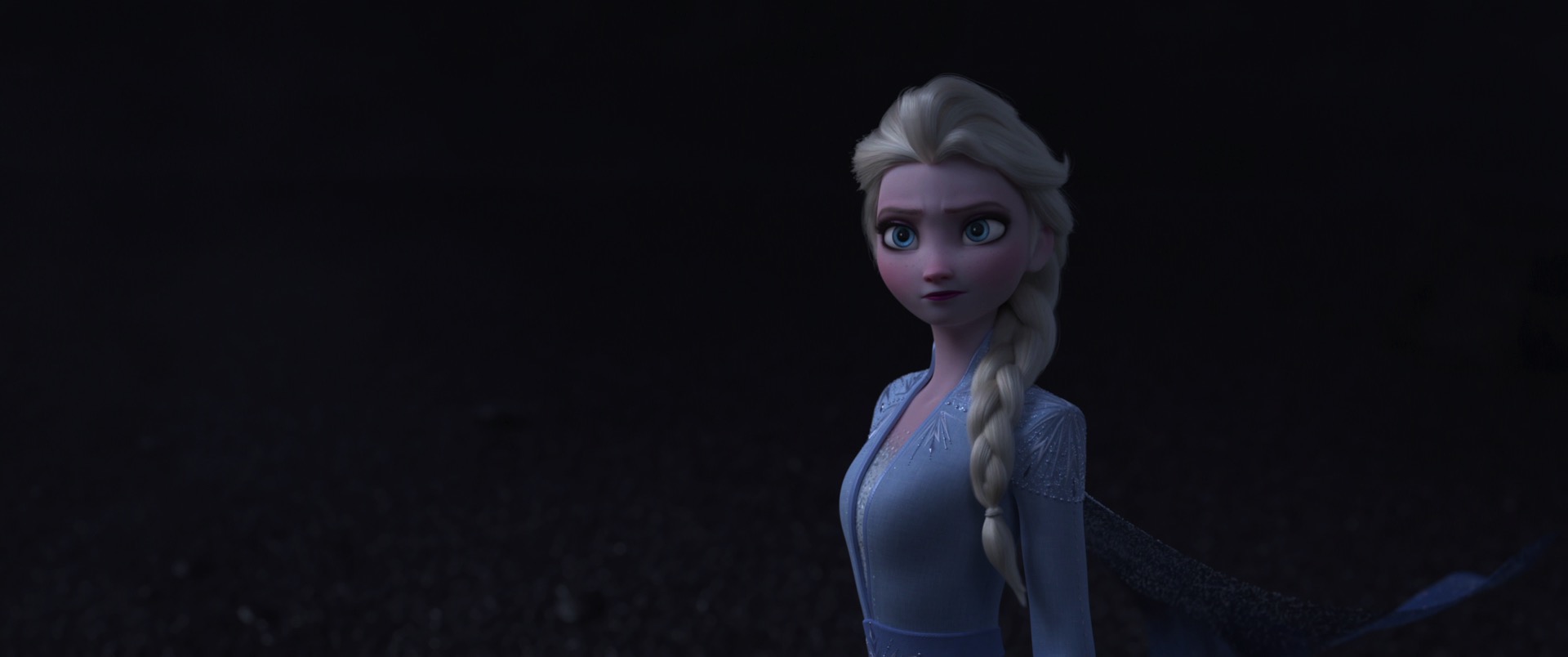
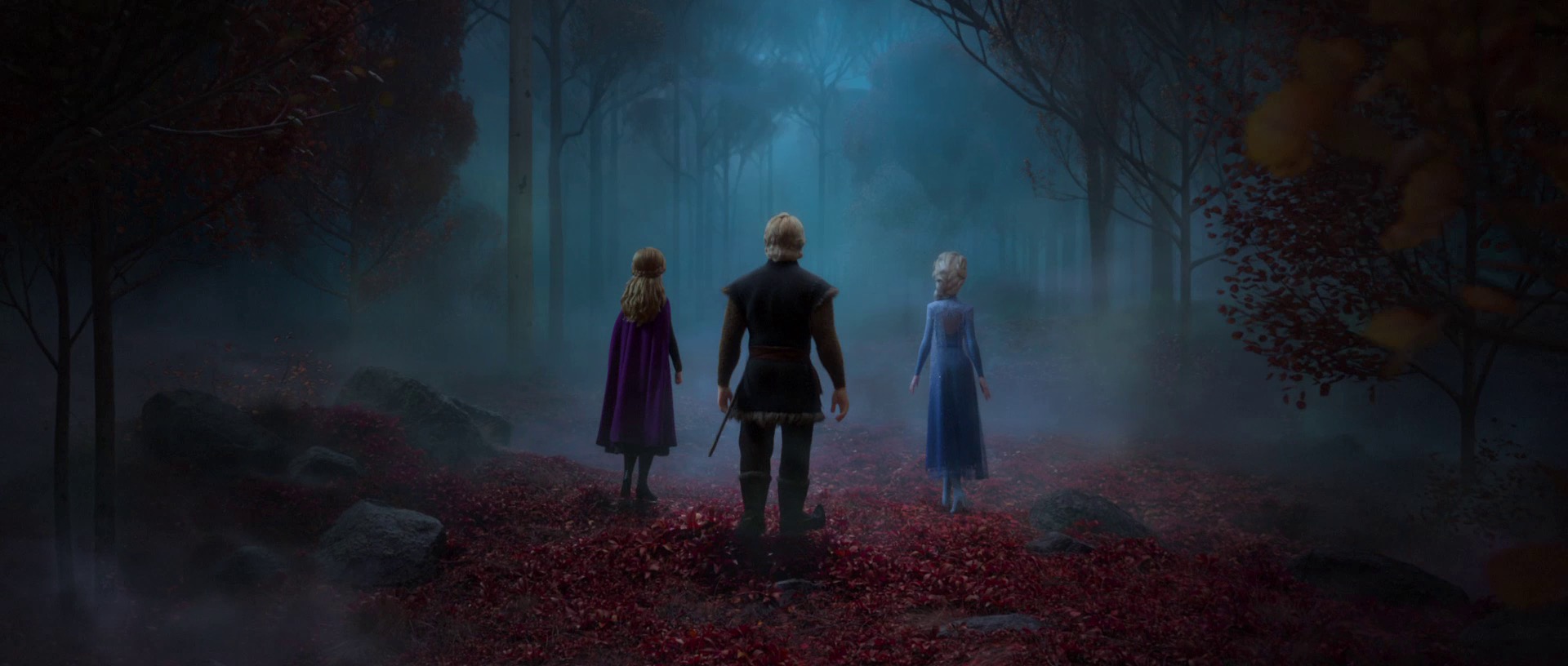
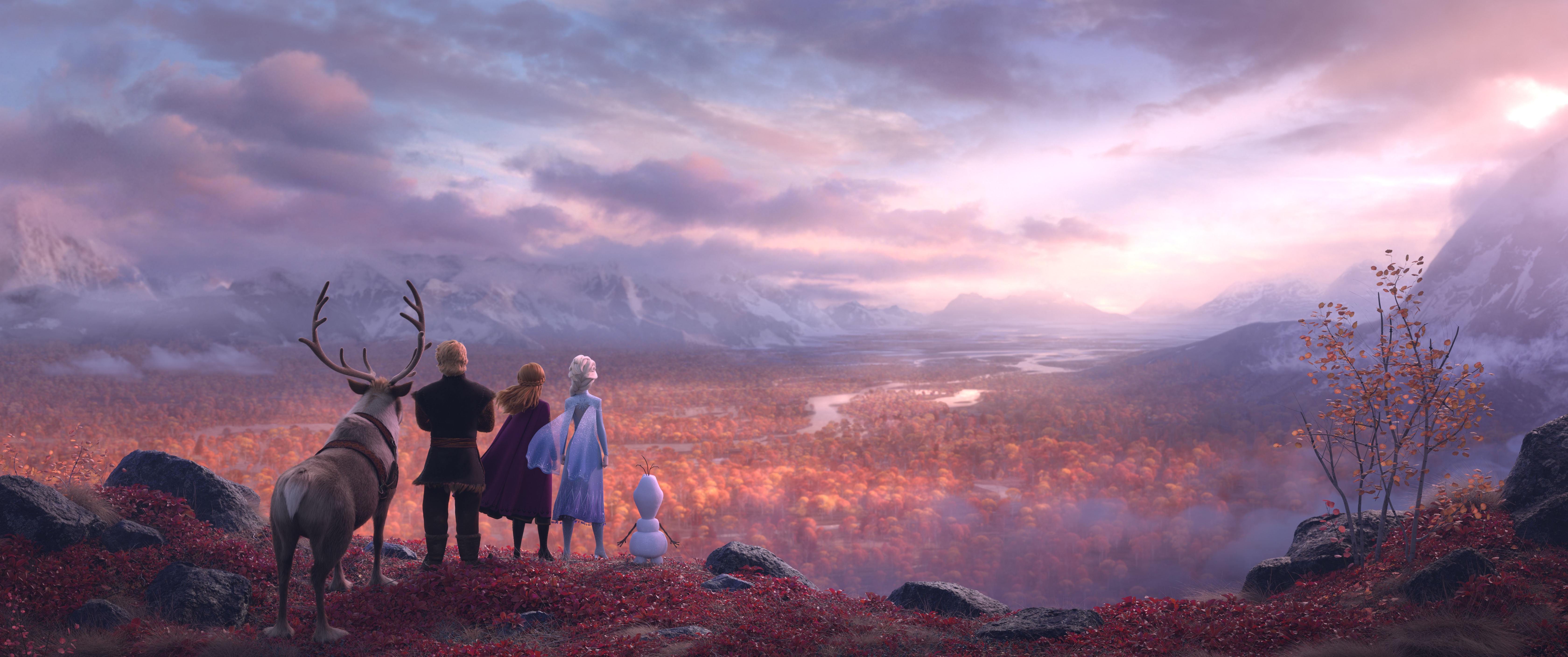
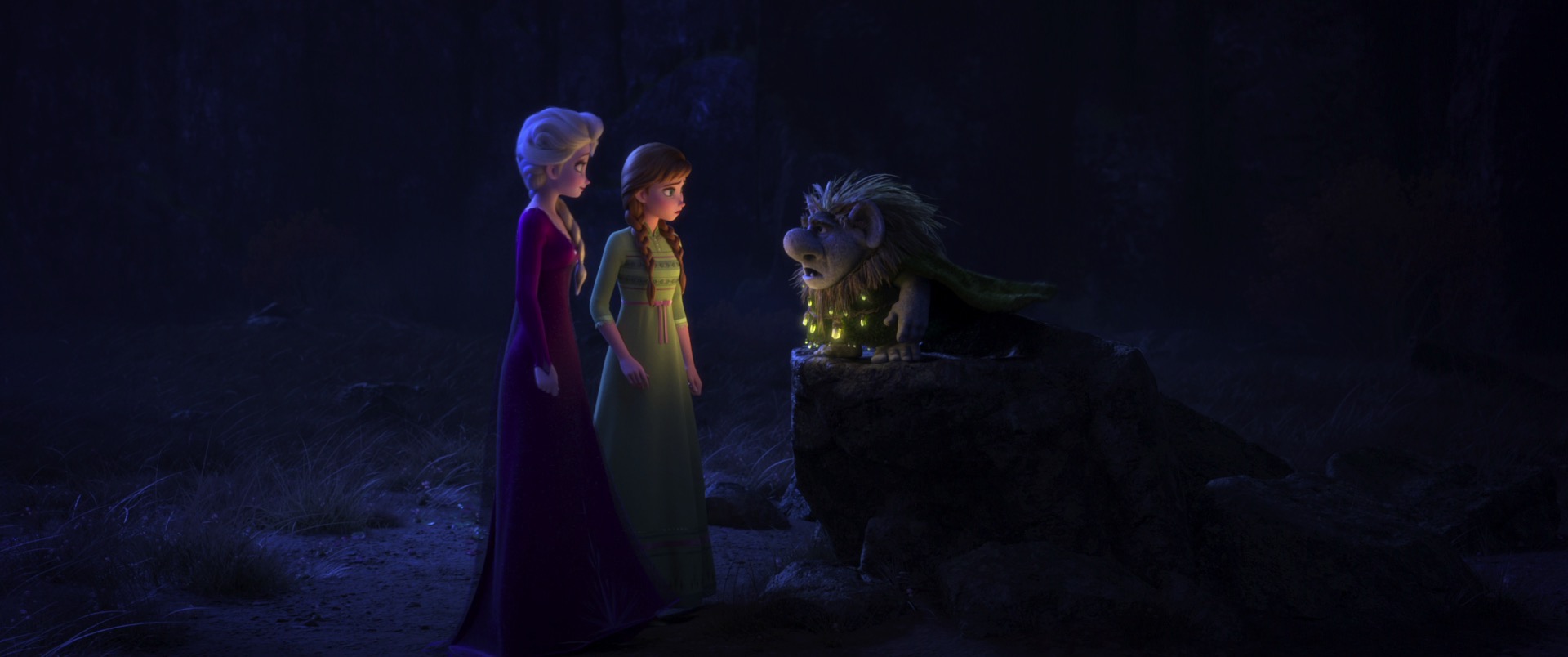
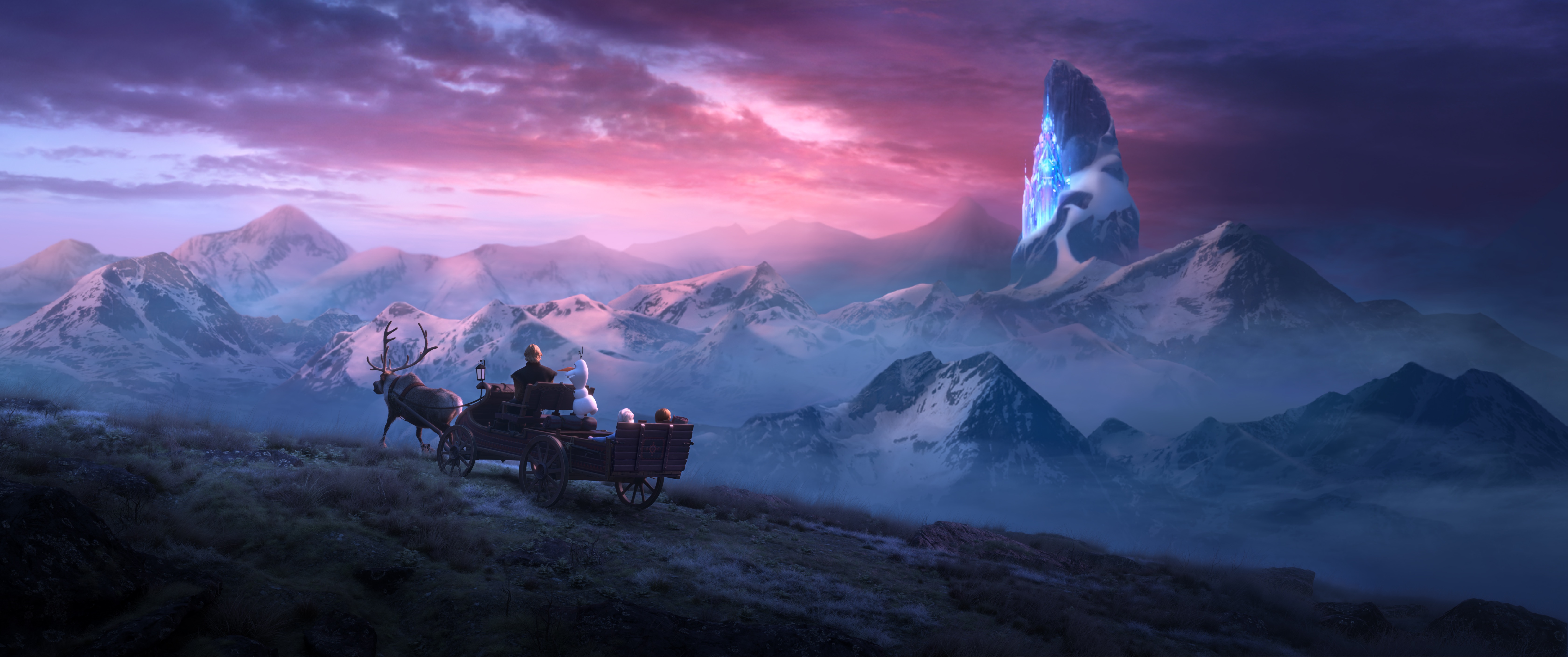
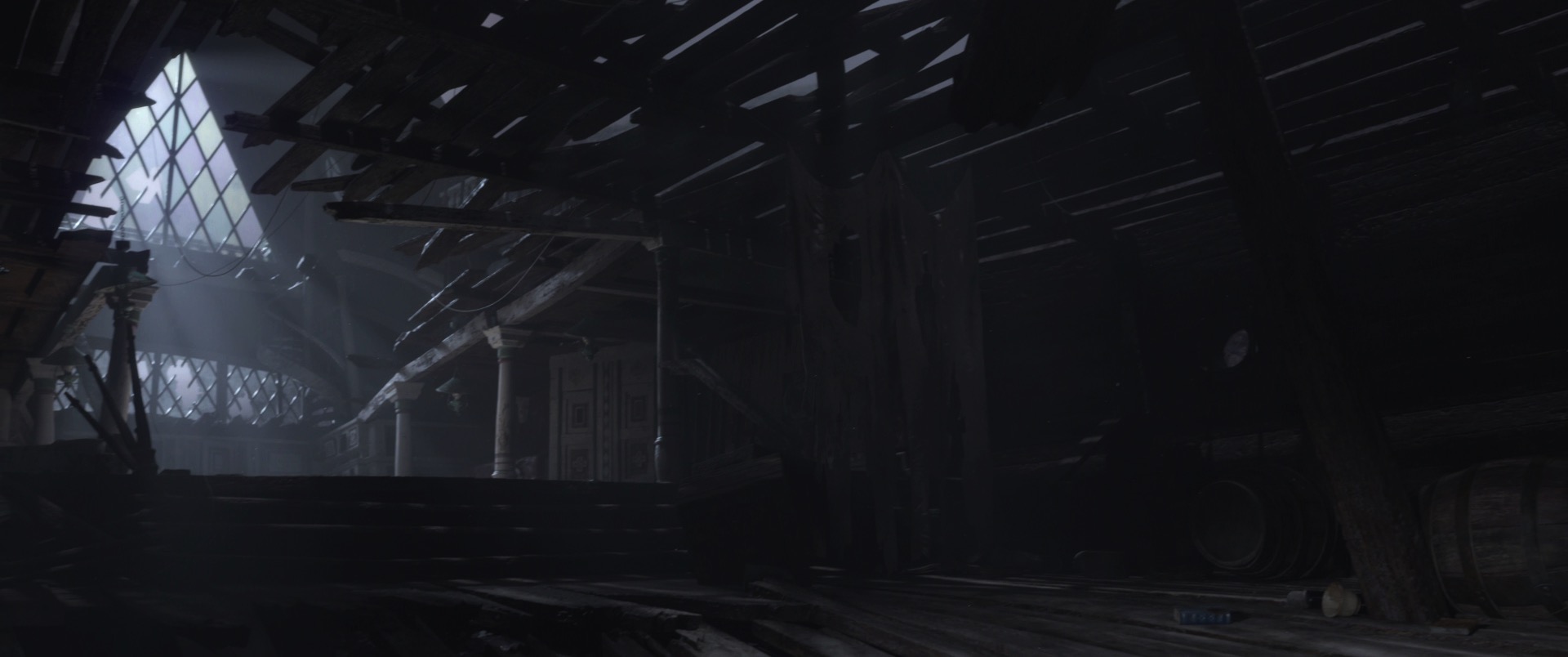
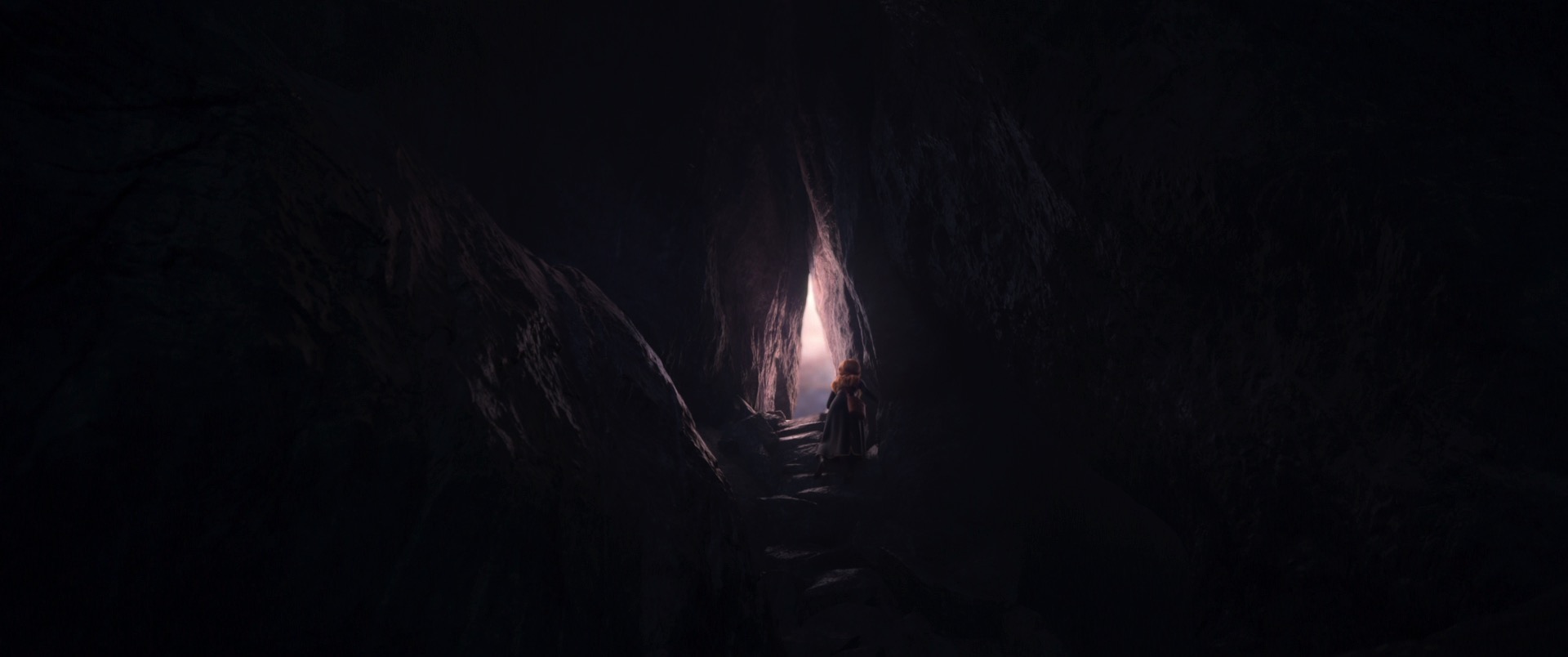
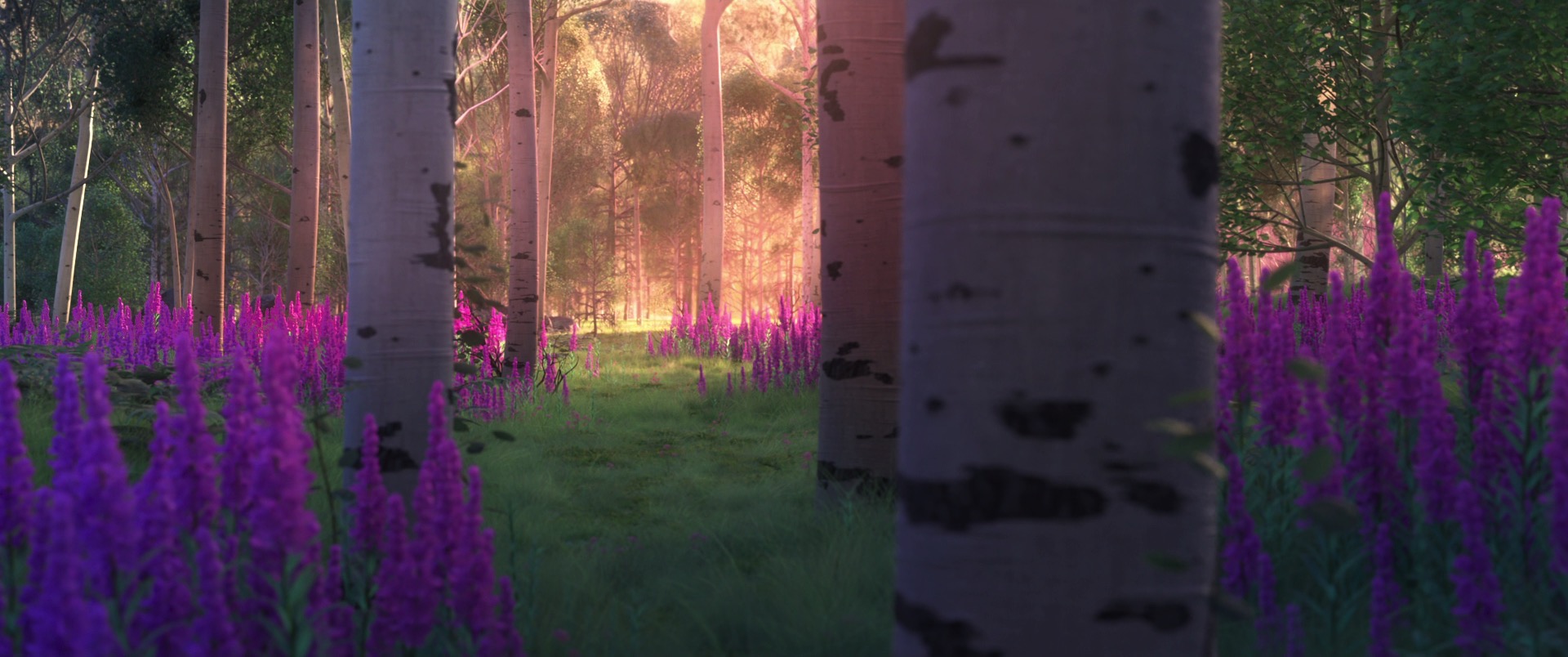
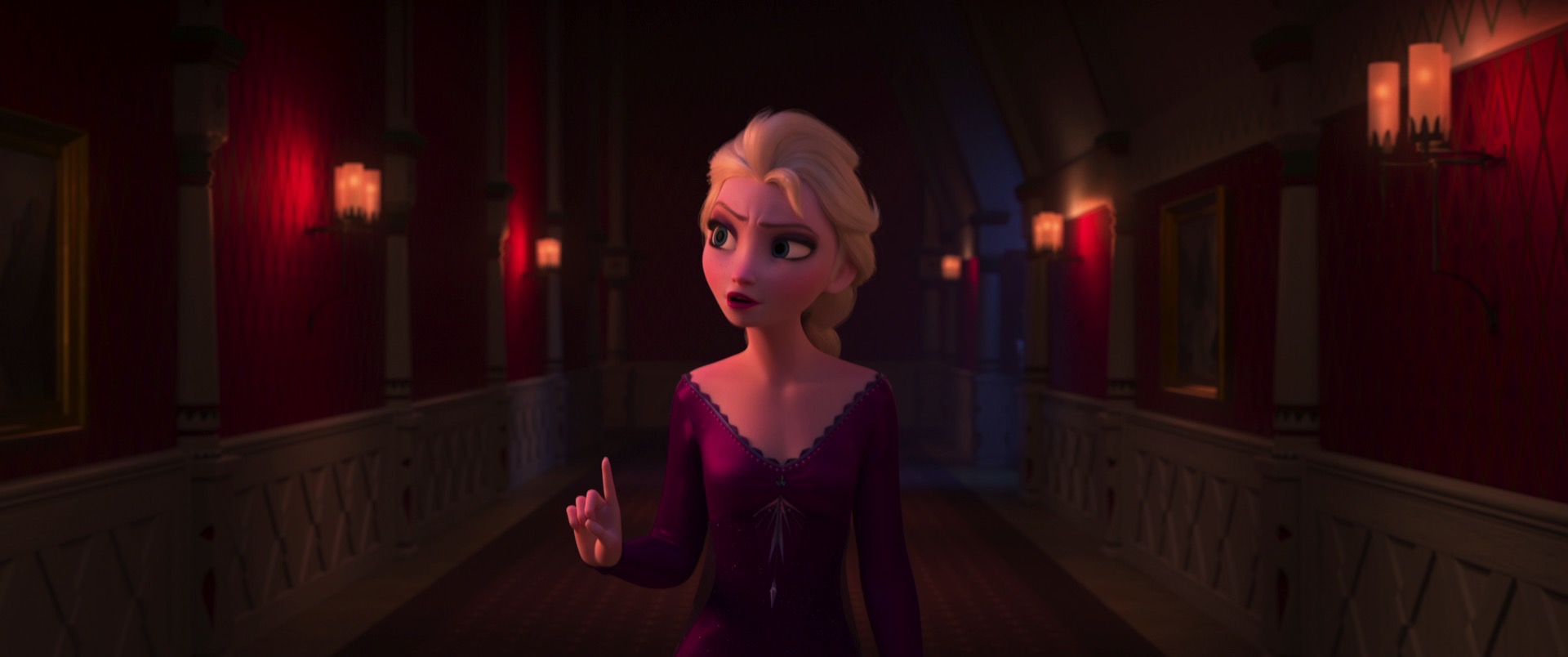
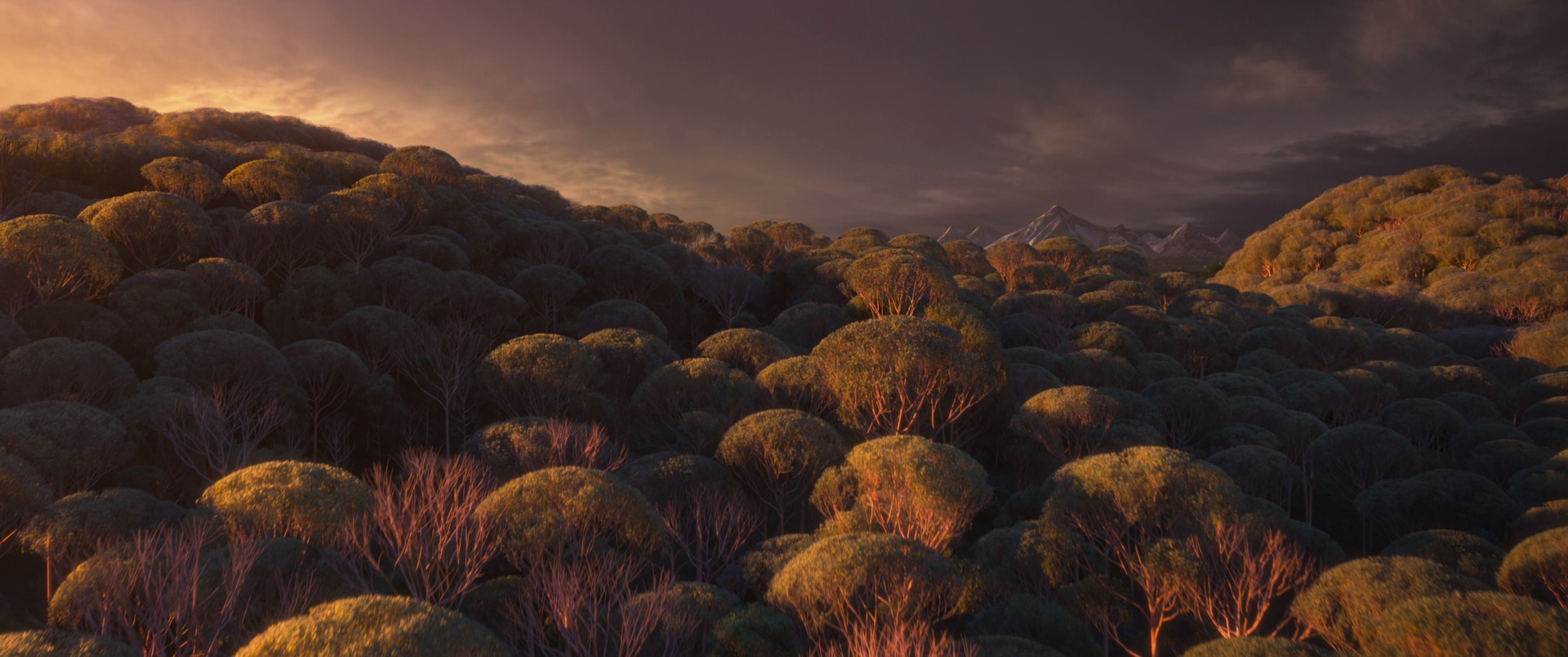
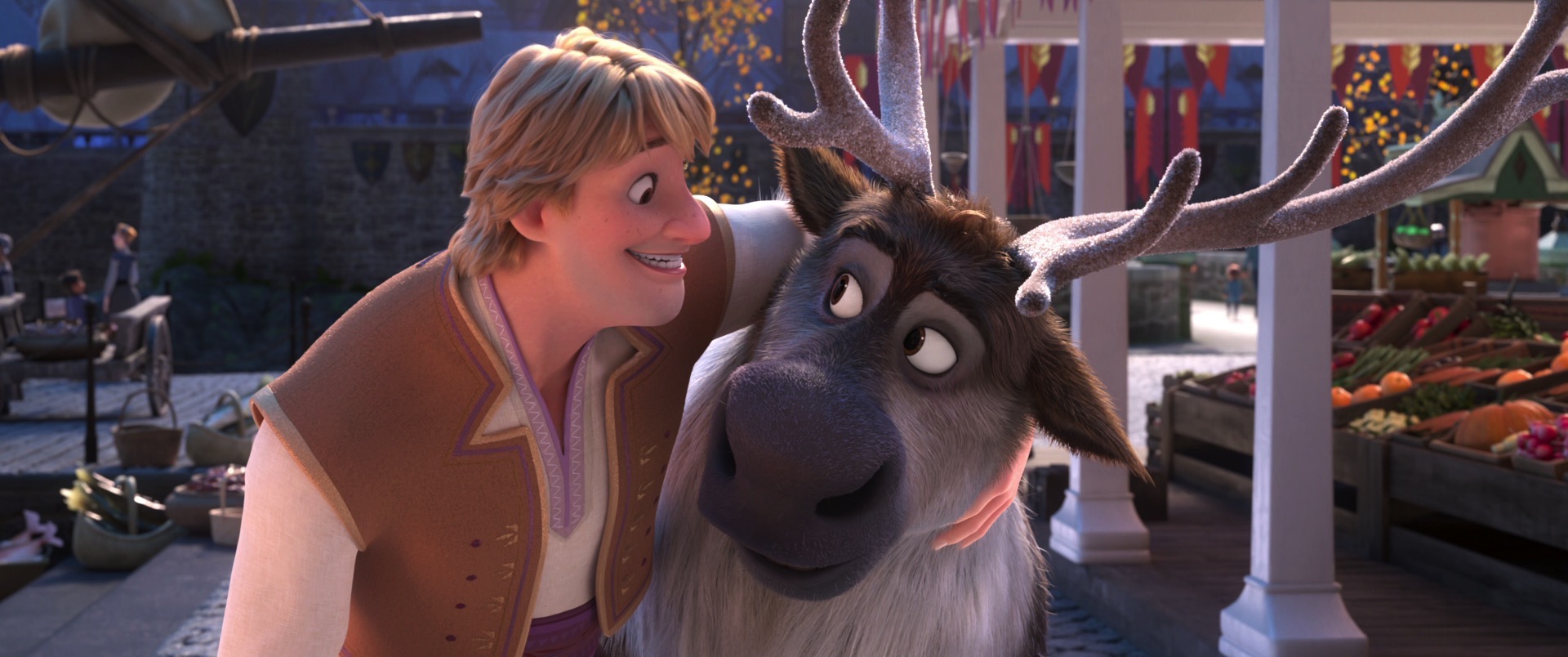
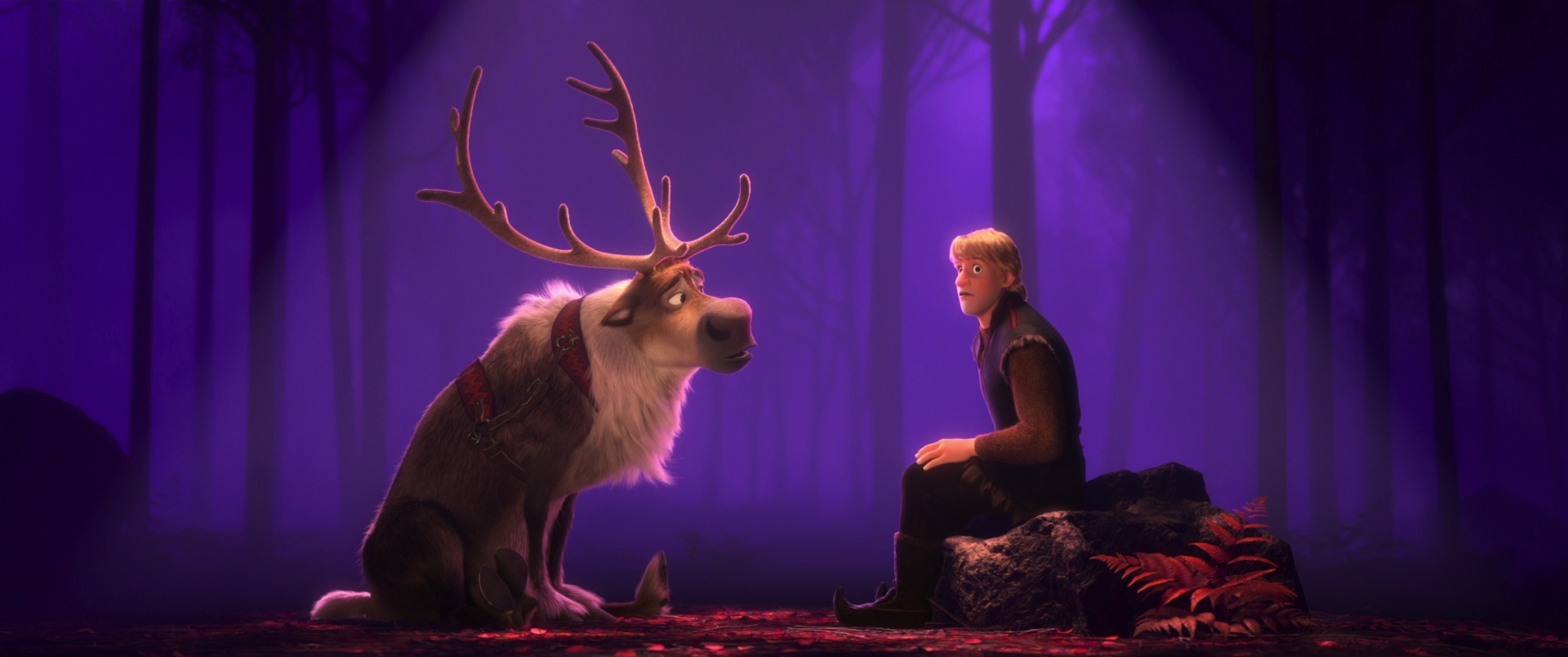
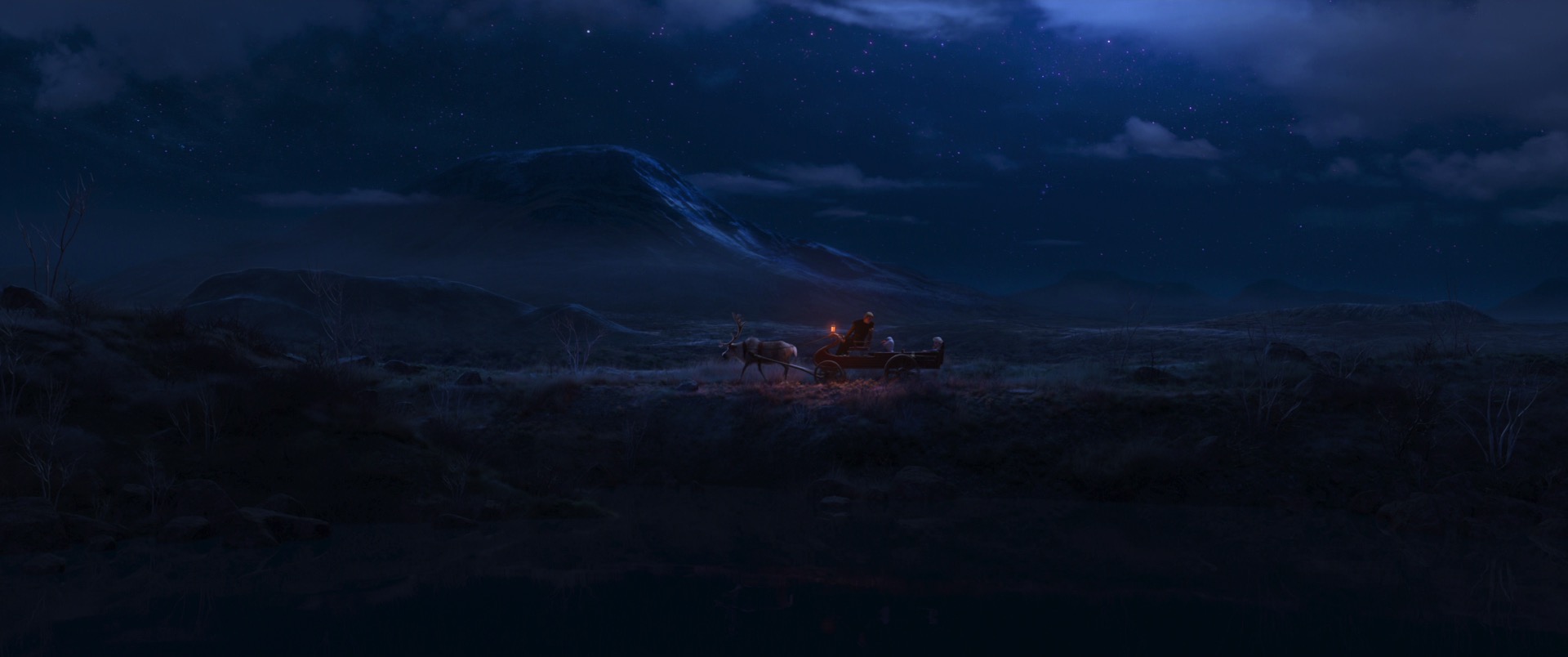
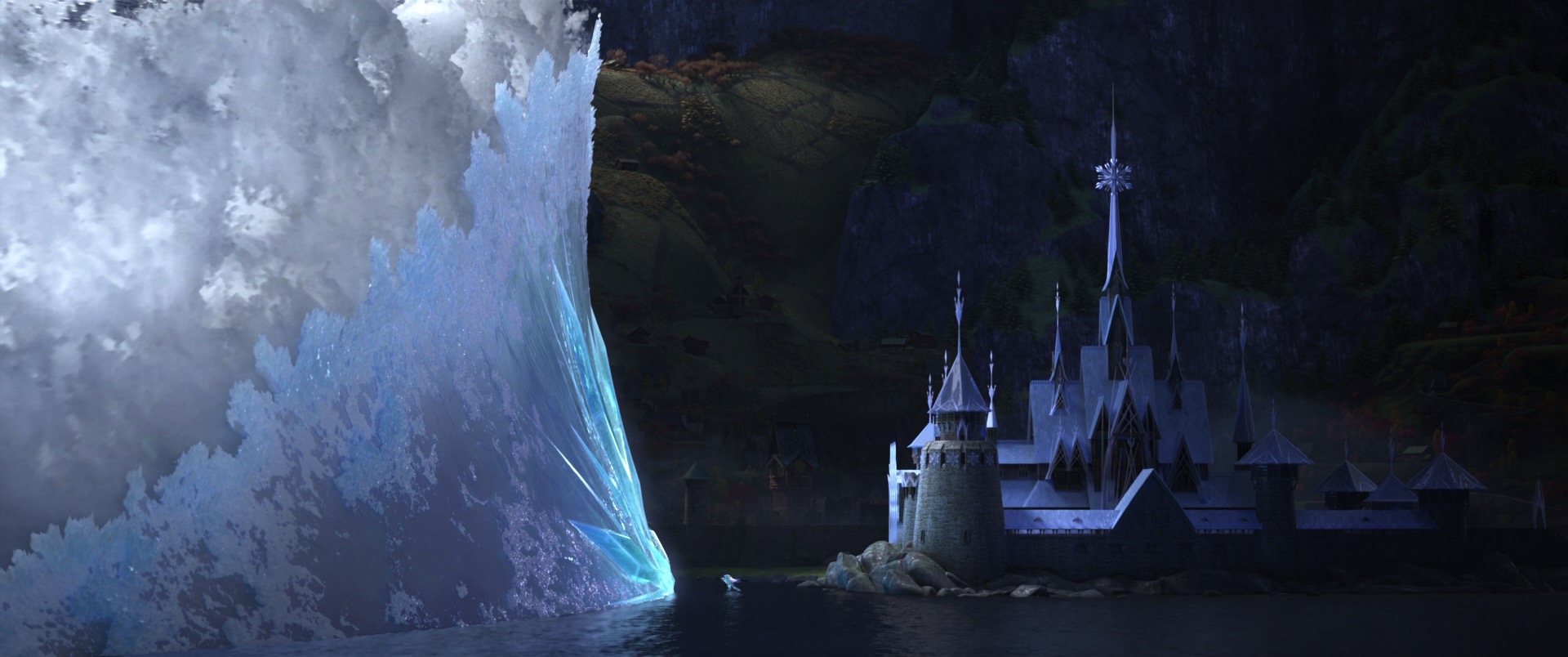
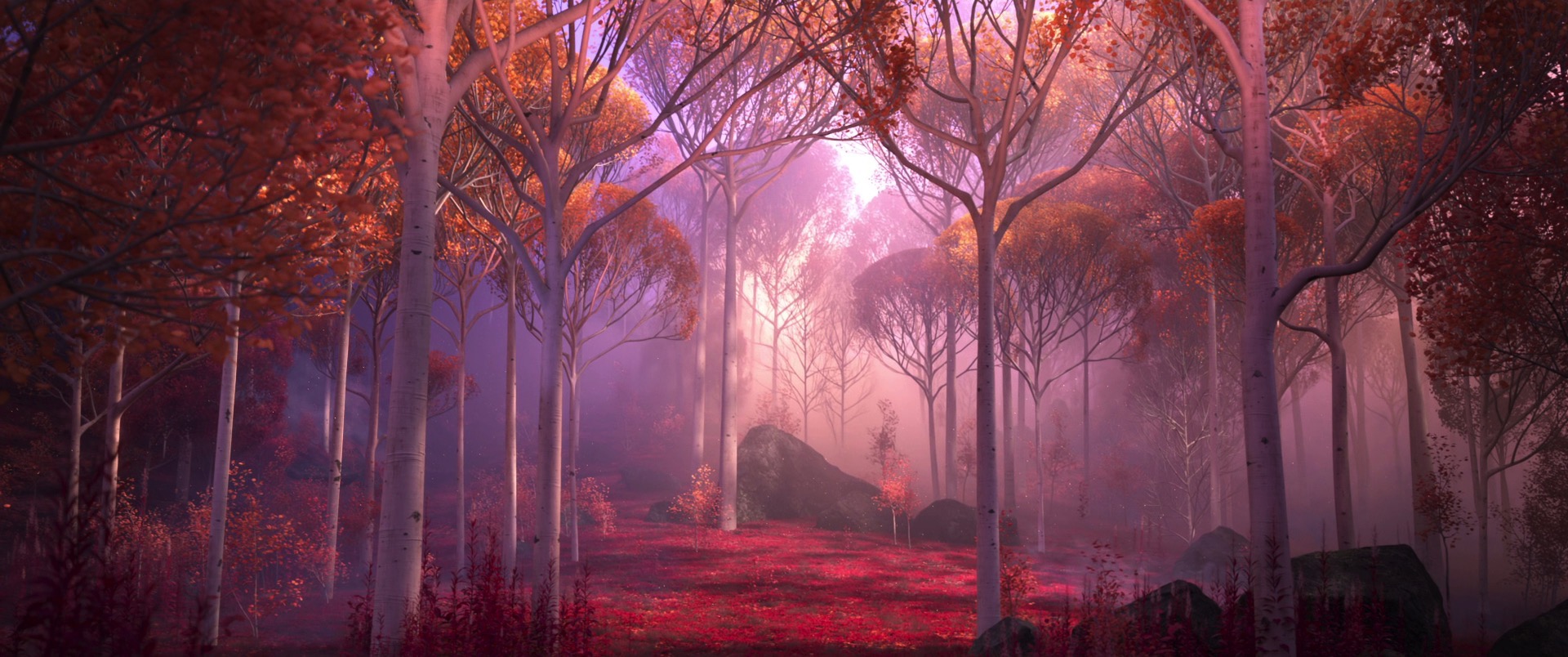
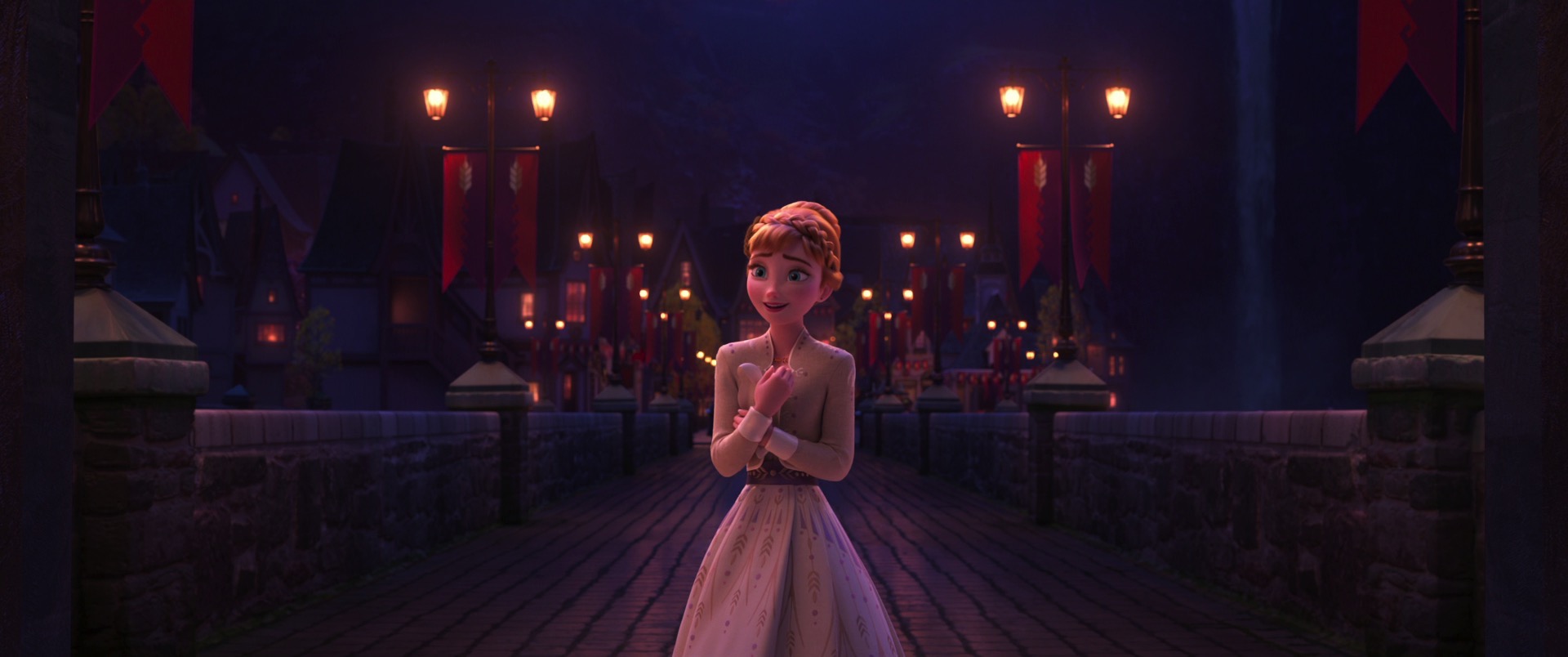
Finally, here are some stills from the movie pulled from the Blu-ray, 100% created using Disney’s Hyperion Renderer by our amazing artists. I’ve ordered the frames randomly, to try to prevent spoiling anything important. These frames showcase just how gorgeous Encanto looks, but they only represent a small fraction of how breathtakingly beautiful and colorful the total film is. I highly recommend seeing Encanto on the biggest screen you can; if you are a computer graphics enthusiast, go see it twice: the first time for the wonderful, magical story and the second time for the incredible artistry that went into every single shot and every single frame! I love working on Disney Animation films because Disney Animation is a place where some of the most amazing artists and engineers in the world work together to simultaneously advance animation as a storytelling medium, as a visual medium, and as a technology goal. Art being inspired by technology and technology being challenged by art is a legacy that is deeply baked into the very DNA of Disney Animation, and that approach is exemplified by every single frame in Encanto:

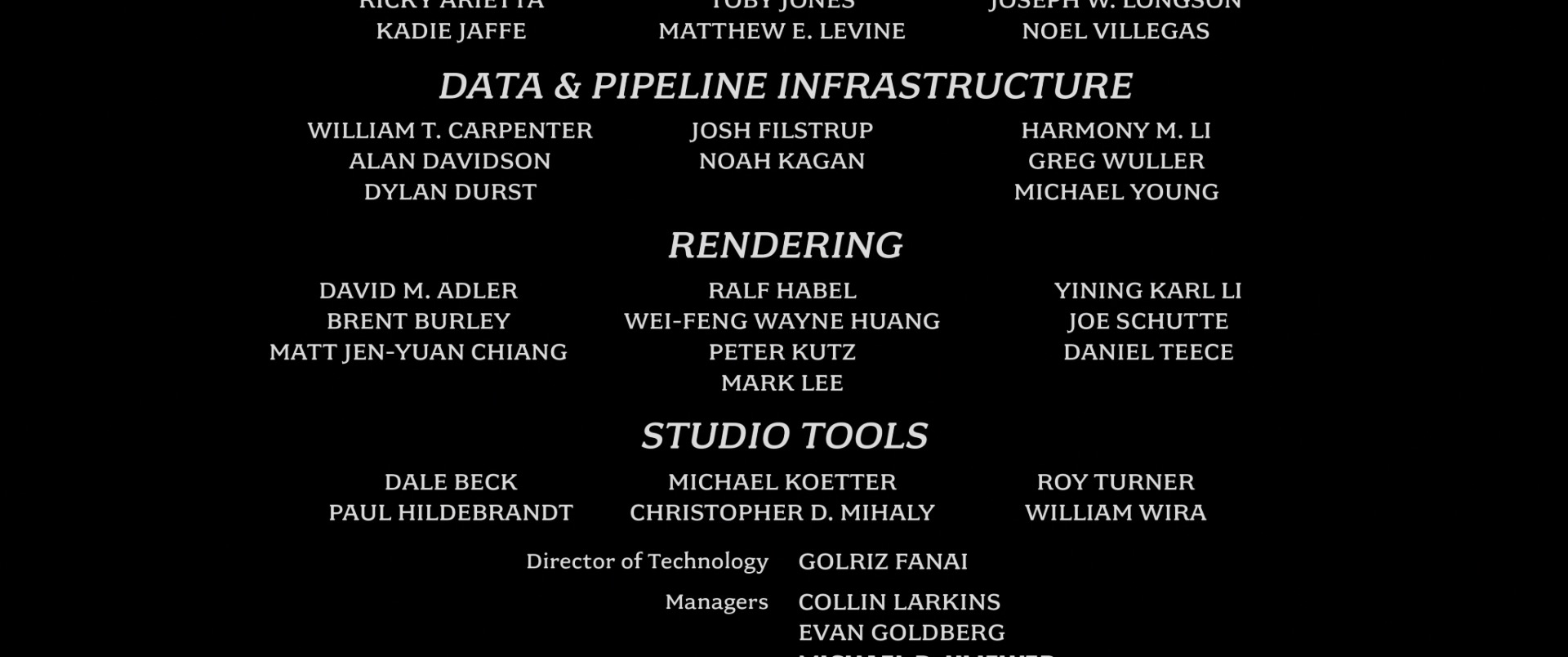
Here is the credits frame for Disney Animation’s rendering and visualization teams! These two teams collectively are responsible for generating all of the pixels at Disney Animation, be it final frames from Hyperion, or interactive viewports using our internal realtime rasterizer:

All images in this post are courtesy of and the property of Walt Disney Animation Studios.

Also, be sure to catch our new short, Far From the Tree, which is accompanying Encanto in theaters. Far From the Tree deserves its own discussion later; all I’ll write here is that I’m sure it’s going to be fascinating for rendering and computer graphics enthusiasts to see! Far From the Tree tells the story of a parent and child raccoon as they explore a beach; the short has a beautiful hand-drawn watercolor look that is actually CG rendered out of Disney’s Hyperion Renderer and extensively augmented with hand-crafted elements. Be sure to see Far From the Tree in theaters with Encanto!

References

Brent Burley. 2015. Extending the Disney BRDF to a BSDF with Integrated Subsurface Scattering. In ACM SIGGRAPH 2015 Course Notes: Physically Based Shading in Theory and Practice.

Brent Burley and Francisco Rodriguez. 2022. Fracture-Aware Tessellation of Subdivision Surfaces. In ACM SIGGRAPH 2022 Talks. Article 10.

Corey Butler, Brent Burley, Wei-Feng Wayne Huang, Yining Karl Li, and Benjamin Huang. 2022. “Encanto” - Let’s Talk About Bruno’s Visions. In ACM SIGGRAPH 2022 Talks. Article 8.

Matt Jen-Yuan Chiang and Brent Burley. 2018. Plausible Iris Caustics and Limbal Arc Rendering. In ACM SIGGRAPH 2018 Talks. Article 15.

Alejandro Conty and Christopher Kulla. 2017. Production Friendly Microfacet Sheen BRDF. In ACM SIGGRAPH 2017 Course Notes: Physically Based Shading in Theory and Practice.

Henrik Dahlberg, David Adler, and Jeremy Newlin. 2019. Machine-Learning Denoising in Feature Film Production. In ACM SIGGRAPH 2019 Talks. Article 21.

Andrew Finley, Jesse Erickson, Peter De Mund, and Ying Liu. 2022. Modeling Animated Jumbo Floral Display on Disney’s “Encanto”. In ACM SIGGRAPH 2022 Talks. Article 43.

Haixiang Liu. 2022. Gravity Preloading for Maintaining Hair Shape Using the Simulator as a Closed-box Function. In ACM SIGGRAPH 2022 Talks. Article 40.

Tad Miller, Harmony M. Li, Neelima Karanam, Nadim Sinno, and Todd Scopio. 2022. Making Encanto with USD: Rebuilding a Production Pipeline Working from Home. In ACM SIGGRAPH 2022 Talks. Article 12.

Thomas Müller. 2019. Practical Path Guiding in Production. In ACM SIGGRAPH 2019 Course Notes: Path Guiding in Production. 37-50.

Thomas Müller, Markus Gross, and Jan Novák. 2017. Practical Path Guiding for Efficient Light-Transport Simulation. Computer Graphics Forum (Proc. of Eurographics Symposium on Rendering) 36, 4 (Jun. 2017), 91-100.

Michelle Robinson, Michael Woodside, Daniel Rice, Tad Miller, Scott Kersavage, and Tyler Kupferer. 2022. We Don’t Talk About Bruno - An Encanto Musical Sequence Unveiled. In ACM SIGGRAPH 2022 Production Sessions. Article 2.

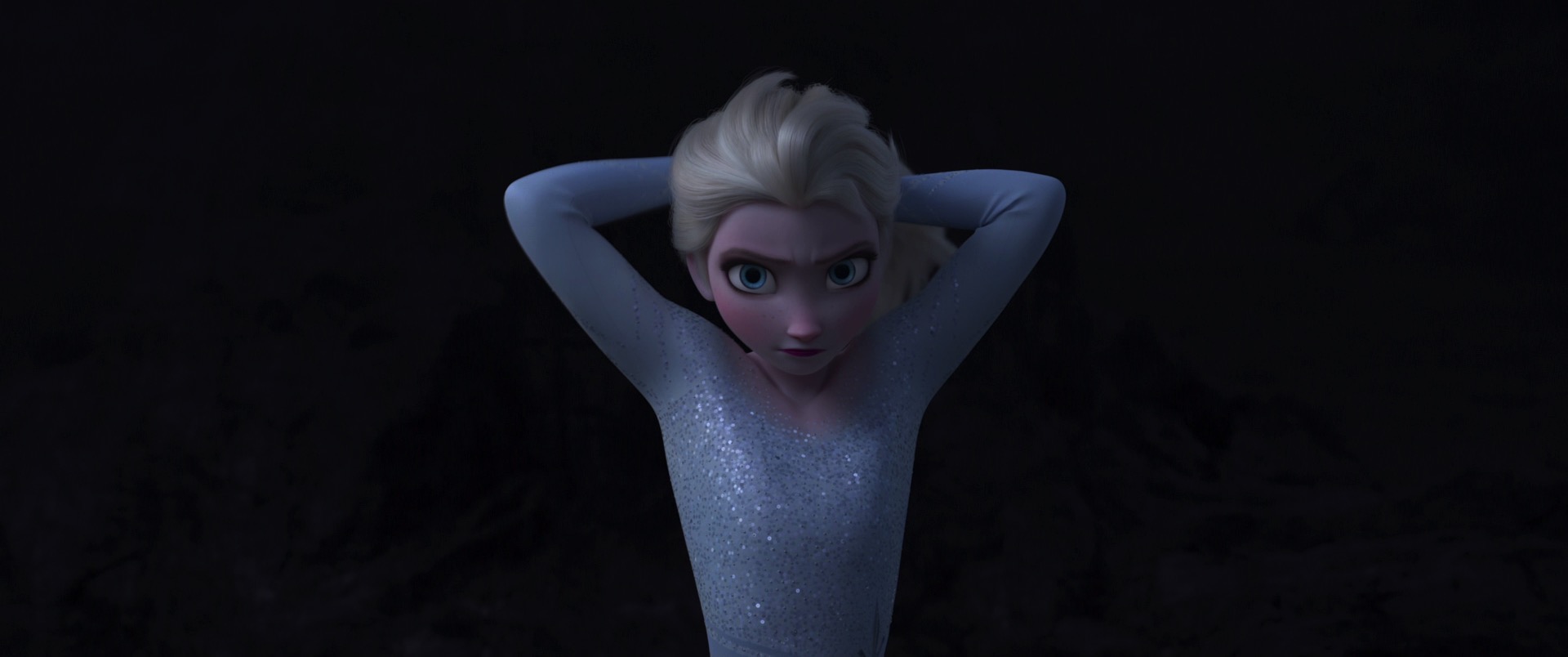
Justin Tennant, Mitch Counsell, Far Jangtrakool, Salina Ortega, Rajesh Sharma, Tad Miller, and Scott Kersavage. 2022. Visualizing the Production Process of “Encanto” with the Command Center. In ACM SIGGRAPH 2022 Talks. Article 11.

Jose Velasquez, Alexander Alvarado, Ying Liu, and Maryann Simmons. 2022. Embroidery and Cloth Fiber Workflows on Disney’s “Encanto”. In ACM SIGGRAPH 2022 Talks. Article 22.

Tizian Zeltner, Brent Burley, and Matt Jen-Yuan Chiang. 2022. Practical Multiple-Scattering Sheen Using Linearly Transformed Cosines. In ACM SIGGRAPH 2022 Talks. Article 7.

Rendering on the Apple M1 Max Chip

Table of Contents

Introduction

Over the past year, I ported my hobby renderer, Takua Renderer, to 64-bit ARM. I wrote up the entire process and everything I learned as a three-part blog post series covering topics ranging from assembly-level comparison between x86-64 and arm64, to deep dives into various aspects of Apple Silicon, to a comparison of x86-64’s SSE and arm64’s Neon vector instructions. In the intro to part 1 of my arm64 series, I wrote about my motivation for exploring arm64, and in the conclusion to part 2 of my arm64 series, I wrote the following about the Apple M1 chip:

There’s really no way to understate what a colossal achievement Apple’s M1 processor is; compared with almost every modern x86-64 processor in its class, it achieves significantly more performance for much less cost and much less energy. The even more amazing thing to think about is that the M1 is Apple’s low end Mac processor and likely will be the slowest arm64 chip to ever power a shipping Mac; future Apple Silicon chips will only be even faster.

Well, those future Apple Silicon chips are now here! Last week (relative to the time of posting), Apple announced new 14 and 16-inch MacBook Pro models, powered by the new Apple M1 Pro and Apple M1 Max chips. Apple reached out to me last week immediately after the announcement of the new MacBook Pros, and as a result, for the past week I’ve had the opportunity to use a prerelease M1 Max-equipped 2021 14-inch MacBook Pro as my daily computer. So, to my extraordinary surprise, this post is the unexpected Part 4 to what was originally supposed to be a two-part series about Takua Renderer on arm64. This post will serve as something of a coda to my Takua Renderer on arm64 series, but will also be fairly different in structure and content to the previous three parts. While the previous three parts dove deep into extremely technical details about arm64 assembly and Apple Silicon and such, this post will focus on a single question: now that professional-grade Apple Silicon chips exist in the wild, how well do high-end rendering workloads run on workstation-class arm64?

Figure 1: The new 2021 14-inch MacBook Pro with an Apple M1 Max chip, running Takua Renderer.

Disclaimers

Before we dive in, I want to get a few important details out of the way. First, this post is not really a product review or anything like that, and I will not be making any sort of endorsement or recommendation on what you should or should not buy; I’ll just be writing about my experiences so far. Many amazing tech reviewers exist out there, and if what you are looking for is a general overview and review of the new M1 Pro and M1 Max based MacBook Pros, I would suggest you go check out reviews by The Verge, Anandtech, MKBHD, Dave2D, LinusTechTips, and so on. Second, as with everything in this blog, the contents of this post represent only my personal opinion and do not in any way represent any kind of official or unofficial position, endorsement, or opinion on any matter from my employer, Walt Disney Animation Studios. When Apple reached out to me, I received permission from Disney Animation to go ahead on a purely personal basis, and beyond that nothing with this entire process involves Disney Animation. Finally, Apple is not paying me or giving me anything for this post; the 14-inch MacBook Pro I’ve been using for the past week is strictly a loaner unit that has to be returned to Apple at a later point. Similarly, Apple has no say over the contents of this post; Apple has not even seen any version of this post before publishing. What is here is only what I think!

The M1 Max Chip

Now that a year has passed since the first Apple Silicon arm64 Macs were released, I do have my hobby renderer up and running on arm64 with everything working, but I’ve only rendered relatively small scenes so far on arm64 processors. The reason I’ve stuck to smaller scenes is because high-end workstation-class arm64 processors so far just have not existed; while large server-class arm64 processors with large core counts and tons of memory do exist, these server-class processors are mostly found in huge server farms and supercomputers and are not readily available for general use. For general use, the only arm64 options so far have been low-power single-board computers like the Raspberry Pi 4 that are nowhere near capable of running large rendering workloads, or phones and tablets that don’t have software or operating systems or interfaces suitable for professional 3D applications, or M1-based Macs. I have been using an M1 Mac Mini for the past year, but while the M1 performance-wise punches way above what a 15 watt TDP typically would suggest, the M1 only supports up to 16 GB of RAM and only represents Apple’s entry into Apple Silicon based Macs. The M1 Pro and M1 Max, however, are are Apple’s first high powered arm64-based chips targeted at professional workloads, meant for things like high-end rendering and many other creative workloads; by extension, the M1 Pro and M1 Max are also the first arm64 chips of their class in the world with wide general availability. So, in this post, answering the question “how well do high-end rendering workloads run on workstation-class arm64” really means examining how well the M1 Pro and M1 Max can do rendering.

Spoiler: the answer is extremely well; all of the renders in the post were rendered on the 14-inch MacBook Pro with an M1 Max chip. Here is a screenshot of Takua Renderer running on the 14-inch MacBook Pro with an M1 Max chip:

Figure 2: Takua Renderer running on arm64 macOS 12 Monterey, on a 14-inch MacBook Pro with an M1 Max chip.

The 14-inch MacBook Pro I’ve been using for the past week is equipped with the maximum configuration in every category: a full M1 Max chip with a 10-core CPU, 32-core GPU, 64 GB of unified memory, and 8 TB of SSD storage. However, for this post, I’ll only focus on the 10-core CPU and 64 GB of RAM, since Takua Renderer is currently CPU-only (more on that later); for a deep dive into the M1 Pro and M1 Max’s entire system-on-a-chip, I’d suggest taking a look at Anandtech’s great initial impressions and later in-depth review.

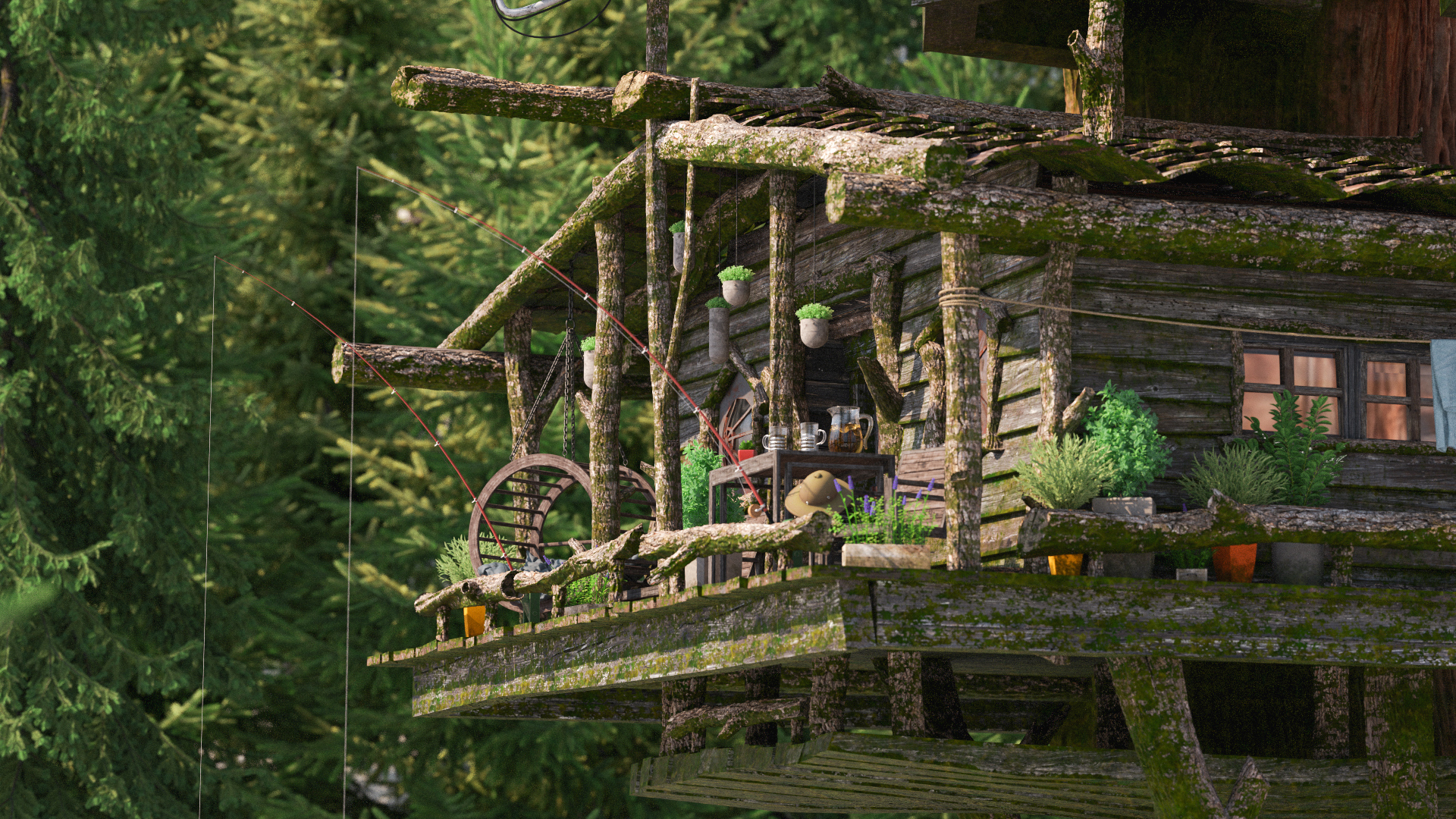
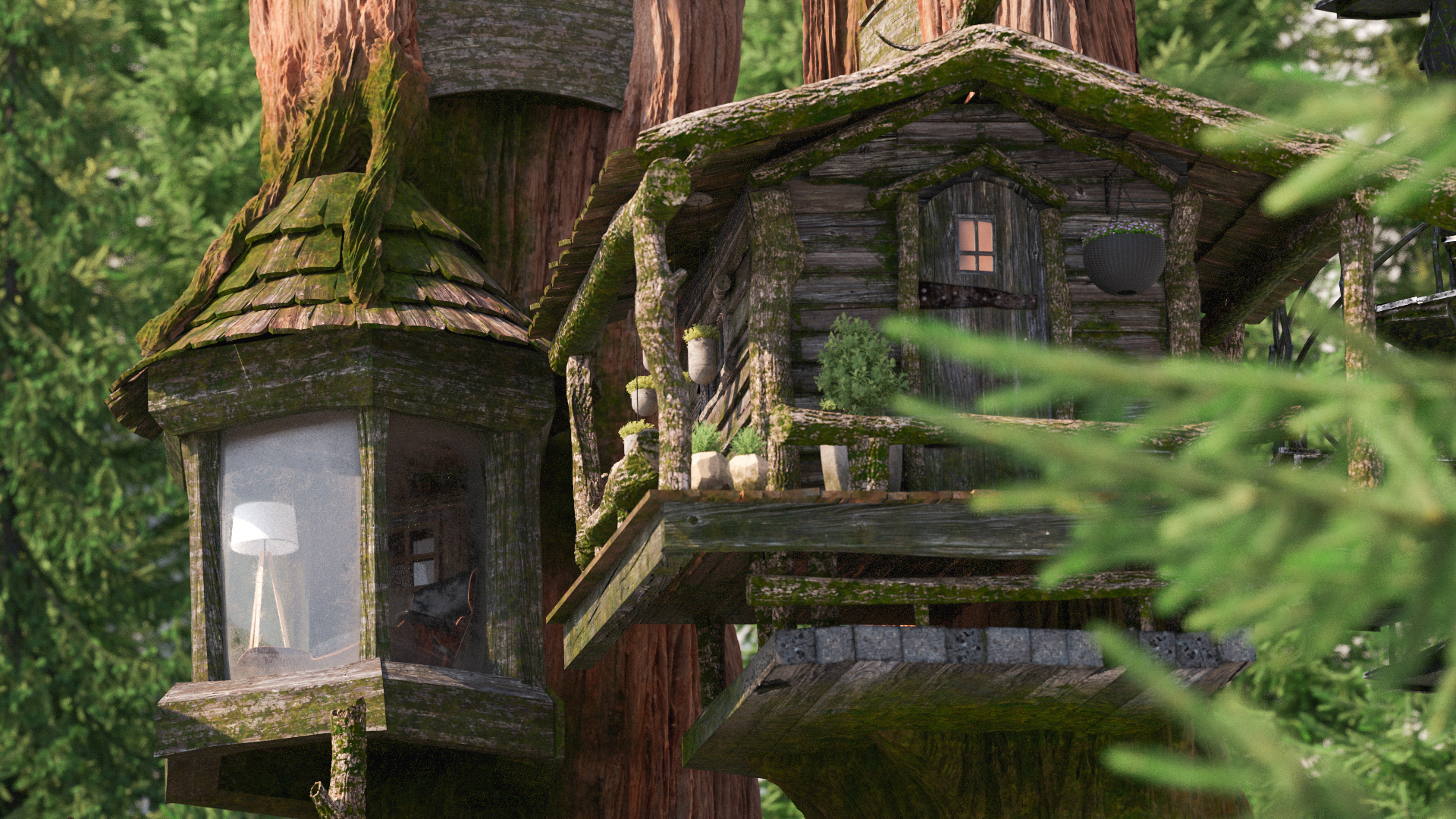
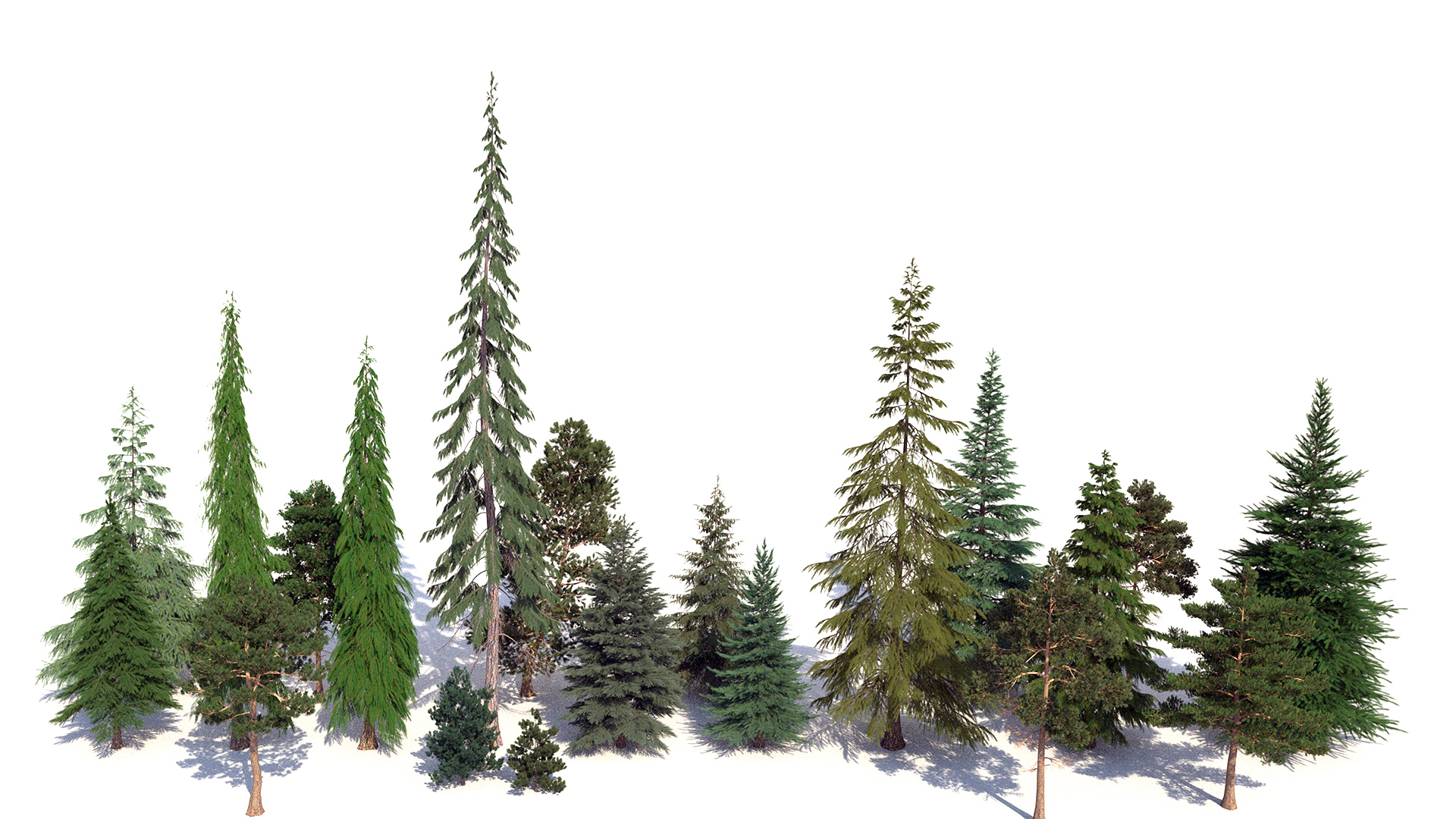
The first M1 Max spec that jumped out at me is the 64 GB of unified memory; having this amount of memory meant I could finally render some of the largest scenes I have for my hobby renderer. To test out the M1 Max with 64 GB of RAM, I chose the forest scene from my Mipmapping with Bidirectional Techniques post. This scene has enormous amounts of complex geometry; almost every bit of vegetation in this scene has highly detailed displacement mapping that has to be stored in memory, and the large amount of textures in this scene is what drove me to implement a texture caching system in my hobby renderer in the first place. In total, this scene requires just slightly under 30 GB of memory just to store all of the subdivided, tessellated, and displaced scene geometry, and requires an additional few more GB for the texture caching system (the scene can render with just a 1 GB texture cache, but having a larger texture cache helps significantly with performance).

I have only ever published two images from this scene: the main forest path view in the mipmapping blog post, and a closeup of a tree stump as the title image on my personal website. I originally had several more camera angles set up that I wanted to render images from, and I actually did render out 1080p images. However, to showcase the detail of the scene better, I wanted to wait until I had 4K renders to share, but unfortunately I never got around to doing the 4K renders. The reason I never did the 4K renders is because I only have one large personal workstation that has both enough memory and enough processing power to actually render images from this scene in a reasonable amount of time, but I needed this workstation for other projects. I also have a few much older spare desktops that do have just barely enough memory to render this scene, but unfortunately, those machines are so loud and so slow and produce so much heat that I prefer not to run them at all if possible, and I especially prefer not running them on long render jobs when I have to work-from-home in the same room! However, over the past week, I have been able to render a bunch of 4K images from my forest scene on the M1 Max 14-inch MacBook Pro; quite frankly, being able to do this on a laptop is incredible to me. Here is the title image from my personal website, but now rendered at 4K resolution on the M1 Max 14-inch MacBook Pro:

Figure 3: Forest scene title image from my personal website. Rendered using Takua Renderer on a M1 Max 14-inch MacBook Pro. Click through for full 4K version.

The M1 Max-based MacBook Pro is certainly not the first laptop to ever ship with 64 GB of RAM; the previous 2019 16-inch MacBook Pro was also configurable up to 64 GB of RAM, and there are crazy PC laptops out there that can be configured up even higher. However, this is where the M1 Max and M1 Pro’s CPU performance comes into play: while previous laptops could support 64 GB of RAM and more, actually utilizing large amounts of RAM was difficult since previous laptop CPUs often couldn’t keep up! Being able to fit a large data set into memory is one thing, but being able to run processing fast enough to actually make use of large data sets in a reasonable amount of time is the other half of the puzzle. My wife has a 2019 16-inch MacBook Pro with 32 GB of memory, which is just enough to render my forest scene. However, as seen in the benchmark results later in this post, the 2019 16-inch MacBook Pro’s Intel Core-i7 9750H CPU with 6 cores and 12 threads is over twice as slow as the M1 Max at rendering this scene at best, and can be even slower depending on thermals, power, and more. Rendering each of the images in this post took a few hours on the M1 Max, but on the Core-i7 9750H, the renders have to become overnight jobs with the 16-inch MacBook Pro’s fans running at full speed. With only a week to write this post, a few hours per image versus an overnight job per image made the difference between having images ready for this post versus not having any interesting renders to show at all!
Actually, the M1 Max isn’t just fast for a chip in a laptop; the M1 Max is stunningly competitive even with desktop workstation CPUs. For the past few years, the large personal workstation that I offload large projects onto has been a machine with dual Intel Xeon E5-2680 workstation processors with 8 cores / 16 threads each for a total of 16 cores and 32 threads. Even though the Xeon E5-2680s are ancient at this point, this workstation’s performance is still on-par with that of the current Intel-based 2020 27-inch iMac. The M1 Max is faster then the dual-Xeon E5-2680 workstation at rendering my forest scene, and considerably so. But of course, a comparison with aging Sandy Bridge era Xeons isn’t exactly a fair sporting competition; the M1 Max has almost a decade of improved processor design and die shrinks to give it an advantage. So, I also tested the M1 Max against… the current generation 2019 Mac Pro, which uses a Intel Xeon W-3245 CPU with 16 cores and 32 threads. As expected, the M1 Max loses to the 2019 Mac Pro… but not by a lot, and for a fraction of the power used. The Intel Xeon W-3245 has a 205 watt TDP just for the CPU alone and has to be utilized in a huge desktop tower with an extremely elaborate custom-engineered cooling solution, whereas the M1 Max 14-inch MacBook Pro has a reported whole-system TDP of just 60 watts!
How does Apple pack so much performance with such little energy consumption into their arm64 CPU designs? A number of factors come into play here, ranging from partnering with TSMC to manufacture on cutting-edge 5 nm process nodes to better microarchitecture design to better software and hardware integration; outside of Apple’s processor engineering labs, all anyone can really do is just hypothesize and guess. However, there are some good guesses out there! Several plausible theories have to do with the choice to use the arm64 instruction set; the argument goes that having been originally designed for low-power use cases, arm64 is better suited for efficient energy consumption than x86-64, and scaling up a more efficient design to huge proportions can mean more capable chips that use less power than their traditional counterparts. Another theory revolving around the arm64 instruction set has to do with microarchitecture design considerations. The M1, M1 Pro, and M1 Max’s high-performance “Firestorm” cores have been observed to have an absolutely humongous reorder buffer, which enables extremely deep out-of-order execution capabilities; modern processors attain a lot of their speed by reordering incoming instructions to do things like hide memory latency and bypass stalled instruction sequences. The M1 family’s high-performance cores posses an out-of-order window that is around twice as large as that in Intel’s current Willow Cove microarchitecture and around three times as large as that in AMD’s current Zen3 microarchitectures. Having a huge reordering buffer supports the M1 family’s high-performance cores also having a high level of instruction-level parallelism enabled by extremely wide instruction execution and extremely wide instruction decoding. While wide instruction decoding is certainly possible on x86-64 and other architectures, scaling wide instruction-issue designs in a low power budget is generally accepted to be a very challenging chip design problem. The theory goes that arm64’s fixed instruction length and relatively simple instructions make implementing extremely wide decoding and execution far more practical for Apple, compared with what Intel and AMD have to do in order to decode x86-64’s variable length, often complex compound instructions.

Application to Ray Tracing

So what does any of the above have to do with ray tracing? One concrete application has to do with opacity mapping in a ray tracing renderer. Opacity maps are used to produce finer geometric detail on surfaces by using a texture map to specify whether a part of a given surface should actually exist or not. Implementing opacity mapping in a ray tracer creates a surprisingly large number of design considerations that need to be solved for. For example, texture lookups are usually done as part of a renderer’s shading system, which in a ray tracer only runs after ray intersection has been carried out. However, evaluating whether or not a given hit point against a surface should be ignored or not after exiting the entire ray traversal system leads to massive inefficiencies due to the need to potentially re-enter the entire ray traversal system from scratch again. As an example: imagine a tree where all of the leaves are modeled as rectangular cards, and the shape of each leaf is produced using an opacity map on each card. If the renderer wants to test if a ray hits any part of the tree, and the renderer is architected such that opacity map lookups only happen in the shading system, then the renderer may need to cycle back and forth between the traversal and shading systems for every leaf encountered in a straight line path through the tree (and trees have a lot of leaves!). An alternative way to handle opacity hits is to allow for direct texture map lookups or to evaluate opacity procedurally from within the traversal system itself, such that the renderer can immediately decide whether to accept a hit or not without having to exit out and run the shading system; this approach is what most renderers use and is what ray tracing libraries like Embree and Optix largely expect. However, this method produces a different problem: tight inner loop ray traversal code is now potentially dependent on slow texture fetches from memory! Both of these approaches to implementing opacity mapping have downsides and potential performance impacts, which is why often times just modeling detail into geometry instead of using opacity mapping can actually result in faster ray tracing performance, despite the heavier geometry memory footprint. However, opacity mapping is often a lot easier to set up compared with modeling detail into geometry, and this is where a deep out-of-order buffer coupled with good branch prediction can make a big difference in ray tracing performance; these two tools combined can allow the processor to proceed with a certain amount of ray traversal work without having to wait for opacity map decisions. Problems similar to this, coupled with the lack of out-of-order and speculative execution on GPUs, play a large role in why GPU ray tracing renderers often have to be architecture fairly differently from CPU ray tracing renderers, but that’s a topic for another day.

I give the specific example above because it turns out that the M1 Max’s deep reordering capabilities seem to make a fairly noticeable difference in my Takua Renderer’s performance when opacity maps are used extensively! In the following rendered image, the ferns have an extremely detailed, complex appearance that depends heavily on opacity maps to cut out leaf shapes from simple underlying geometry. In this case, I found that the slowdown introduced by using opacity maps in a render on the M1 Max is proportionally much lower than the slowdown introduced when using opacity maps in a render on the x86-64 machines that I tested. Of course, I have no way of knowing if the above theory for why the M1 Max seems to handle renders that use opacity maps better is correct, but whichever way, the end results look very nice and renders faster than on any other computer that I have!

Figure 4: Detailed close-up of a fern in the forest scene. Rendered using Takua Renderer on a M1 Max 14-inch MacBook Pro. Click through for full 4K version.

In terms of whether the M1 Pro or the M1 Max is better for CPU rendering, I only have the M1 Max to test, but my guess is that there shouldn’t actually be too large of a difference as long as the scene fits in memory. However, the above guess comes with a major caveat revolving around memory bandwidth. Where the M1 Pro and M1 Max differ is in the maximum number of GPU cores and maximum amount of unified memory configurable; the M1 Pro can go up to 16 GPU cores and 32 GB of RAM, while the M1 Max can go up to 32 GPU cores and 64 GB of RAM. Outside of the GPU and maximum amount of memory, the M1 Pro and M1 Max chips actually share identical CPU configurations: both of them have a 10-core arm64 CPU with 8 high-performance cores and 2 energy-efficient cores, implementing a custom in-house Apple-designed microarchitecture. However, for some workloads, I would not be surprised if the M1 Max is actually slightly faster since the M1 Max also has twice the memory bandwidth over the M1 Pro (400 GB/s on M1 Max versus 200 GB/s M1 Pro); this difference comes from the M1 Max having twice the number of memory controllers. While consumer systems such as game consoles and desktop GPUs often do ship with memory bandwidth numbers comparable or even better than the M1 Max’s 400 GB/s, seeing these levels of memory bandwidth in even workstation CPUs is relatively unheard of. For example, AMD’s monster flagship Ryzen Threadripper 3990X is currently the most powerful high-end desktop CPU on the planet (outside of server processors), but the 3990X’s maximum memory bandwidth tops out at 95.37 GiB/s, or 165.944 GB/s; seeing the M1 Max MacBook Pro ship with over twice the memory bandwidth compared to the Threadripper 3990X is pretty wild. The M1 Max also has twice the amount of system-level cache as the M1 Pro; on the M1 family of chips, the system-level cache is loosely analogous to L3 cache on other processors, but serves the entire system instead of just the CPU cores.

Production-grade CPU ray tracing is a process that depends heavily on being able to pin fast CPU cores at close to 100% utilization for long periods of time, while accessing extremely large datasets from system memory. In an ideal world, intensive computational tasks should be structured in such a way that data can be pulled from memory in a relatively coherent, predictable manner, allowing the CPU cores to rely on data in cache over fetching from main memory as much as possible. Unfortunately, making ray tracing coherent enough to utilize cache well is an extremely challenging problem. Operations such as BVH traversal, which finds the closest point in a scene that a ray intersects, essentially represent an arbitrarily random walk through potentially vast amounts of geometry stored in memory, and any kind of incoherent walk through memory makes overall CPU performance dependent on memory performance. As a result, operations like BVH traversal tend to be heavily bottlenecked by memory latency and memory bandwidth. I expect that the M1 Max’s strong memory bandwidth numbers should provide a some performance boost for rendering compared to the M1 Pro. A complicating factor, however, is how the additional memory bandwidth on the M1 Max is utilized; not all of it is available to just the CPU, since the M1 Max’s unified memory needs to also serve the system’s GPU, neural processing systems, and other custom onboard logic blocks. The actual real-world impact should be easily testable by rendering the same scene on a M1 Pro and a M1 Max chip both with 32 GB of RAM, but in the week that I’ve had to test the M1 Max so far, I haven’t had the time or ability to be able to carry out this test on my own. Stay tuned; I’ll update this post if I am able to try this test soon!

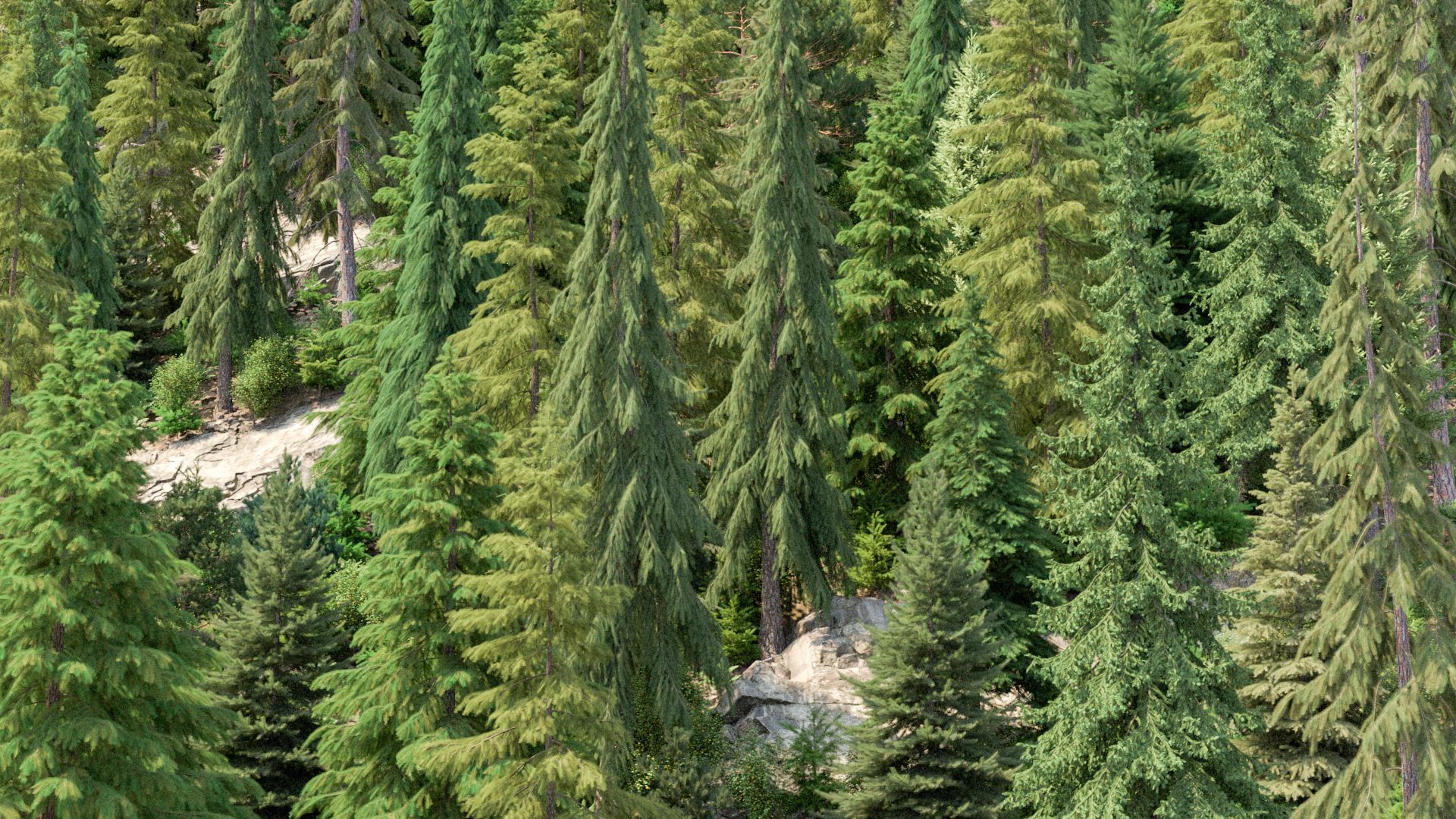
I’m very curious to see if the increased memory bandwidth on the M1 Max will make a difference over the M1 Pro on this forest scene in particular, due to how dense some of the geometry is and therefore how deep some of the BVHs have to go. For example, every single pine needle in this next image is individually modeled geometry, and every tree trunk has sub-pixel-level tessellation and displacement; being able to render this image on a MacBook Pro instead of a giant workstation is incredible:

Figure 5: Forest canopy made up of pine trees, with every pine needle modeled as geometry. Rendered using Takua Renderer on a M1 Max 14-inch MacBook Pro. Click through for full 4K version.

In the previous posts about running Takua Renderer on arm64 processors, I included performance testing results across a wide variety of machines ranging from the Raspberry Pi 4B to the M1 Mac Mini all the way up to my dual Intel Xeon E5-2680 workstation. However, all of those tests weren’t necessarily indicative of what real world rendering performance on huge scenes would be like, since all of those tests had to use scenes that were small enough to fit in to a M1 Mac Mini’s 16 GB memory footprint. Now that I have access to a M1 Max MacBook Pro with 64 GB of memory, I can present some initial performance comparisons with larger machines rendering my forest scene. I think these results are likely more indicative of what real-world production rendering performance looks like, since the forest scene is the closest thing I have to true production complexity (I haven’t ported the Disney’s Moana Island data set to work in my renderer yet).

The machines I tested this time are a 2021 14-inch MacBook Pro with an Apple M1 Max chip with 10 cores (8 performance, 2 efficiency) and 10 threads, a 2019 16-inch MacBook Pro with an Intel Core i7-9750H CPU with 6 cores and 12 threads, a 2019 Mac Pro with an Intel Xeon W-3245 CPU with 16 cores and 32 threads, and a Linux workstation with dual Intel Xeon E5-2680 CPUs with 8 cores and 16 threads per CPU for a total of 16 cores and 32 threads. The Xeon E5-2680 workstation is, quite franky, ancient, and makes for something of a strange comparison point, but it’s the main workstation that I use for personal rendering projects at the moment, so I included it. I don’t exactly have piles of the latest server and workstation chips just laying around my house, so I had to work with what I got! However, I was also able to borrow access to a Windows workstation with an AMD Threadripper 3990X CPU, which weighs in with 64 cores and 128 threads. I figured that the Threadripper 3990X system is not at all a fair comparison point for the exact opposite reason why the Xeon E5-2680 is not a fair comparison point, but I thought I’d throw it in anyway out of sheer curiosity. Notably, the regular Apple M1 chip does not make an appearance in these tests, since the forest scene doesn’t fit in memory on the M1. I also borrowed a friend’s Razer Blade 15 to test, but wound up not using it since I discovered that it has the same Intel Core i7-9750H CPU as the 2019 16-inch MacBook Pro, but only has half the memory and therefore can’t fit the scene.

In the case of the two MacBook Pros, I did all tests twice: once with the laptops plugged in, and once with the laptops running entirely on battery power. I wanted to compare plugged-in versus battery performance because of Apple’s claim that the new M1 Pro/Max based MacBook Pros perform the same whether plugged-in or on battery. This claim is actually a huge deal; laptops traditionally have had to throttle down CPU performance when unplugged to conserve battery life, but the energy efficiency of Apple Silicon allows Apple to no longer have to do this on M1-family laptops. I wanted to verify this claim for myself!

Results

In the results below, I present three tests using the forest scene. The first test measures how long Takua Renderer takes to run subdivision, tessellation, and displacement, which has to happen before any pixels can actually be rendered. The subdivision/tessellation/displacement process has an interesting performance profile that looks very different from the performance profile of the main path tracing process. Subdivision within a single mesh is not easily parallelizable, and even with a parallel implementation, scales very poorly beyond just a few threads. Takua Renderer attempts to scale subdivision widely by running subdivision on multiple meshes in parallel, with each mesh’s subdivision task only receiving an allocation of at most four threads. As a result, the subdivision step actually benefits slightly more from single-threaded performance over a larger number of cores and greater multi-threaded performance. The second test is rendering the main view of the forest scene from my mipmapping blog post, at 1920x1080 resolution. I chose to use 1920x1080 resolution since most of the time this is a more common maximum resolution to be using while working on artistic iteration. The third test is rendering the fern view of the forest scene from Figure 2 of this post, at final 4K 3840x2160 resolution. For both of the main rendering tests, I only ran the renderer for 8 samples per pixel, since I didn’t want to sit around for days to collect all of the data. For each test, I did five runs, discarded the highest and lowest results, and averaged the remaining three results to get the numbers below. Wall time (as in a clock on a wall) measures the actual amount of real-world time that each test took, while core-seconds is an approximation of how long each test would have taken running on a single core. So, wall time can be thought of as a measure of total computation power, whereas core-seconds is more a measure of computational efficiency; in both cases, lower numbers are better:

  Forest Subdivision/Displacement  
Processor: Wall Time: Core-Seconds:
Apple M1 Max (Plugged in): 128 s approx 1280 s
Apple M1 Max (Battery): 128 s approx 1280 s
Intel Core i7-9750H (Plugged in): 289 s approx 3468 s
Intel Core i7-9750H (Battery): 307 s approx 3684 s
Intel Xeon W-3245: 179 s approx 5728 s
Intel Xeon E5-2680 x2: 222 s approx 7104 s
AMD Threadripper 3990X: 146 s approx 18688 s
  Forest Rendering (Main Camera)  
  1920x1080, 8 spp, PT  
Processor: Wall Time: Core-Seconds:
Apple M1 Max (Plugged in): 127.143 s approx 1271.4 s
Apple M1 Max (Battery): 126.421 s approx 1264.2 s
Intel Core i7-9750H (Plugged in): 288.089 s approx 3457.1 s
Intel Core i7-9750H (Battery): 347.898 s approx 4174.8 s
Intel Xeon W-3245: 106.332 s approx 3402.6 s
Intel Xeon E5-2680 x2: 158.255 s approx 5064.2 s
AMD Threadripper 3990X: 38.887 s approx 4977.5 s
  Forest Rendering (Fern Camera)  
  3840x2160, 8 spp, PT  
Processor: Wall Time: Core-Seconds:
Apple M1 Max (Plugged in): 478.247 s approx 4782.5 s
Apple M1 Max (Battery): 496.384 s approx 4963.8 s
Intel Core i7-9750H (Plugged in): 1084.504 s approx 13014.0 s
Intel Core i7-9750H (Battery): 1219.59 s approx 14635.1 s
Intel Xeon W-3245: 345.292 s approx 11049.3 s
Intel Xeon E5-2680 x2: 576.279 s approx 18440.9 s
AMD Threadripper 3990X: 108.2596 s approx 13857.2 s

When rendering the main camera view, the 2021 14-inch MacBook Pro used on average about 7% of its battery charge, while the 2019 16-inch MacBook Pro used on average about 39% of its battery charge. When rendering the fern view, the 2021 14-inch MacBook Pro used on average about 19% of its battery charge, while the 2019 16-inch MacBook Pro used on average about 48% of its battery charge. Overall by every metric, the 2021 14-inch MacBook Pro achieves an astounding victory over the 2019 16-inch MacBook Pro: a little over twice the performance for a fraction of the total power consumption. The 2021 14-inch MacBook Pro also lives up to Apple’s claim of identical performance plugged in and on battery power, whereas in the results above, the 2019 16-inch MacBook Pro suffers anywhere between a 25% to 50% performance hit just from switching to battery power. The 2021 14-inch MacBook Pro’s performance win is even more astonishing when considering that the 2019 16-inch MacBook Pro is the previous flagship that the new M1 Pro/Max MacBook Pros are the direct successors to. Seeing this kind of jump in a single hardware generation is unheard of in modern tech and represents a massive win for both Apple and for the arm64 ISA. The M1 Max also handily beats the old dual Intel Xeon E5-2680 that I am currently using by a comfortable margin; for my personal workflow, this means that I can now do everything that I previously needed a large loud power-hungry workstation for on the 2021 14-inch MacBook Pro, and I can do everything faster on the 2021 14-inch MacBook Pro too.

The real surprises to me came with the 2019 Mac Pro and the Threadripper 3990X workstation. In both of those cases, I expected the M1 Max to lose, but the 2021 14-inch MacBook Pro came surprisingly close to the 2019 Mac Pro’s performance in terms of wall time. Even more importantly as a predictor of future scalability, the M1 Max’s efficiency as measured by core-seconds comes in at far far superior to both the Intel Xeon W-3245 and the AMD Threadripper 3900X. Imagining what a hypothetical future Apple Silicon iMac or Mac Pro with an even more scaled up M1 variant, or perhaps some kind of multi-M1 Max chiplet or multisocket solution, is extremely exciting! I think that with the upcoming Apple Silicon based large iMac and Mac Pro, Apple has a real shot at beating both Intel and AMD’s highest end CPUs to win the absolute workstation performance crown.

Of course, what makes the M1 Max’s performance numbers possible is the M1 Max’s energy efficiency; this kind of performance-per-watt is simply unparalleled in the desktop (meaning non-mobile, not desktop form factor) processor world. The M1 architecture’s energy efficiency is what allows Apple to scale the design out into the M1 Pro and M1 Max and hopefully beyond. Below is a breakdown of energy utilization for each of the rendering tests above; the total energy used for each render is the wall clock render time multiplied by the maximum TDP of each processor to get watt-seconds, which is then translated to watt-hours. I assume maximum TDP for each processor since I ran Takua Renderer with processor utilization set to 100%. For the two MacBook Pros, I’m just reporting the plugged-in results.

  Forest Rendering (Main Camera)  
  1920x1080, 8 spp, PT  
Processor: Max TDP: Total Energy Used:
Apple M1 Max: 60 W 2.1191 Wh
Intel Core i7-9750H: 45 W 3.6011 Wh
Intel Xeon W-3245: 205 W 6.0550 Wh
Intel Xeon E5-2680 x2: 260 W 11.4295 Wh
AMD Threadripper 3990X: 280 W 3.0246 Wh
  Forest Rendering (Fern Camera)  
  3840x2160, 8 spp, PT  
Processor: Max TDP: Total Energy Used:
Apple M1 Max: 60 W 7.9708 Wh
Intel Core i7-9750H: 45 W 13.5563 Wh
Intel Xeon W-3245: 205 W 19.6625 Wh
Intel Xeon E5-2680 x2: 260 W 41.6202 Wh
AMD Threadripper 3990X: 280 W 8.4202 Wh

At least for my rendering use case, the Apple M1 Max is easily the most energy efficient processor, even without taking into account that the 60 W TDP of the M1 Max is for the entire system-on-a-chip including CPU, GPU, and more, while the TDPs for all of the other processors are just for a CPU and don’t take into account the rest of the system. The M1 Max manages to beat the 2019 16-inch MacBook Pro’s Intel Core i7-9750H in absolute performance by a factor of two whilst using anywhere between a two-thirds to half of the energy, and the M1 Max comes close to matching the 2019 Mac Pro’s absolute performance while using about a third of the energy. Of course the comparison with the Intel Xeon E5-2680 workstation isn’t exactly fair since the M1 Max is manufactured using a 5 nm process while the ancient Intel Xeon E5-2580s were manufactured on a 35 nm process a decade ago, but I think the comparison still underscores just how far processors have advanced over the past decade leading up to the M1 Max. The only processor that really comes near the M1 Max in terms of energy efficiency is the AMD Threadripper 3990X, which makes sense since the AMD Threadripper 3990X and the M1 Max are the closest cousins in this list in terms of manufacturing process; both are using leading-edge TSMC photolithography. However, on a whole, the M1 Max is still more efficient than the AMD Threadripper 3990X, and again, the AMD Threadripper 3990X TDP is for just a CPU, not an entire SoC! Assuming near-linear scaling, a hypothetical M1-derived variant that is scaled up 4.5 times to a 270 W TDP should be able to handily defeat the AMD Threadripper 3990X in absolute performance.

The wider takeaway here though is that in order to give the M1 Max some real competition, one has to skip laptop chips entirely and reach for not just high end desktop chips, but for server-class workstation hardware to really beat the M1 Max. For workloads that push the CPU to maximum utilization for sustained periods of time, such as production-quality path traced rendering, the M1 Max represents a fundamental shift in what is possible in a laptop form factor. Something even more exciting to think about is how the M1 Max really is the middle tier Apple Silicon solution; presumably the large iMac and Mac Pro will push things into even more absurd territory.

Conclusion

So those are my initial thoughts on the Apple M1 Max chip and my initial experiences with getting my hobby renderer up and running on the 2021 14-inch MacBook Pro. I’m extremely impressed, and not just with the chip! This post mostly focused on the chip itself, but the rest of the 2021 MacBook Pro lineup is just as impressive. For rendering professionals and enthusiasts alike, one aspect of the 2021 MacBook Pros that will likely be just as important as the processor is the incredible screen. The 2021 MacBook Pros ship with what I believe is an industry first: a micro-LED backlit 120 Hz display with an extended dynamic range that can go up to 1600 nits peak brightness. The screen is absolutely gorgeous, which is a must for anyone who spends their time generating pixels with a 3D renderer! One thing on my to-do list was to add extended dynamic range support to Thomas Müller’s excellent tev image viewer, which is a popular tool in the rendering research community. However, it turns out that Thomas already added extended dynamic range support, and it looks amazing on the 2021 MacBook Pro’s XDR display.

In this post I didn’t go into the M1 Max’s GPU at all, even though the GPU in many ways might actually be even more interesting than the CPU (which is saying a lot considering how interesting the CPU is). On paper at least, the M1 Max’s GPU aims for roughly mobile NVIDIA GeForce RTX 3070 performance, but how the M1 Max and a mobile NVIDIA GeForce RTX 3070 actually will compare for ray traced rendering is difficult to say without actually conducting some tests. On one hand, the M1 Max’s unified memory architecture grants its GPU far more memory than any NVIDIA mobile GPU by a huge margin, and the M1 Max’s unified memory architecture opens up a wide variety of interesting optimizations that are otherwise difficult to do when managing separate pools of CPU and GPU memory. On the other hand though, the M1 Max’s GPU lacks the dedicated hardware ray tracing acceleration that modern NVIDIA and AMD GPUs and the upcoming Intel discrete GPUs all have, and in my experience so far, dedicated hardware ray tracing acceleration makes a huge difference in GPU ray tracing performance. Maybe Apple will add hardware ray tracing acceleration in the future; Metal already has software ray tracing APIs, and there already is a precedent for Apple Silicon including dedicated hardware for accelerating relatively niche, specific professional workflows. As an example, the M1 Pro and M1 Max include hardware ProRes acceleration for high-end video editing. Over the next year, I am undertaking a large-scale effort to port the entirety of Takua Renderer to work on GPUs through CUDA on NVIDIA GPUs, and through Metal on Apple Silicon devices. Even though I’ve just gotten started on this project, I’ve already learned a lot of interesting things comparing CUDA and Metal compute; I’ll have much more to say on the topic hopefully soon!

Beyond the CPU and GPU and screen, there are still even more other nice features that the new MacBook Pros have for professional workflows like high-end rendering, but I’ll skip going through them in this post since I’m sure they’ll be thoroughly covered by all of the various actual tech reviewers out on the internet.

Bonus Images and Acknowledgements

To conclude for now, here are two more bonus images that I rendered on the M1 Max 14-inch MacBook Pro. I originally planned on just rendering the earlier three images in this post, but to my surprise, I found that I had enough time to do a few more! I think that kind of encapsulates the M1 Pro and M1 Max MacBook Pros in a nutshell: I expected incredible performance, but was surprised to find even my high expectations met and surpassed.

Figure 6: A mossy log, ferns, and debris on the forest floor. Rendered using Takua Renderer on a M1 Max 14-inch MacBook Pro. Click through for full 4K version.

Figure 7: Sunlight transmitting through pine leaves in the forest canopy. Rendered using Takua Renderer on a M1 Max 14-inch MacBook Pro. Click through for full 4K version.

A huge thanks to everyone at Apple that made this post possible! Also a big thanks to Rajesh Sharma and Mark Lee for catching typos and making some good suggestions.